If your wrist hurts
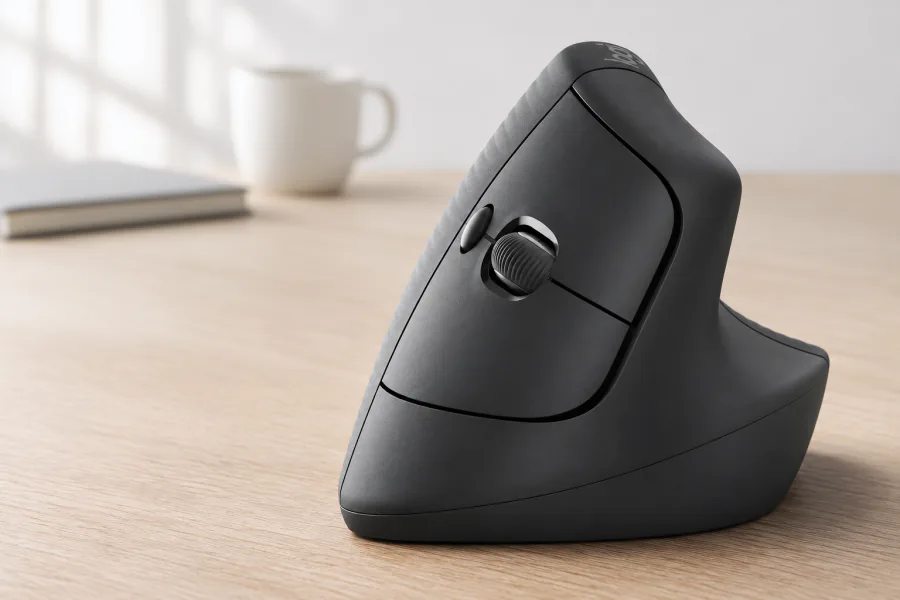
Logitech Lift
Wrist that aches by the end of the day
Affiliate links. Learn more
New · New
Ergonomic wireless mouse with haptic feedback (graphite)
The MX Master 4 is Logitech's flagship mouse, built for long days at the computer. It has a haptic panel under your thumb that opens a shortcut ring (Actions Ring), a machined steel MagSpeed wheel, an 8,000 DPI sensor that even tracks on glass and, according to Logitech, up to 70 days of battery life.
Avoid ifSkip it if you're left-handed (the shape is made for the right hand), if you want a light mouse to slip into a pocket, or if you play competitively: Logitech lists a 125 Hz report rate over Bluetooth.
1 / 4
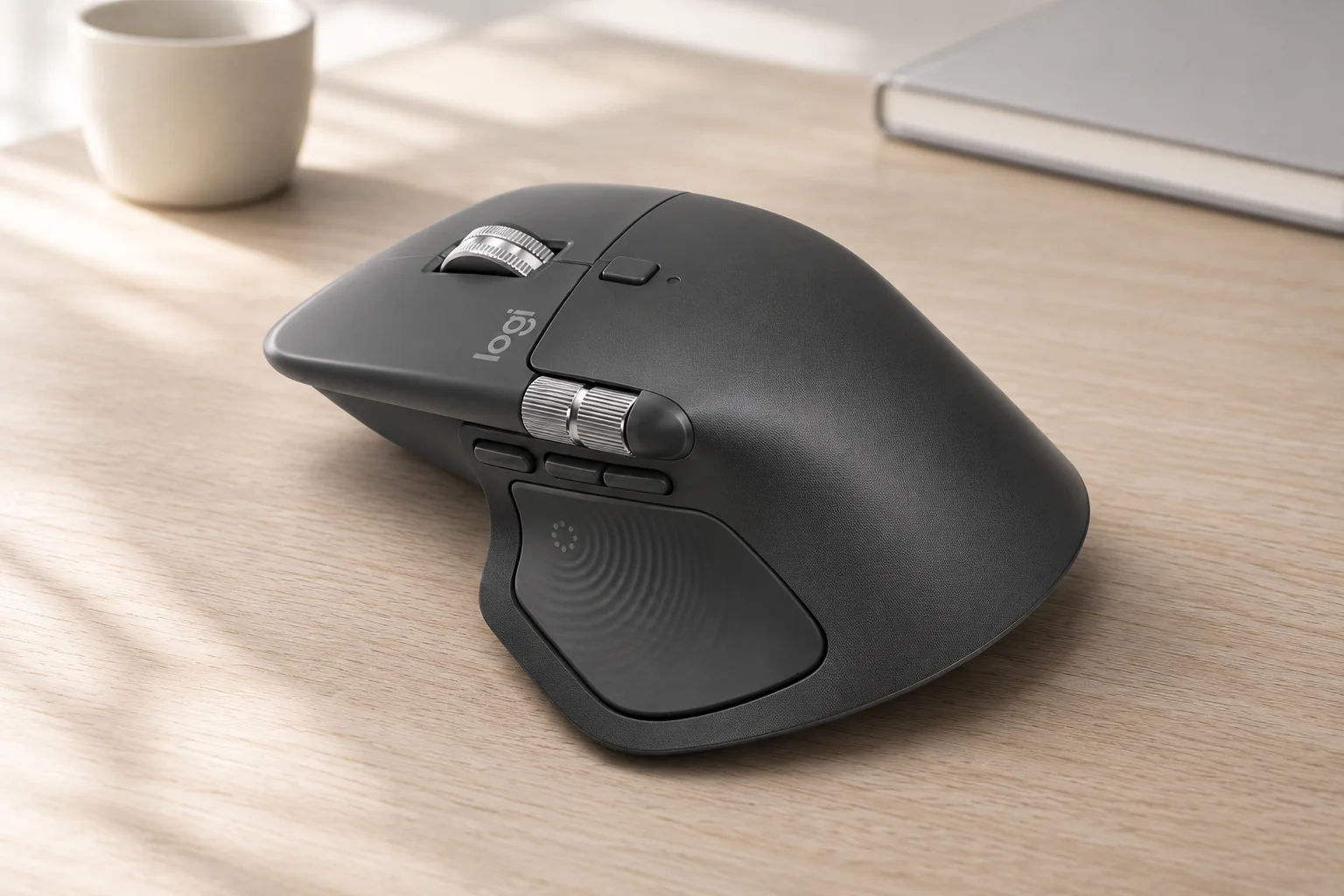
The Logitech MX Master 4 is an ergonomic wireless mouse with haptic feedback, made for people who spend all day at a computer: remote work, coding, video editing, spreadsheets. It succeeds the MX Master 3S and adds a haptic panel under your thumb that gives a subtle tap to confirm actions and opens a shortcut ring on screen.
In this Logitech MX Master 4 review we cover its design, everyday use, key specs and who it's for (and who it isn't for). Everything comes from Logitech's official information and the Amazon listing: we haven't run it through a lab, we're here to help you decide whether it belongs on your desk.
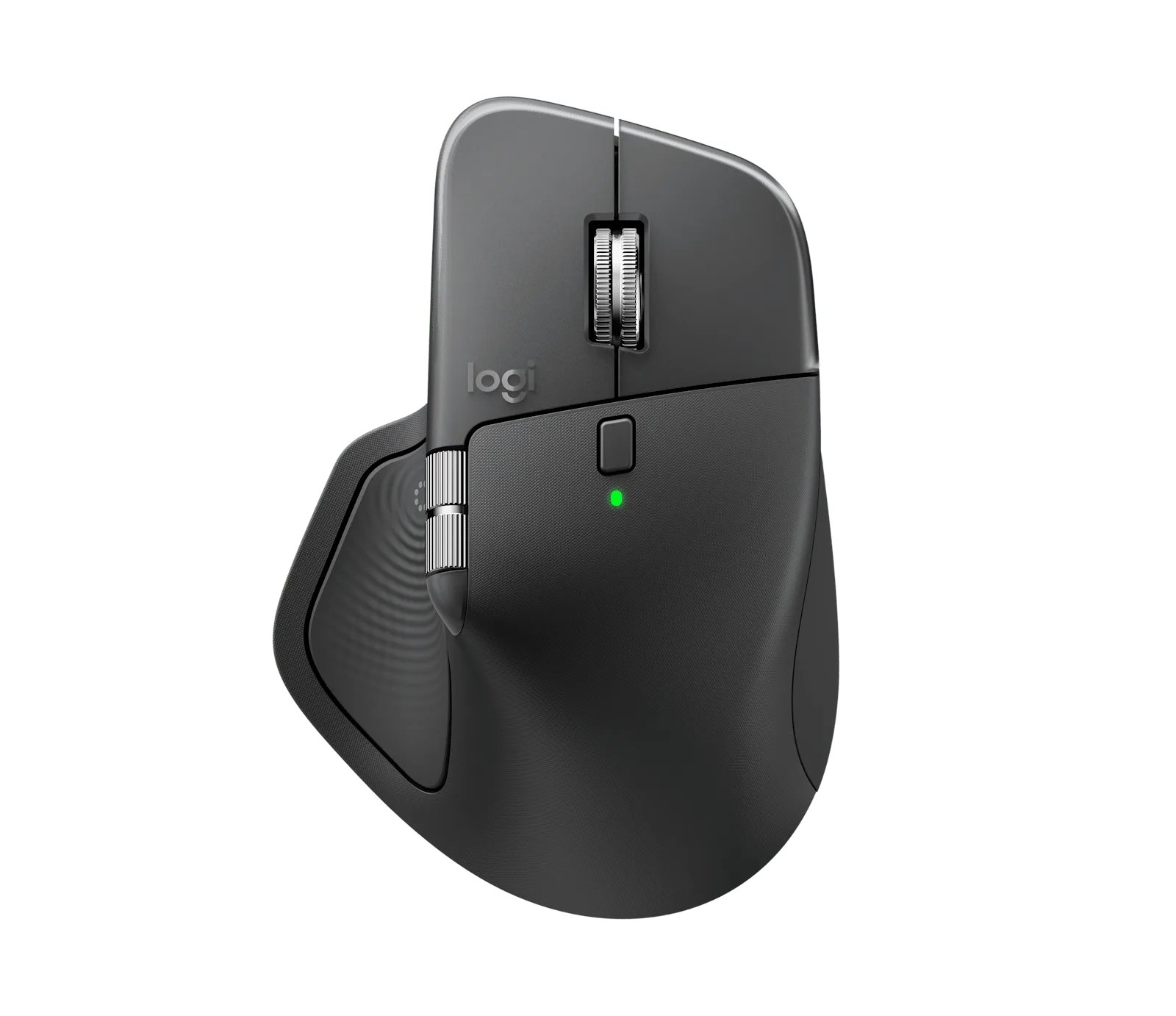
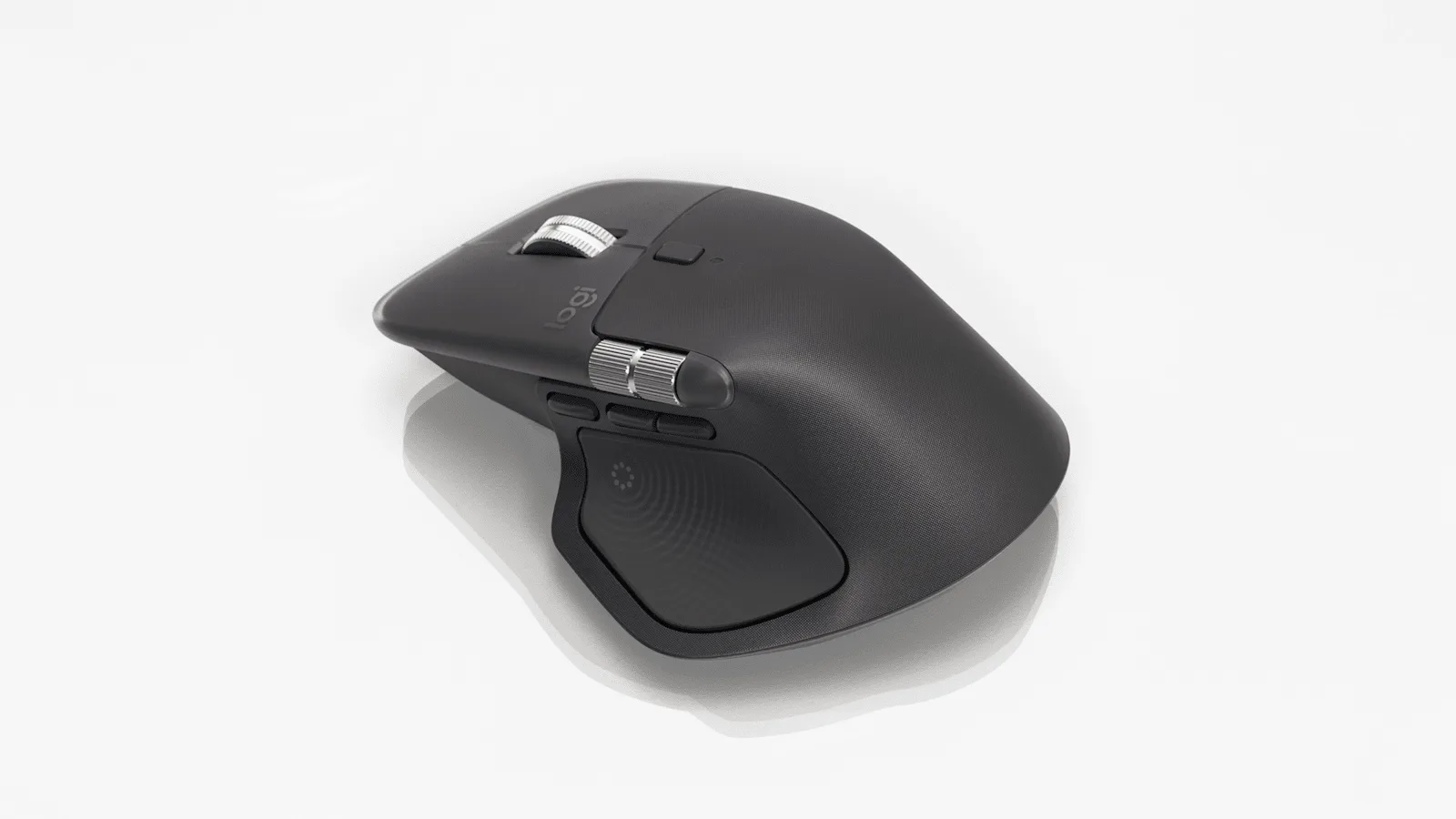
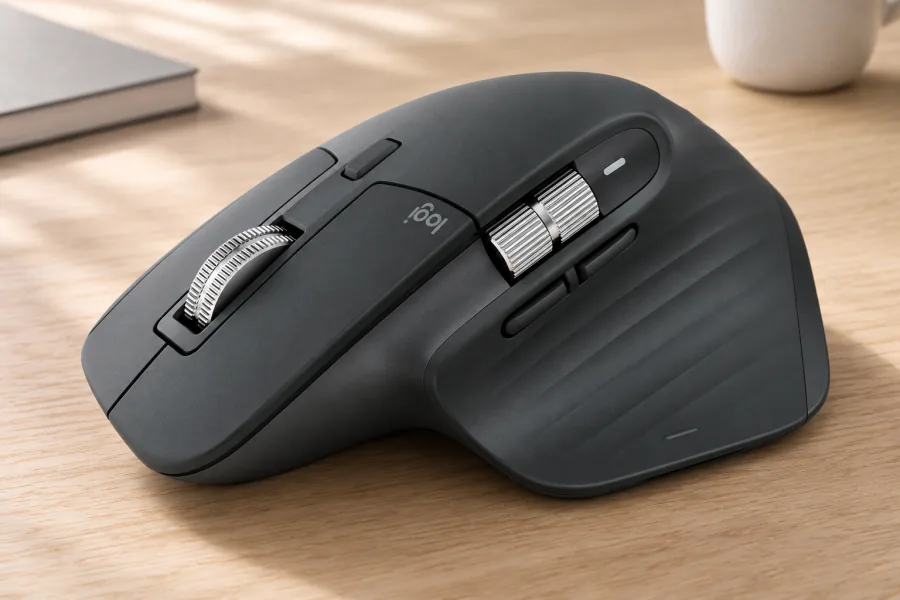
Logitech keeps the large sculpted shape the MX Master line is known for, with a pronounced thumb rest and two clearly split volumes. According to the brand, it's one of the first paint-free mice: graphics are laser-etched, and the microtextured recycled plastic surface plays with light instead of being lacquered.
Logitech put soft silicone where you grip the mouse, and the haptic panel under your thumb has a ripple pattern. The main wheel is machined steel and the thumb wheel is aluminium, details you can see and feel on a well-kept desk.
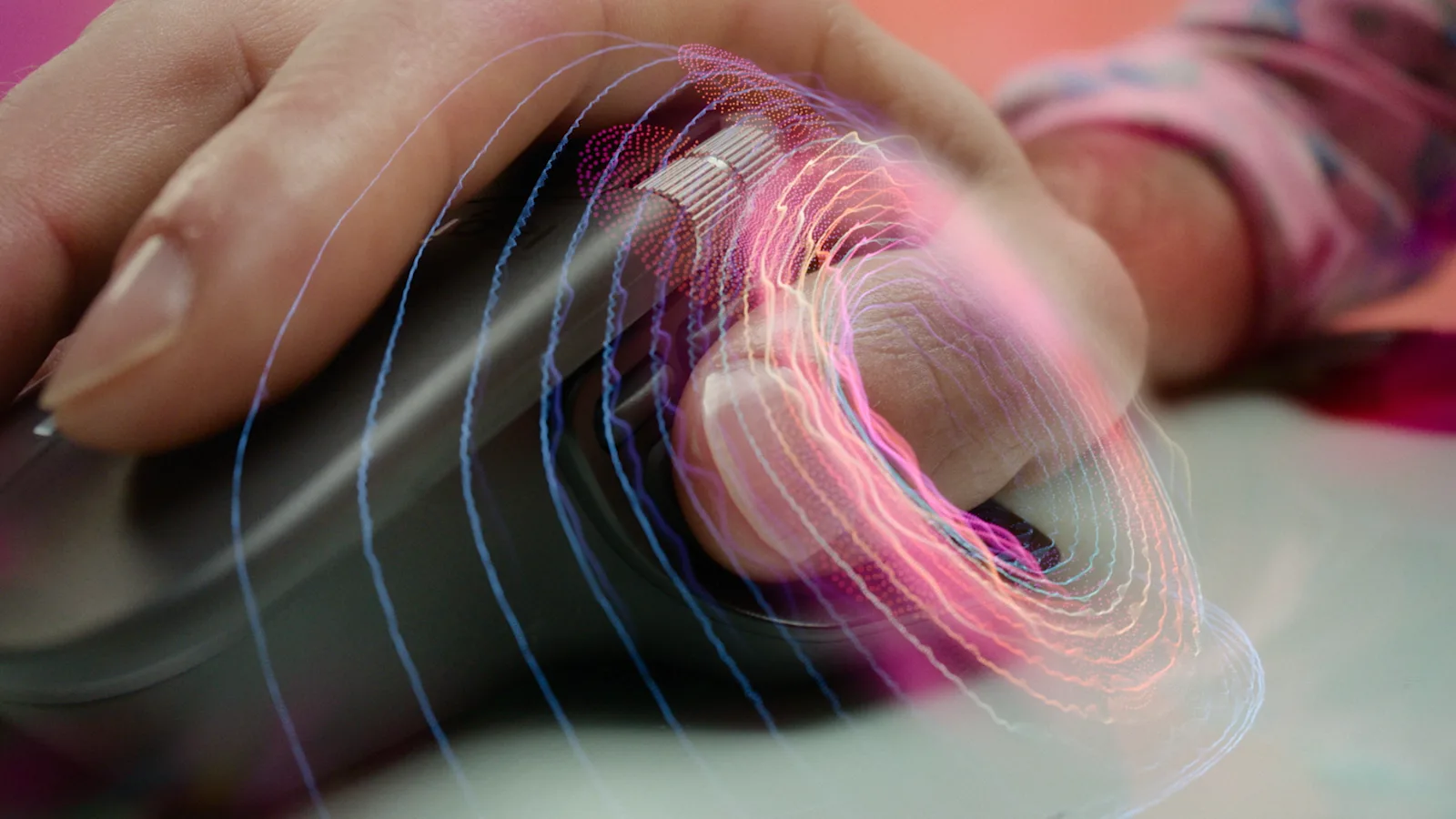
Press the haptic panel and the Actions Ring opens around your cursor. It's a ring of shortcuts you customise in Logi Options+ (Windows and macOS), with third-party plugins. The haptics simulate a button press as you move over each item, and you can also link them to specific actions or notifications.
The MagSpeed wheel has two modes: ratcheted for precision, or free-spinning at up to 1,000 lines per second according to Logitech. The thumb wheel handles horizontal scrolling, which helps a lot in an editing timeline or a wide spreadsheet.
The Darkfield sensor ranges from 200 to 8,000 DPI and tracks on almost any surface, even glass at least 4 mm thick. You connect with the included Logi Bolt USB-C receiver or over Bluetooth Low Energy, with a 10 m range. It works with Windows 10/11, macOS 12+, ChromeOS, Linux, iPadOS 15+ and Android 12+.
According to Logitech, the 650 mAh battery lasts up to 70 days per charge, and one minute of USB-C quick charging gives about three hours of use. The mouse measures 128.2 × 88.4 × 50.8 mm and weighs 150 g.
The MX Master 4 is aimed at heavy users, the people Logitech describes as spending 8 to 12 hours a day with their mouse: remote workers, developers, creatives, analysts. If you're always switching between apps and shortcuts, the Actions Ring and the two wheels will save you a lot of movement.
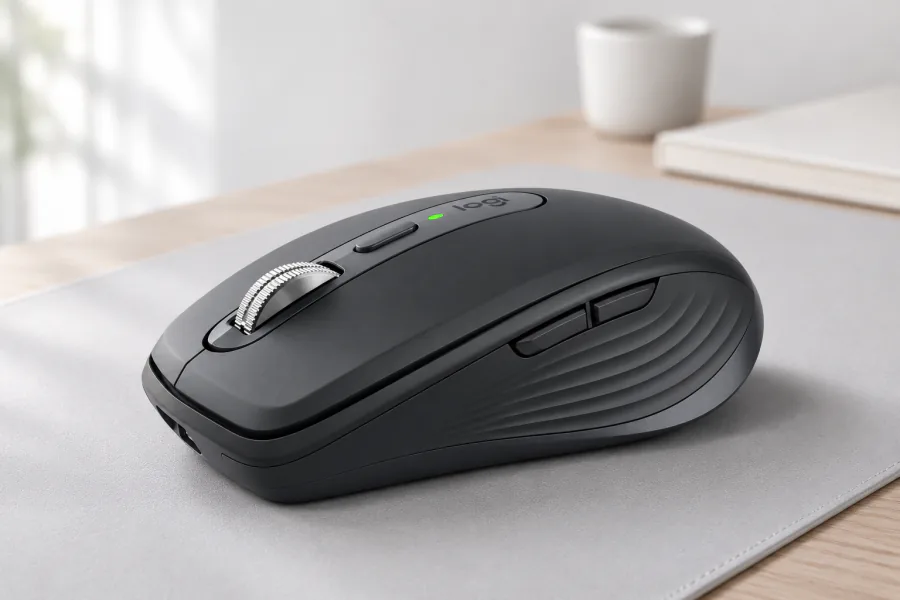
It isn't made for left-handers, or for anyone who wants a compact travel mouse; for that, look at an MX Anywhere. Competitive gamers should look elsewhere, and if your wrist already hurts, a vertical mouse such as the Logitech Lift may suit you better.
The MX Master 3S is still an excellent office mouse built on the same idea: a large ergonomic shape, a MagSpeed wheel and a thumb wheel. The MX Master 4 adds the haptic panel, the Actions Ring, the 8,000 DPI sensor and a paint-free finish.
If you use lots of shortcuts or creative tools, the MX Master 4 is the natural MX Master 3S alternative. If all you do is click and scroll, the 3S already covers the basics.
Yes, if you spend long days at a computer and use lots of shortcuts. Its sculpted shape, two wheels and haptic Actions Ring are built for productivity. For light use, a simpler mouse will do.
According to Logitech, the MX Master 4 lasts up to 70 days per charge on its built-in 650 mAh battery. One minute of USB-C quick charging gives about three hours of use.
The MX Master 4 adds a haptic panel under your thumb that opens the Actions Ring, a ring of customisable shortcuts. It also has an 8,000 DPI sensor and a paint-free, laser-etched finish. The MX Master 3S has the same general shape and MagSpeed wheels, without haptic feedback.
Yes. It works with macOS 12 and later, iPadOS 15 and later, Windows, ChromeOS, Linux and Android 12 and later. To customise the haptics and the Actions Ring you need Logi Options+, available for Windows and macOS.
You can find it on Amazon in graphite, with the Logi Bolt USB-C receiver. Check that it's the MX Master 4 itself and not the "for Business" or "for Mac" version.
The pain rarely comes from the mouse alone, but changing shape is the fastest lever. Three shapes, three uses.
Which mouse prevents a sore wrist when working from homeLogitech MX Master 4
See on AmazonLive price and availability on amazon.com.be