For the bag
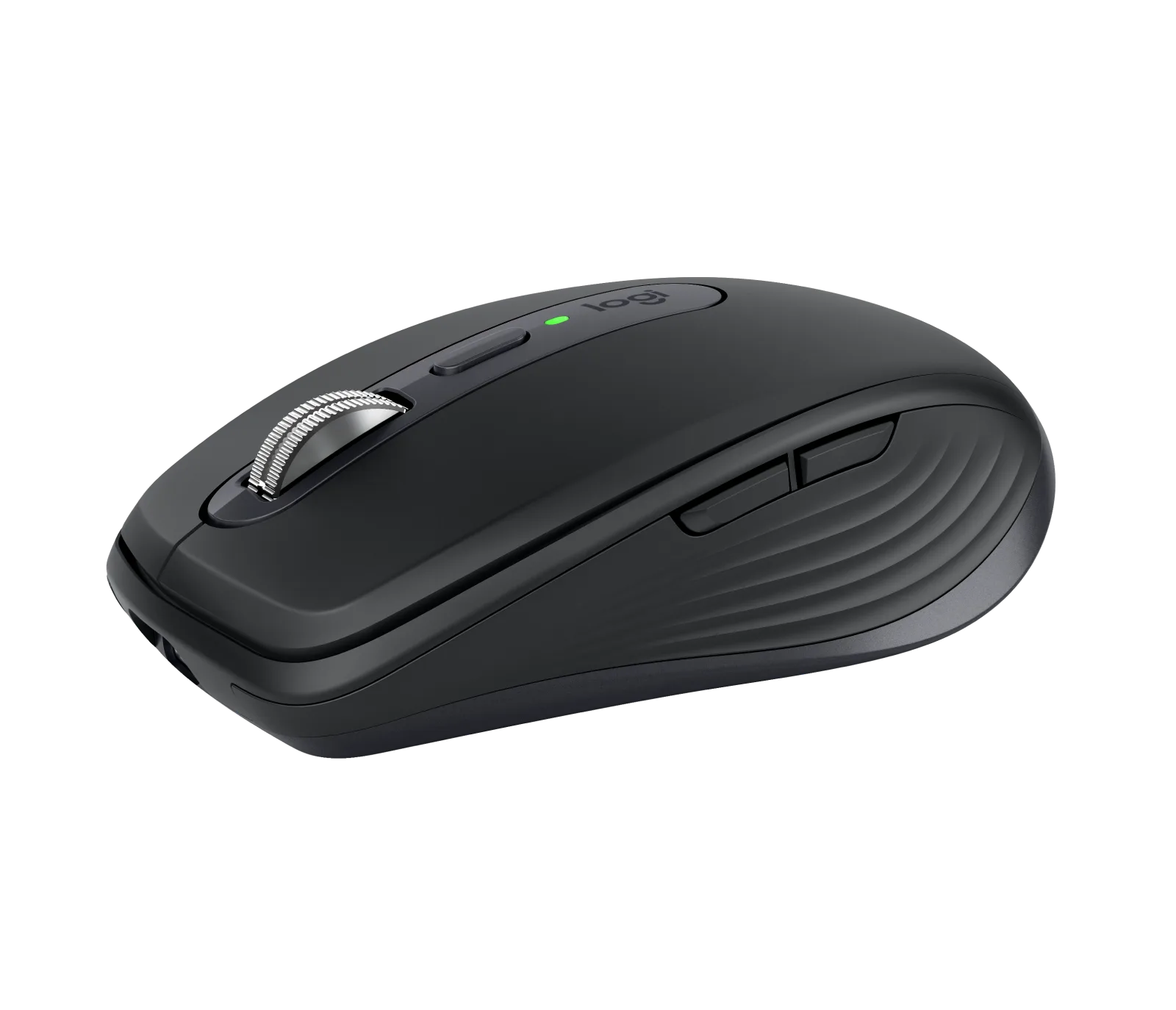
Logitech MX Anywhere 3S
Laptop, travel, second desk
Affiliate links. Learn more
Our pick
Ideal for: Spreadsheets, editing, dense navigation.
See on AmazonLive price and availability on amazon.fr
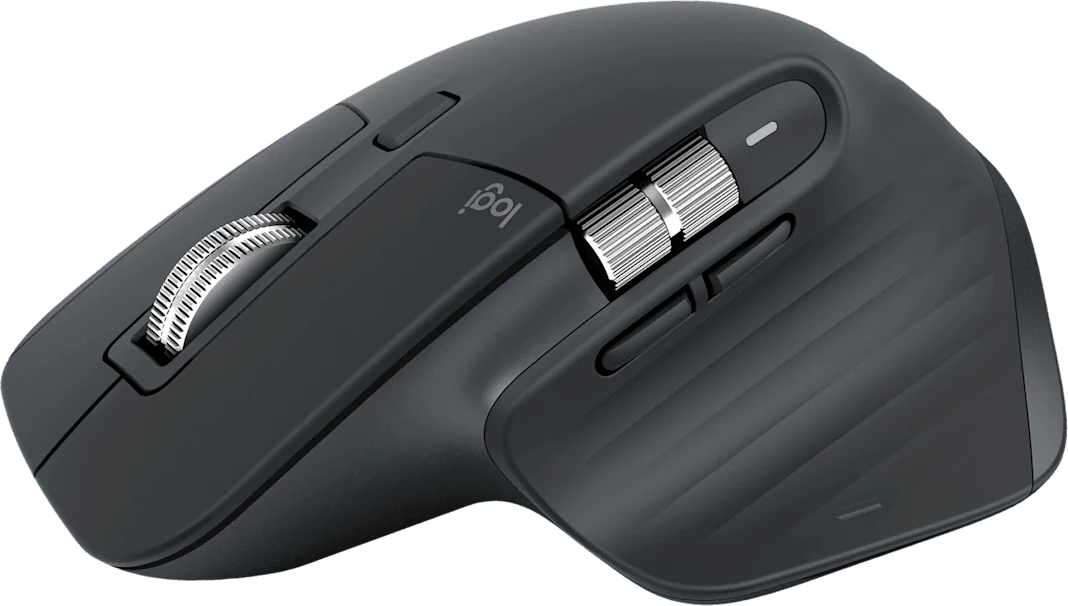
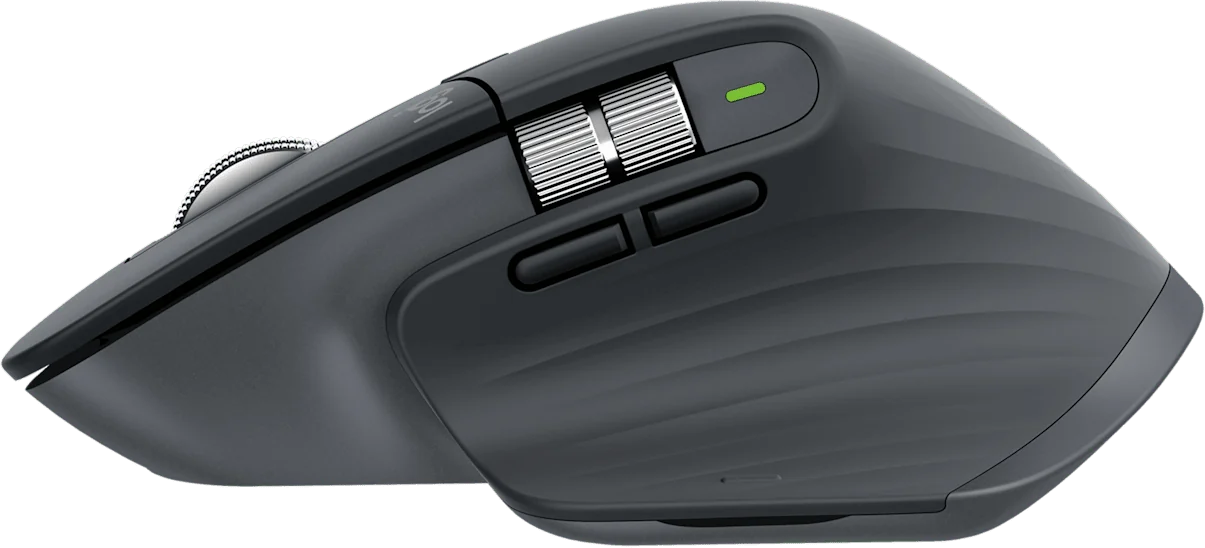
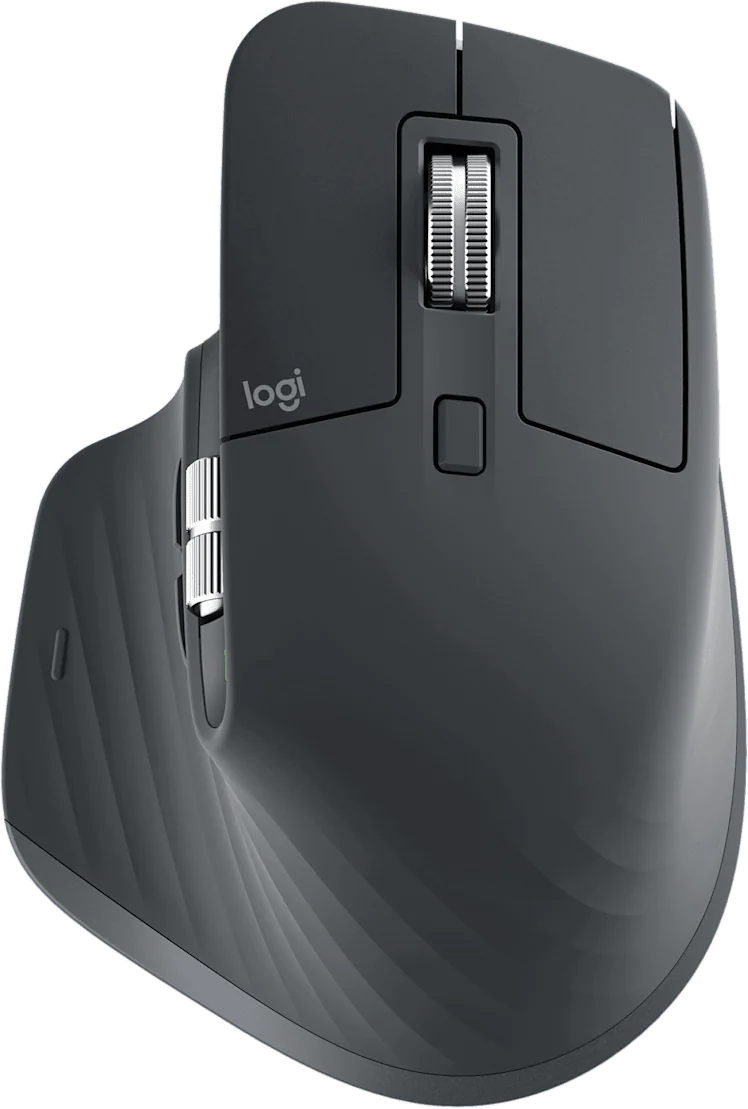
The free-spin wheel swallows a 3,000-row spreadsheet in one flick, and the quiet clicks change everything on video calls.
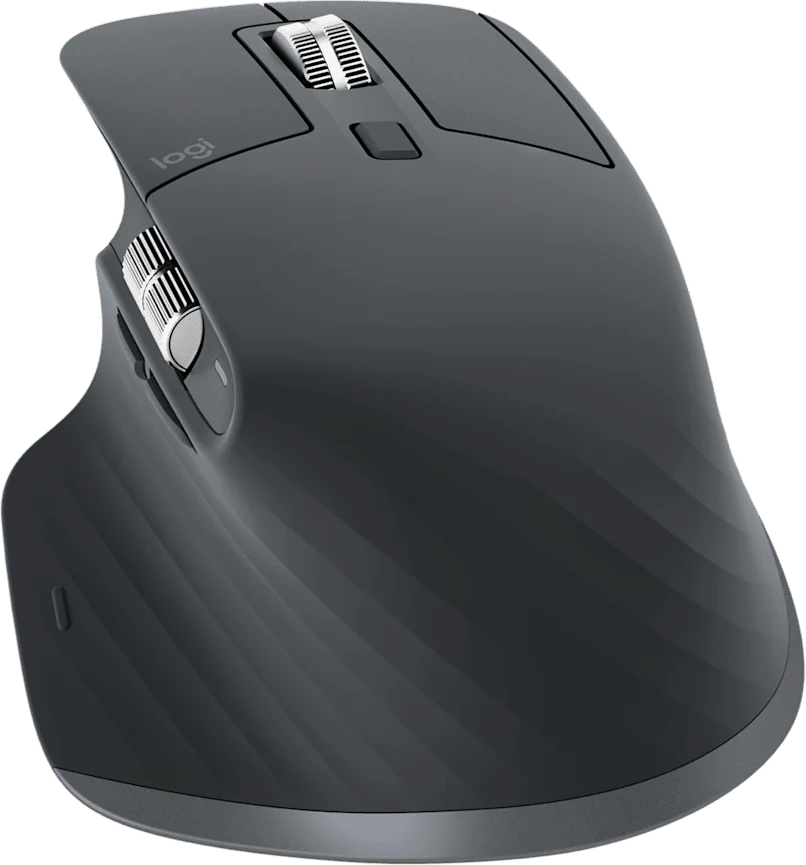
Avoid ifYou have a small hand or you are left-handed — the shell is wide and strictly right-handed.
1 / 4
The sensible default as soon as you work in long documents.
If you spend your days in spreadsheets or timelines, the MX Master 3S is the default: its free-spin wheel removes hundreds of gestures a day.
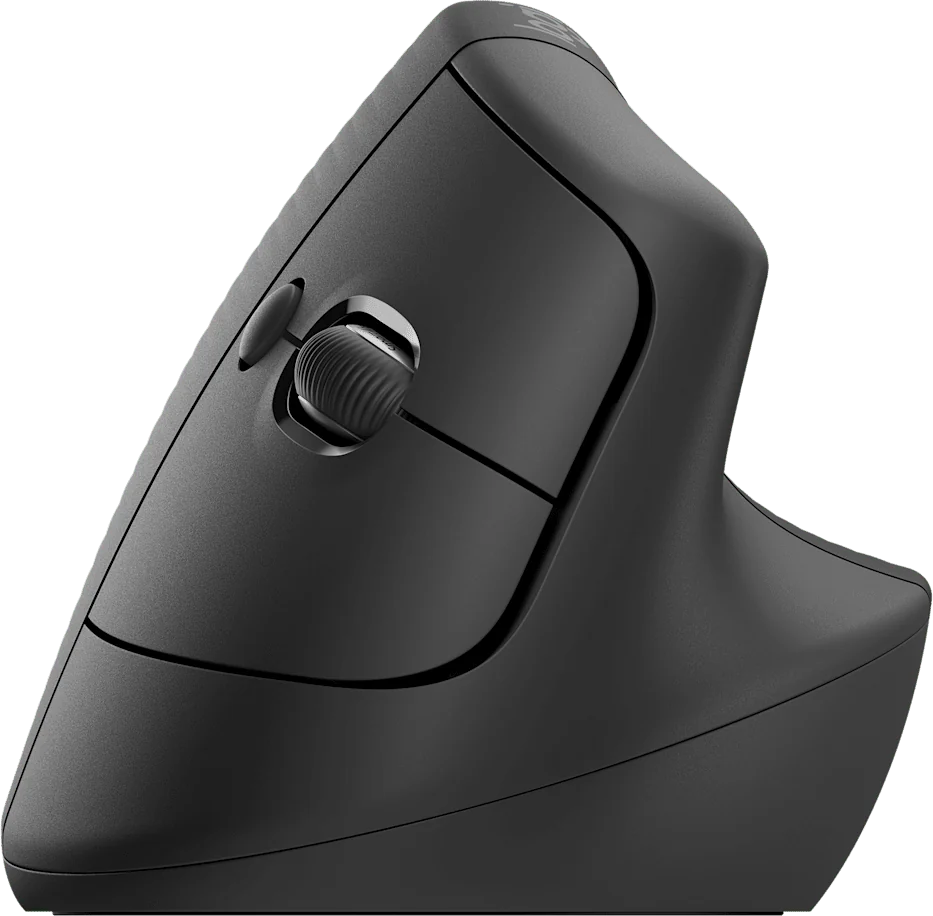
If it is the wrist that wakes you in the evening, shape matters more than features: the Logitech Lift straightens the forearm. Allow two weeks to adapt.
If you also work on the move, the MX Anywhere 3S keeps the quiet clicks and glass tracking in a shell that fits a bag pocket.
Read the full guideLogitech MX Master 3S
See on AmazonLive price and availability on amazon.fr