If your wrist hurts
Logitech Lift
The choice when the wrist decides, not productivity.
Affiliate links. Learn more
Peripherals · 6 min read
The pain rarely comes from the mouse alone, but changing shape is the fastest lever. Three shapes, three uses.
Our pick
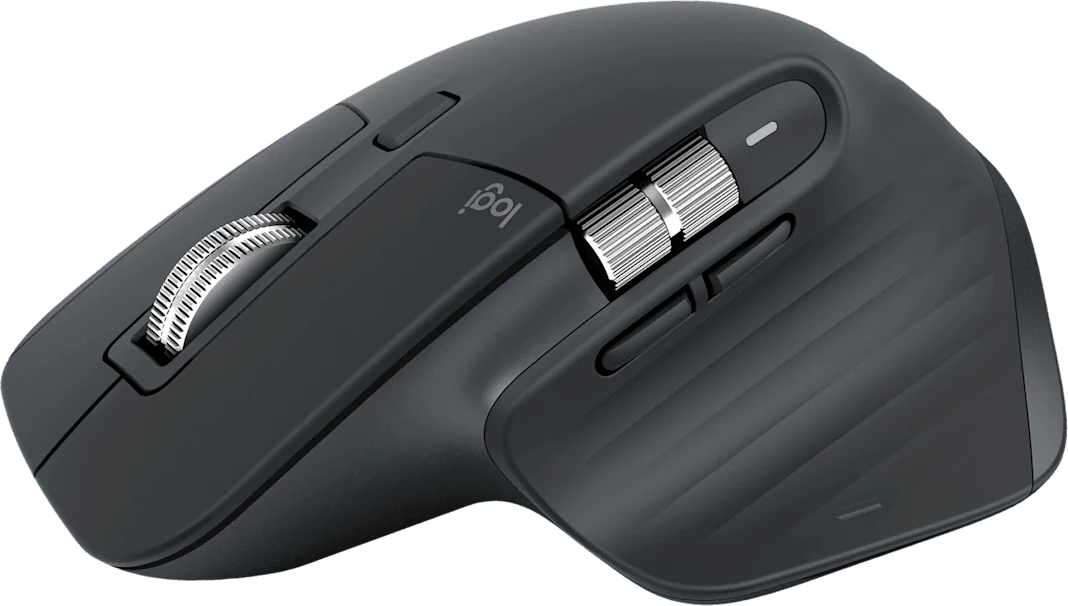
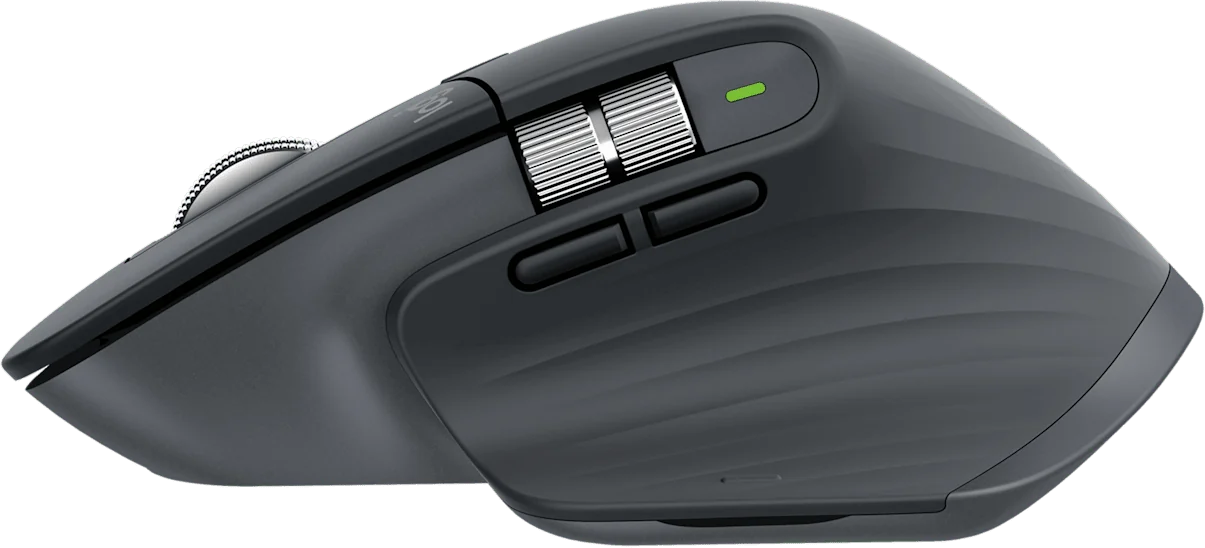
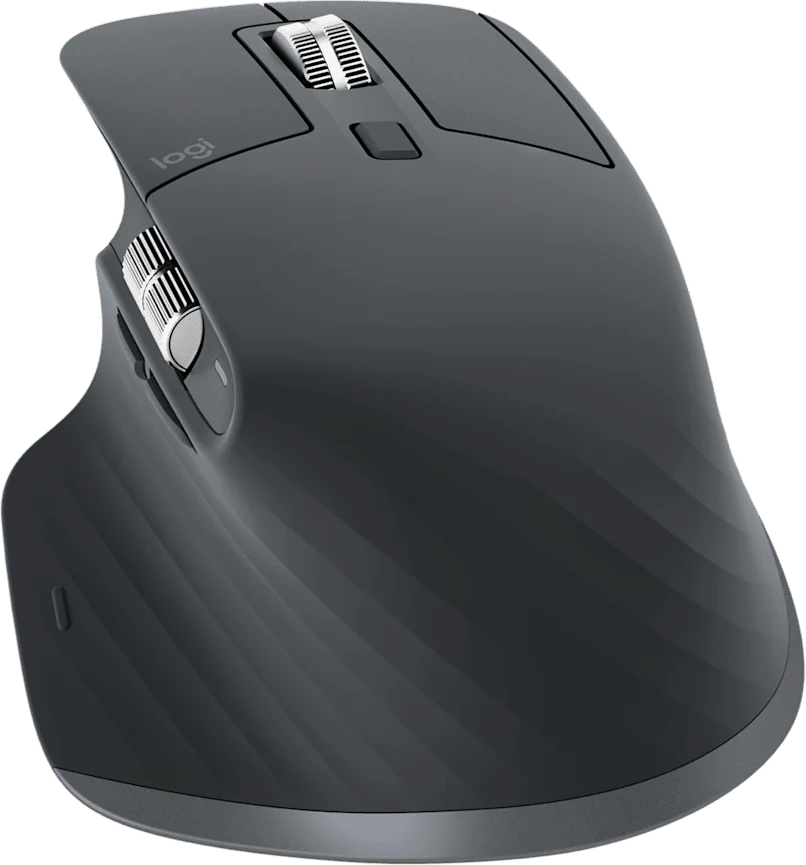
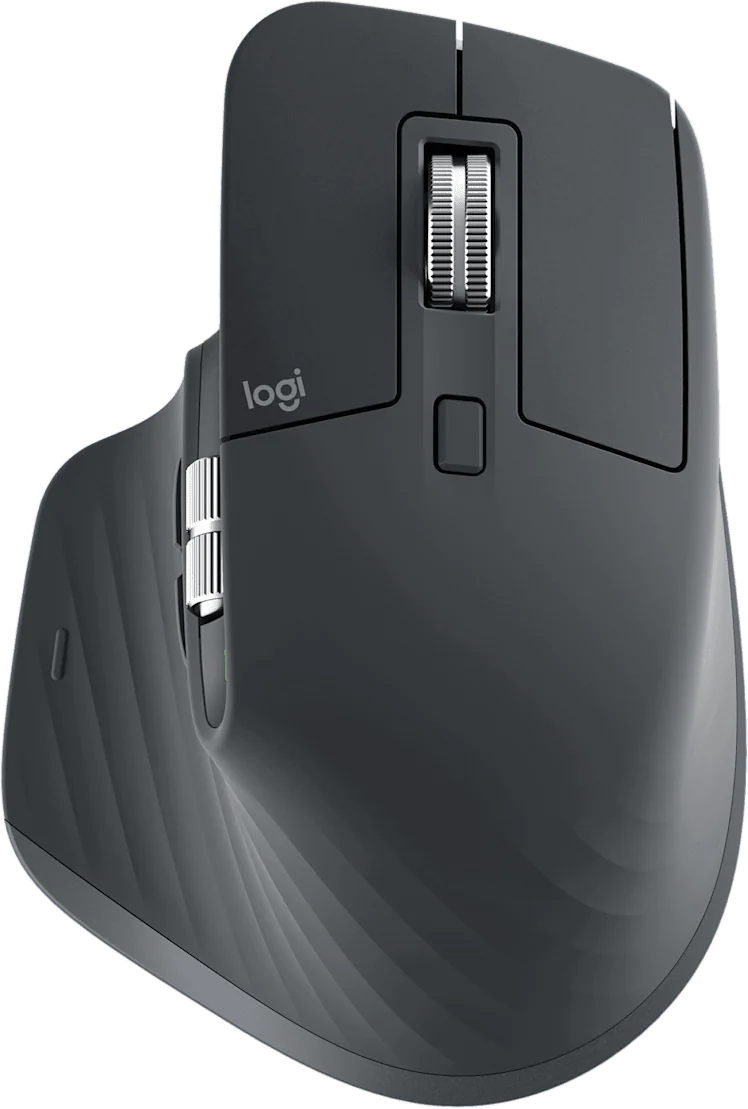
If you spend your days in spreadsheets or timelines, the MX Master 3S is the default: its free-spin wheel removes hundreds of gestures a day.
Live price and availability on amazon.fr
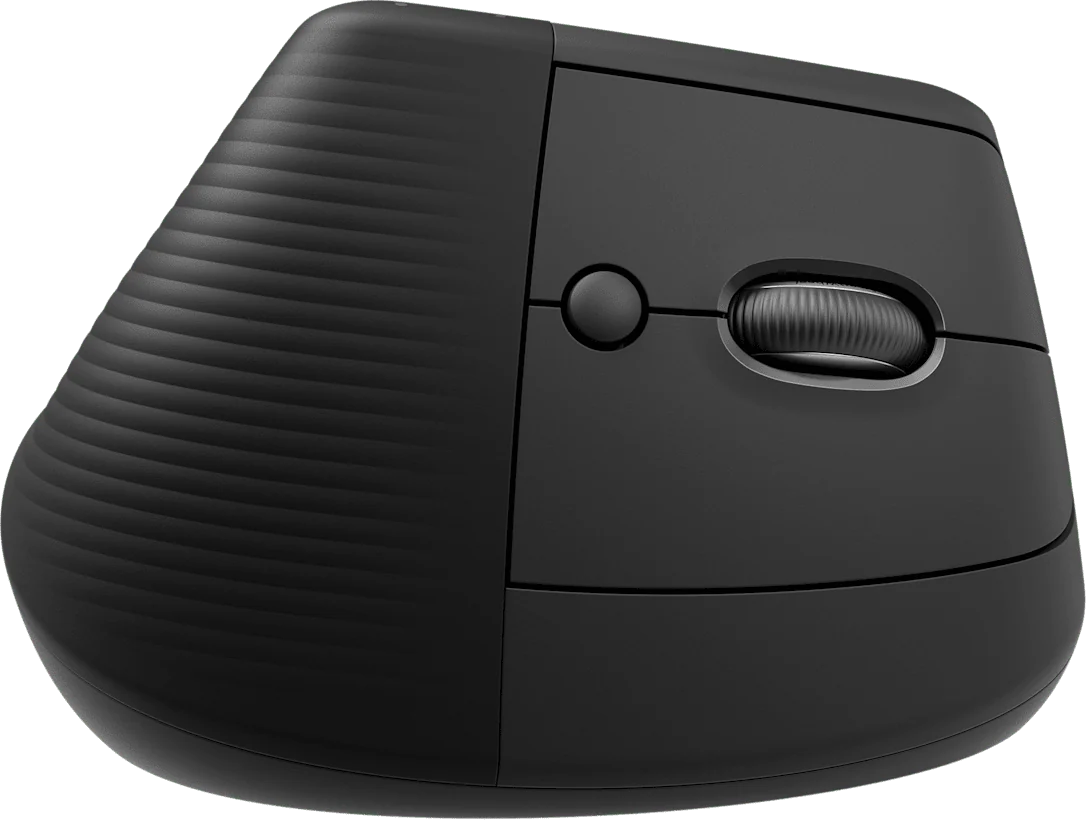
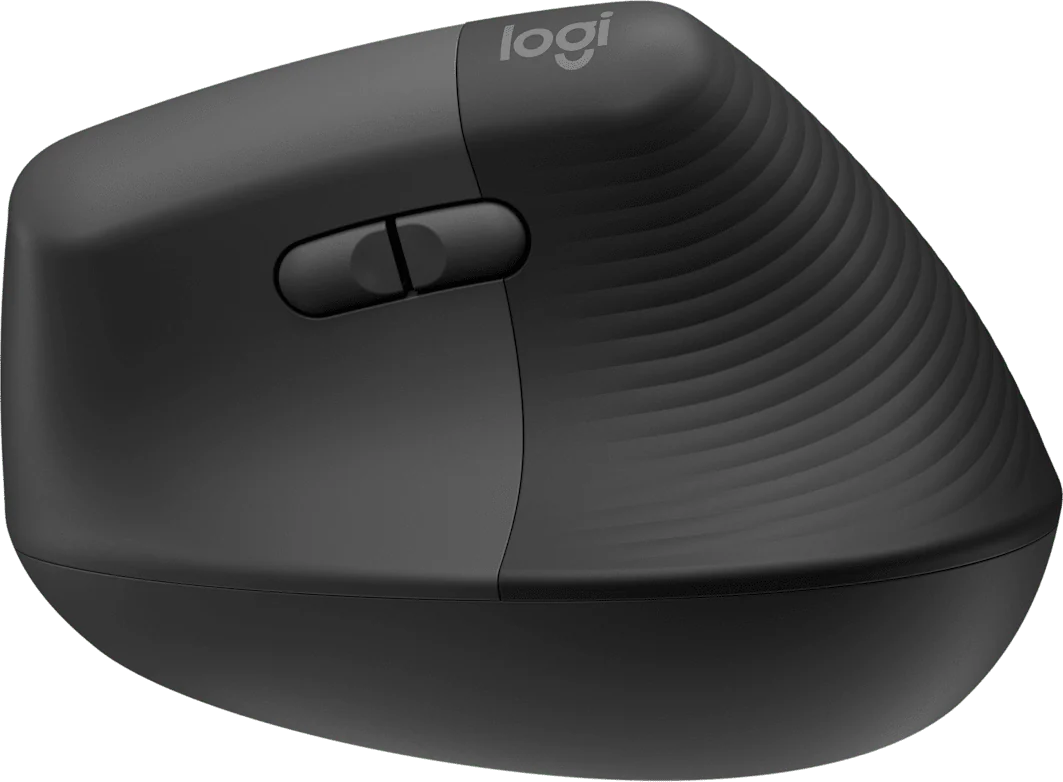
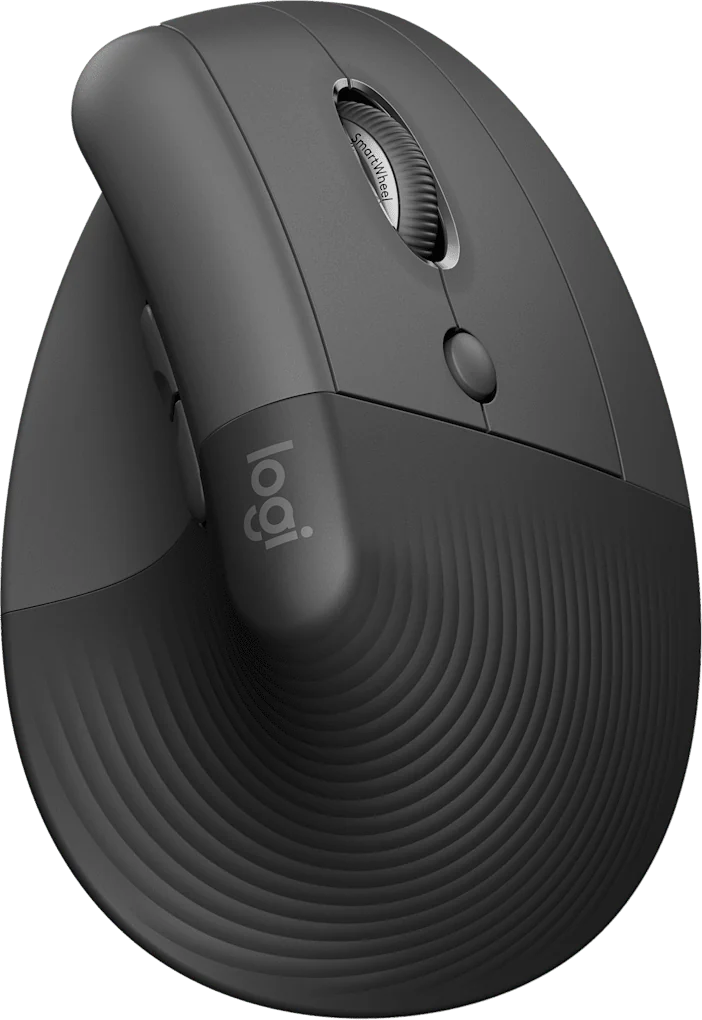
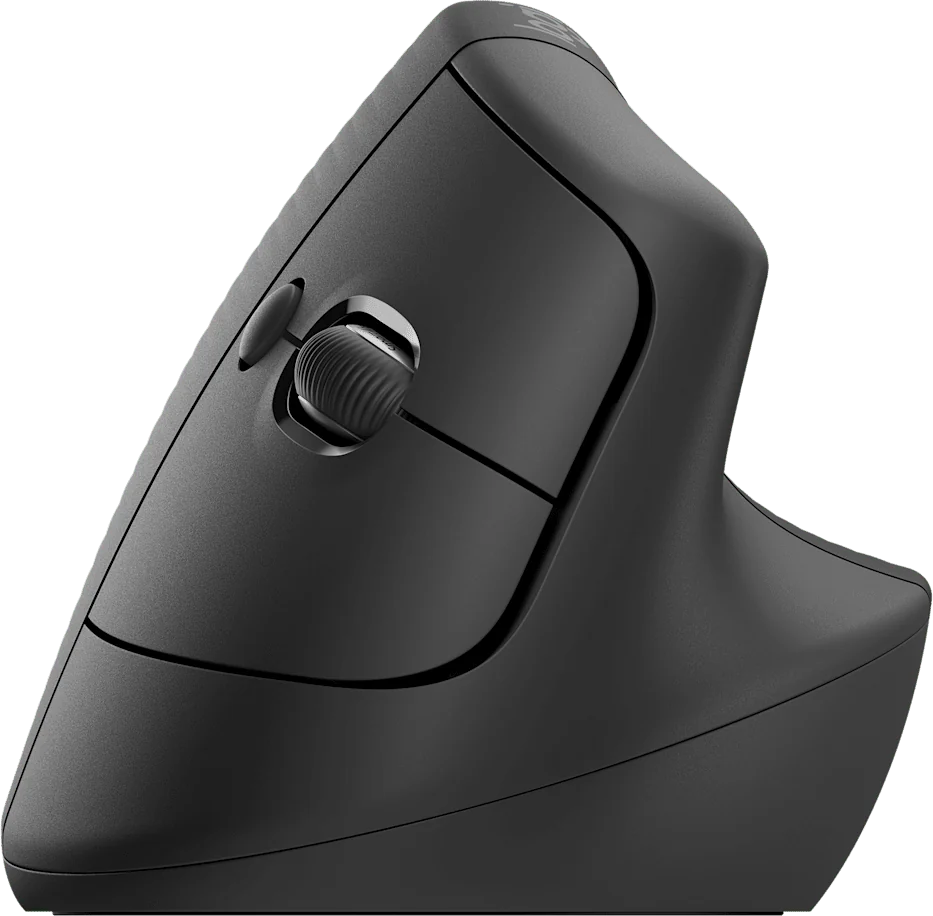
If it is the wrist that wakes you in the evening, shape matters more than features: the Logitech Lift straightens the forearm. Allow two weeks to adapt.
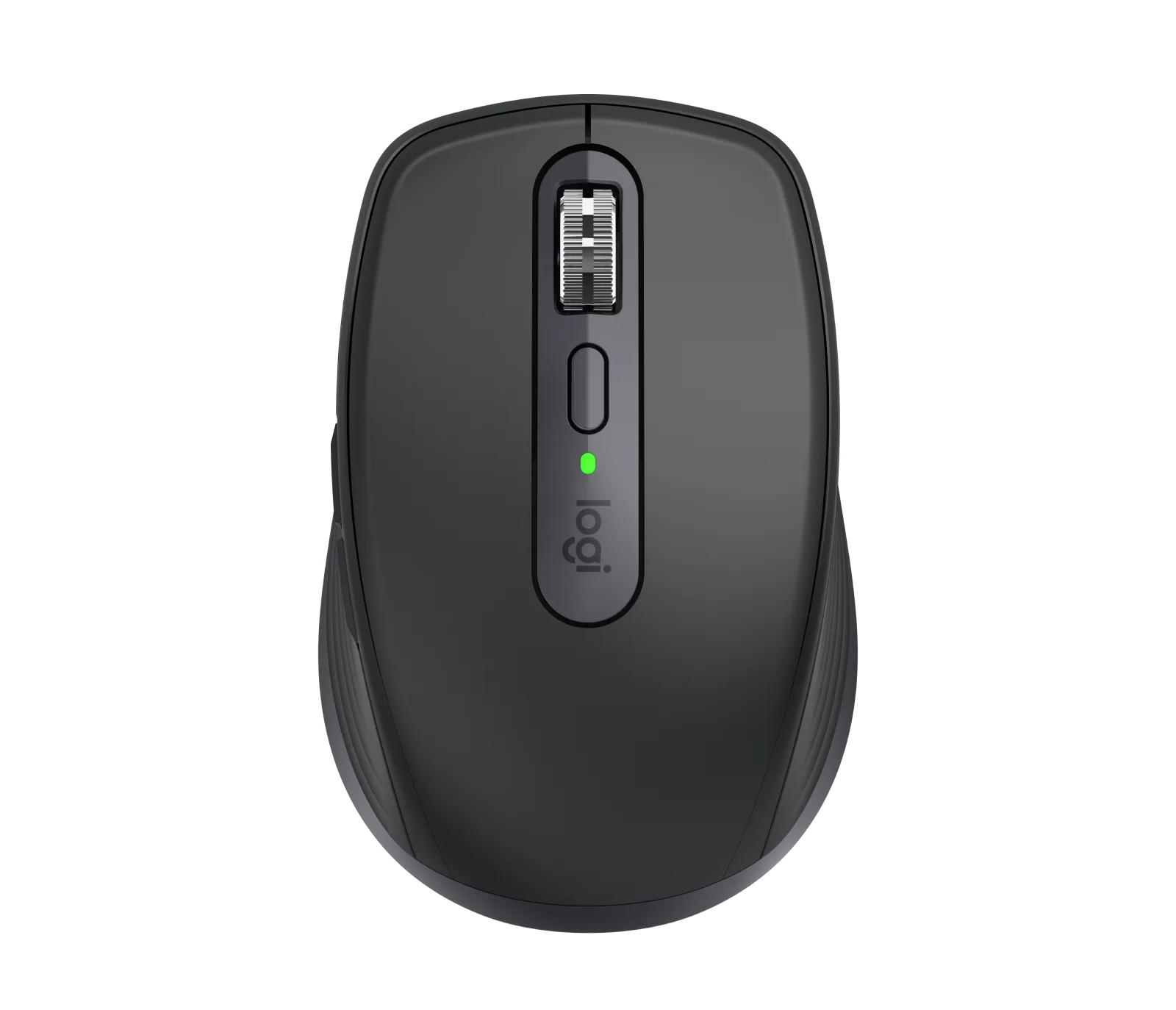
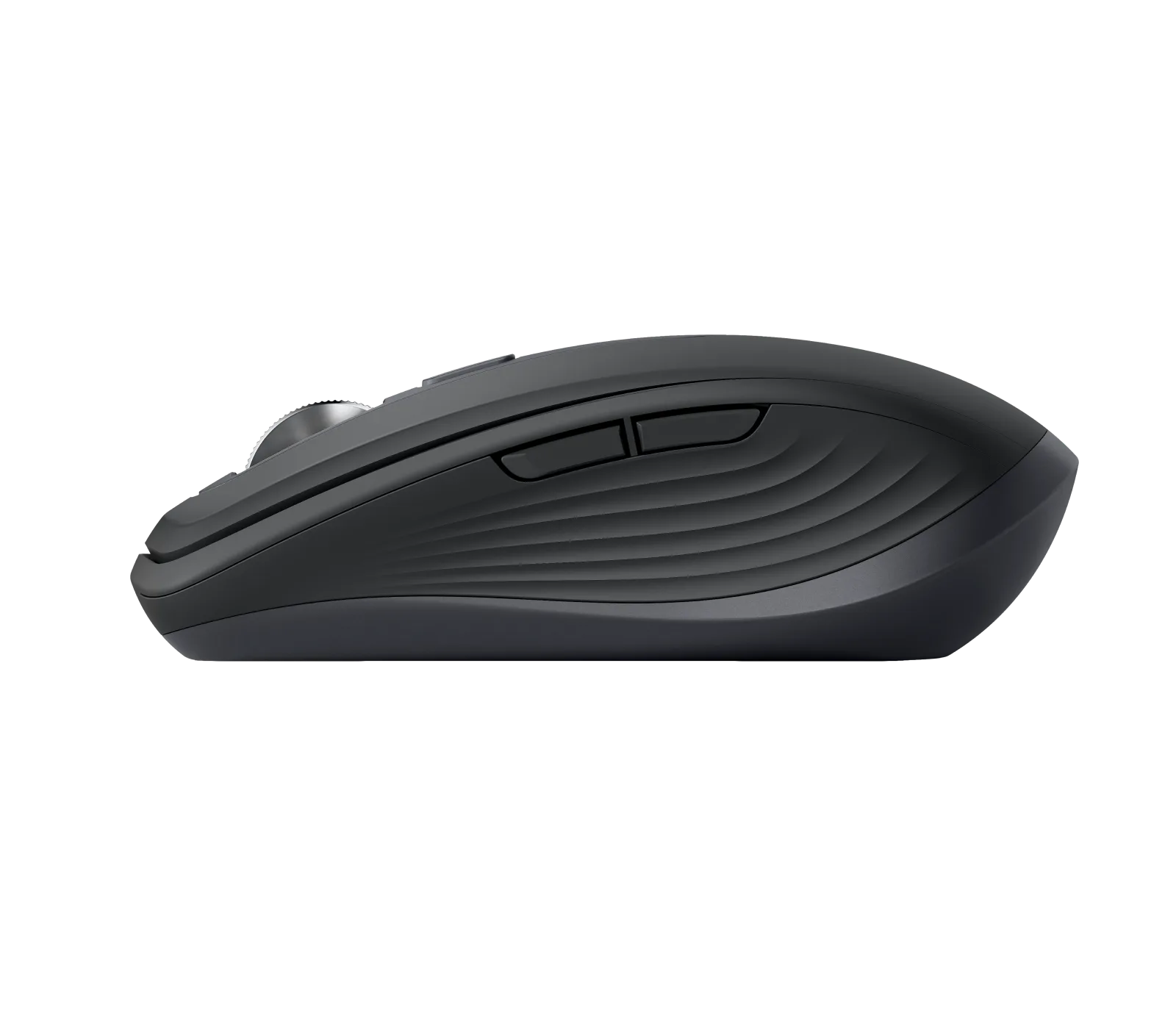
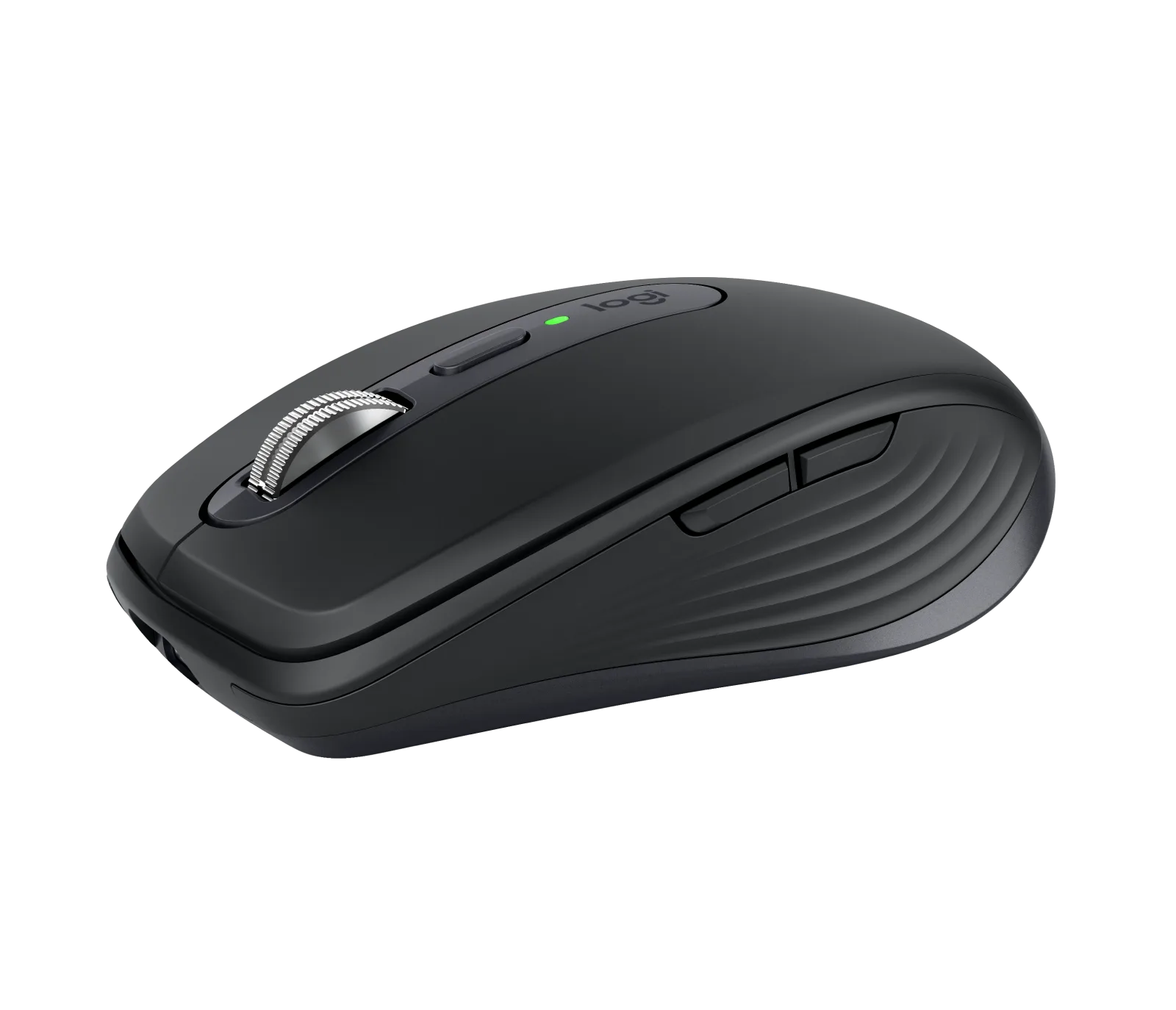
If you also work on the move, the MX Anywhere 3S keeps the quiet clicks and glass tracking in a shell that fits a bag pocket.
If your wrist hurts
The choice when the wrist decides, not productivity.
For the bag
The same MX logic, in a format that travels.
| Model | Shape | Connection | Sensor | Link |
|---|---|---|---|---|
| Our pickLogitech MX Master 3S | classic contoured, right-handed | Bluetooth or Logi Bolt USB receiver | 8,000 DPI, works on glass | See on Amazon |
| If your wrist hurtsLogitech Lift — vertical mouse | vertical 57°, right- and left-handed versions | Bluetooth or Logi Bolt USB receiver | 400 to 4,000 DPI | See on Amazon |
| For the bagLogitech MX Anywhere 3S — compact mouse (graphite) | compact, fits in a bag | Bluetooth, up to 3 devices; Logi Bolt receiver sold separately | 8,000 DPI, works on glass | See on Amazon |
Before changing it, check two things: that your forearm rests on the desktop rather than in mid-air, and that your elbow sits at roughly a right angle. A perfect mouse on a desk that is too high is still a bad position.
That said, once the position is right, the shape of the mouse becomes the remaining factor. That is where the change is felt.
On a spreadsheet of several thousand rows, a ratcheted wheel demands dozens of finger strokes. A free wheel, flicked once, runs through the document and stops where you put your finger down.
It is the kind of detail that does not show on a spec sheet and that decides the purchase after a week of use.
A compact keyboard frees space on the right, which brings the mouse closer to the body and reduces shoulder abduction. It is a real gain, but it comes after the mouse in order of priority.
If you use the numeric pad every day, do not drop it to save a few centimetres: you would trade one discomfort for another.
1 / 4
Our pick
The free-spin wheel swallows a 3,000-row spreadsheet in one flick, and the quiet clicks change everything on video calls.
Avoid ifYou have a small hand or you are left-handed — the shell is wide and strictly right-handed.
See on AmazonLive price and availability on amazon.fr
1 / 4
If your wrist hurts
A 57° angle that puts the forearm back into a handshake position, in a size that suits medium hands.
Avoid ifYou do a lot of pixel-precise work — a vertical mouse takes about two weeks to get used to.
See on AmazonLive price and availability on amazon.com
1 / 3
For the bag
The MX that travels: compact shell, quiet clicks, an 8,000 DPI sensor that tracks even on glass. Up to 70 days per charge, and three hours of use after one minute of USB-C charging.
Avoid ifYou have a large hand and stay on it all day: its compact shell tires you faster than an MX Master. The Logi Bolt receiver is not included.
See on AmazonLive price and availability on amazon.fr
It reduces forearm pronation, which relieves part of the problem. It corrects neither a desk that is too high nor a wrist resting on the edge of the top.
On wood or laminate, no. On glass or a very glossy surface, yes — except for sensors that handle glass, like those in the MX Master 3S and the MX Anywhere 3S.
The receiver stays more stable and wakes faster. Bluetooth frees a port and lets you switch between machines. All three accept both; for the MX Anywhere 3S the Logi Bolt receiver is sold separately.