If your wrist hurts
Logitech Lift
Wrist that aches by the end of the day
Affiliate links. Learn more
New · New
Ergonomic wireless trackball (Graphite)
Ideal for: Precise pointing without moving your arm.
See on AmazonLive price and availability on amazon.com.be
A sculpted wireless trackball tilted at 20° that you control with your thumb while your arm stays still. Quiet clicks, USB-C charging and up to 120 days of battery life, according to Logitech.
Avoid ifSkip it if you’re left-handed, have small hands, play fast-paced games or want a mouse that glides across the desk.
1 / 4
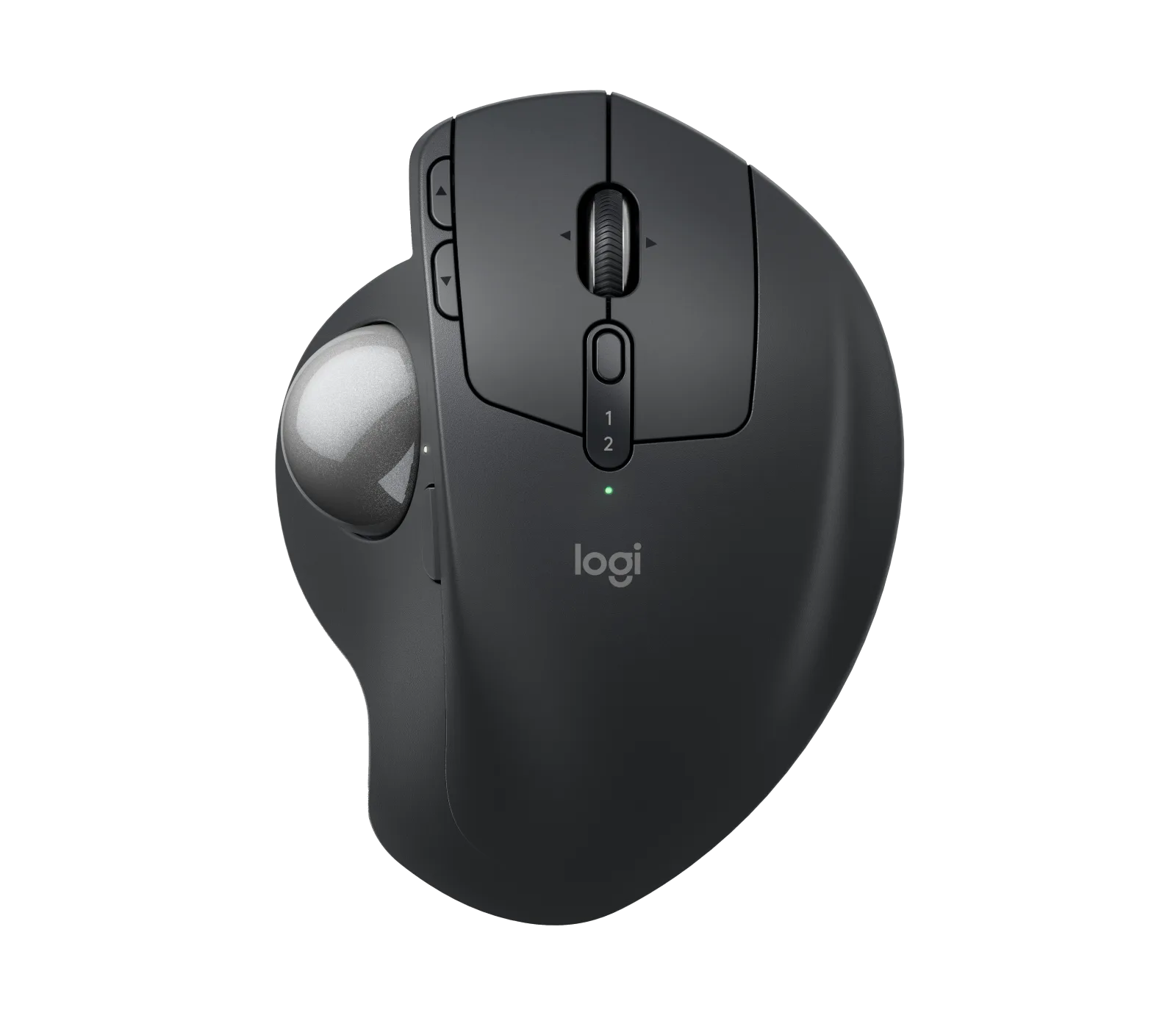
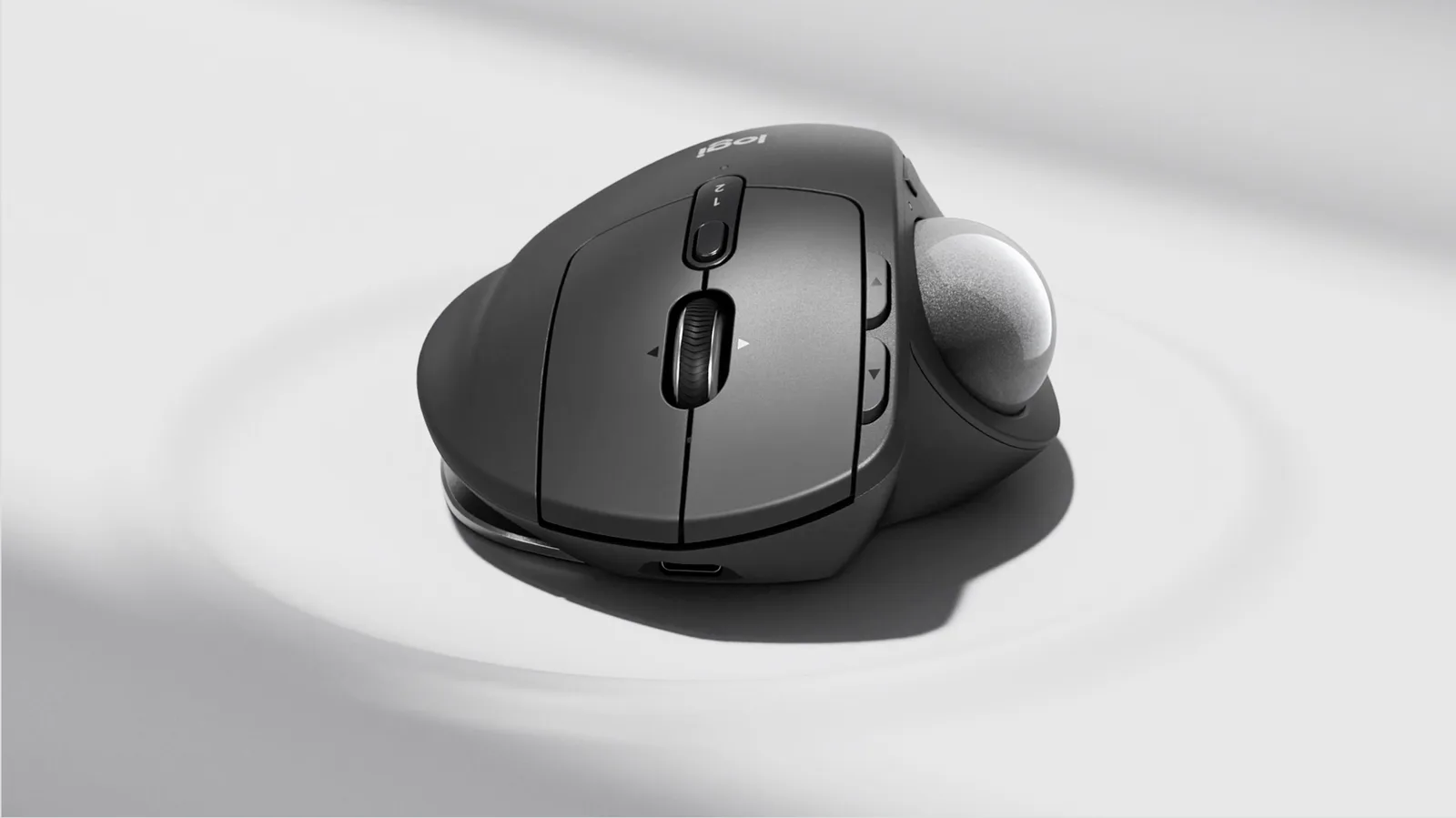
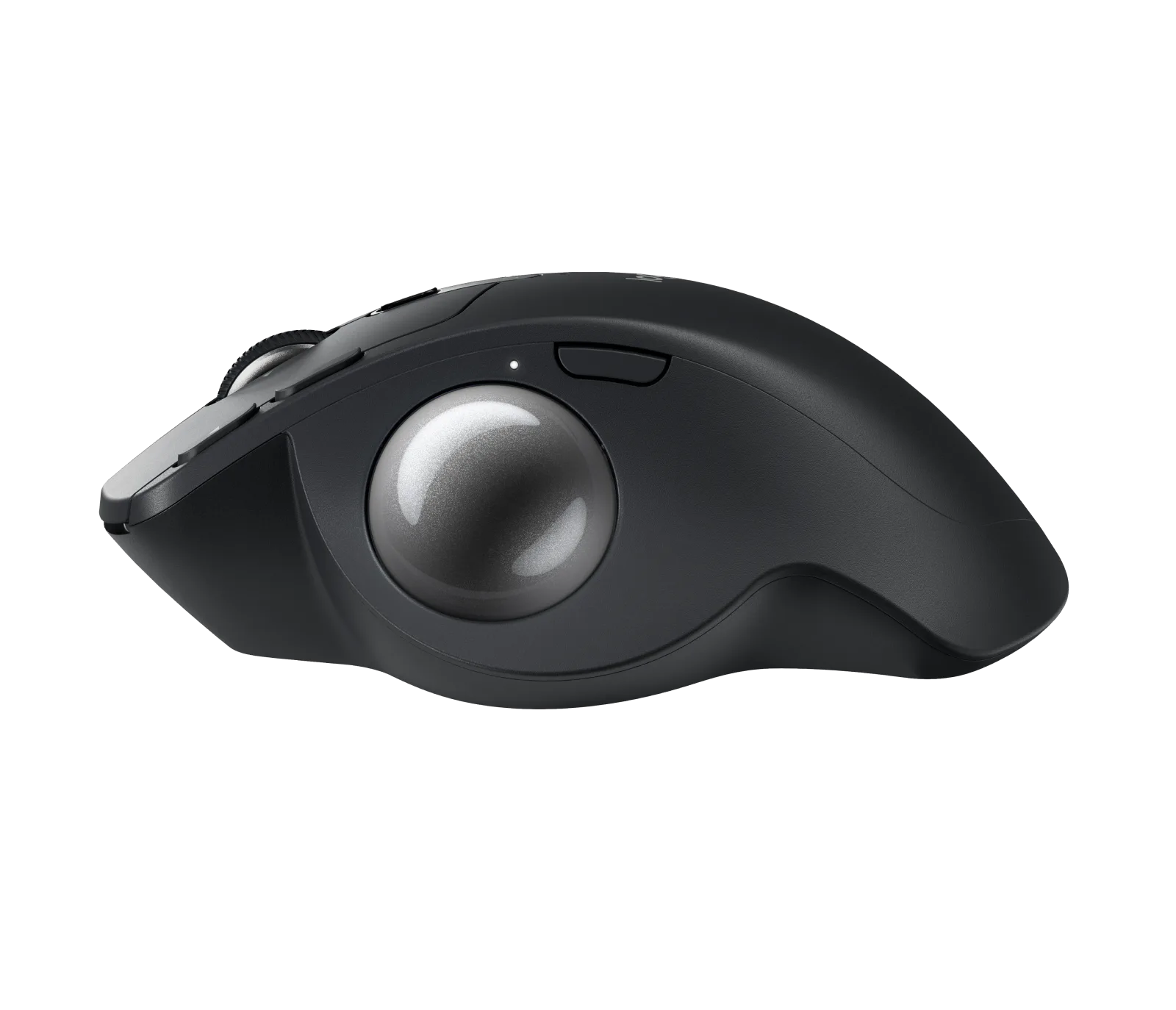
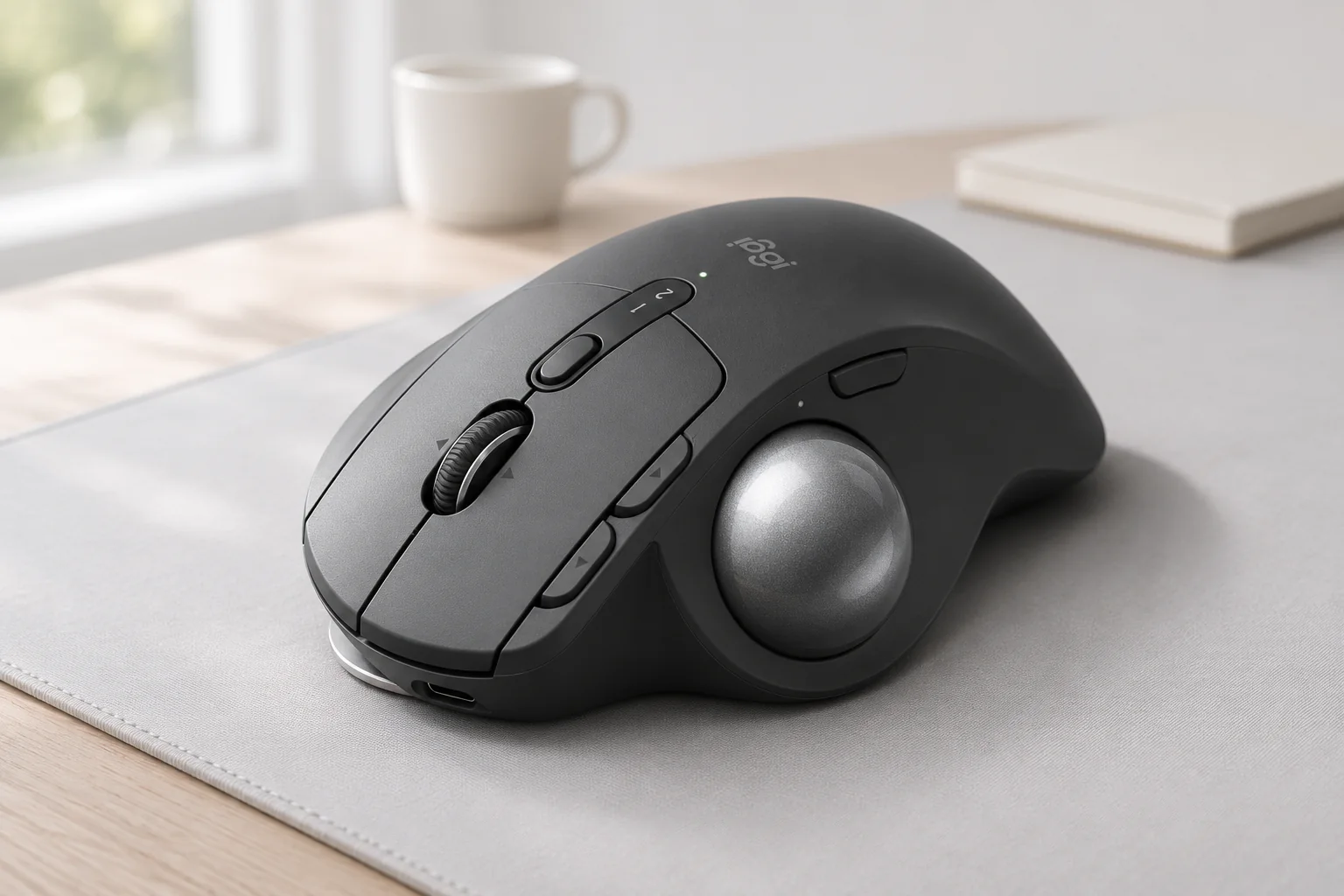
The Logitech MX Ergo S is an ergonomic wireless trackball with a 20° tilt, made for people who spend their days at a computer and want to go easy on their wrist and forearm. Your arm stays still while your thumb rolls the ball to move the cursor.
In this Logitech MX Ergo S review, we look at its sculpted design, how it works for working from home, its key specs and when a classic mouse like the MX Master will suit you better. It’s available on Amazon in Graphite.
The MX Ergo S shares the sculpted look of Logitech’s MX range: a graphite shell with a soft rubber coating, a large thumb-operated ball and a 20° tilt that puts your hand in a more natural position. According to Logitech, the tilt is certified by ergonomists and reduces forearm muscle strain by 27%.
It’s shaped for right hands, from medium to large. Logitech says it’s made with recycled plastic. Next to an MX keyboard on a clean desk, the setup looks consistent and understated.
Because the trackball stays put, you don’t need room to slide it around. That makes it a good fit for a small desk or a kitchen table turned home office. A precision button switches between fast movement and a fine-control mode, which helps when you’re editing a photo or picking a cell in a spreadsheet.
According to Logitech, the clicks are 80% quieter than on the original MX Ergo, which is handy on video calls or in an open-plan office. With the Logi Options+ app, you can assign shortcuts to the 6 customisable buttons and set up Smart Actions. The Easy-Switch button lets you flip between two computers.
According to Logitech, a full charge lasts up to 120 days, and one minute of USB-C charging gives you 24 hours of use. A full recharge takes about 2 hours. The 500 mAh battery isn’t replaceable, and no USB-C cable comes in the box.
The trackball measures 132.5 × 99.8 × 51.4 mm and weighs 164 g, or 259 g with its metal plate. It connects through the Logi Bolt receiver (USB-A) or Bluetooth 5.2, with a 10 m range according to Logitech. It works with Windows, macOS, Linux and ChromeOS, and with iPadOS and Android over Bluetooth.
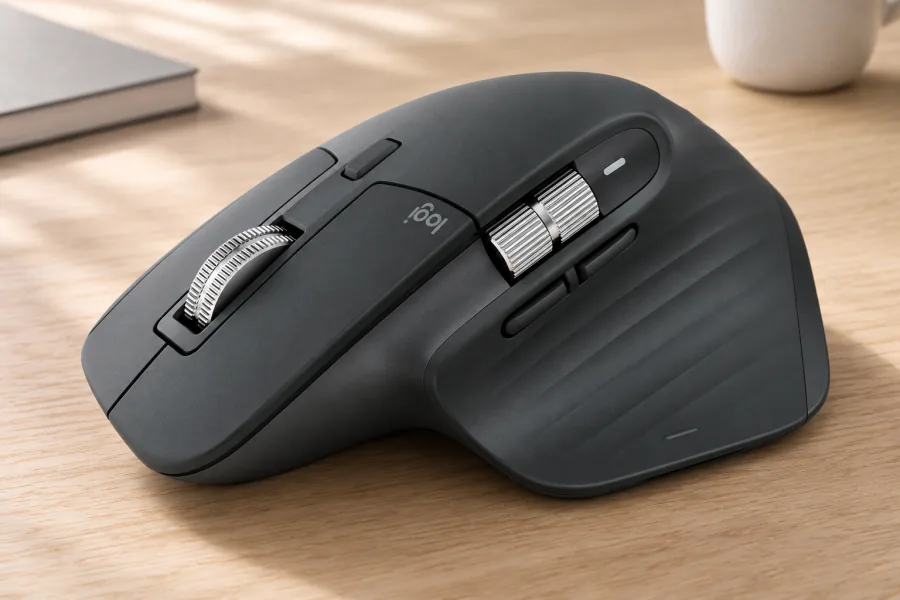
An MX Master moves across the desk like any regular mouse, so there’s nothing new to learn. The MX Ergo S takes a few days to get used to the thumb ball, but it removes almost all arm movement.
If your main problem is a wrist that tires after long days, the trackball is the more radical alternative. If you do a lot of editing or horizontal scrolling, the side wheel on an MX Master is still more comfortable.
The MX Ergo S is for remote workers, developers and anyone who spends all day in spreadsheets and wants an ergonomic mouse that’s easier on the wrist. It also suits small desks with no room to move a mouse around.
Give it a miss if you’re left-handed, since the shape only works for right hands. The same goes if you have small hands, play fast-paced games or don’t want to buy a separate USB-C cable. If the pain doesn’t go away, a mouse is no substitute for advice from a health professional.
No. The MX Ergo S is designed for the right hand, with the ball under the right thumb. If you’re left-handed, an ambidextrous mouse is a better choice.
According to Logitech, a full charge lasts up to 120 days, and one minute of USB-C charging gives 24 hours of use. A full recharge takes about 2 hours. The cable isn’t included.
The MX Ergo S keeps the 20° tilt and thumb ball, but according to Logitech its clicks are 80% quieter. It also adds fast USB-C charging and connects through Logi Bolt or Bluetooth.
Yes. With the Logi Bolt receiver, it works with macOS 12 or later, Windows, Linux and ChromeOS. Over Bluetooth, it also works with iPadOS 15 and Android 12 or later. You customise it with Logi Options+ on Windows and macOS.
With a trackball, your arm stays still and only your thumb moves the cursor. Logitech says the 20° tilt reduces forearm muscle strain by 27%. If the pain doesn’t go away, see a health professional.
The pain rarely comes from the mouse alone, but changing shape is the fastest lever. Three shapes, three uses.
Which mouse prevents a sore wrist when working from homeLogitech MX Ergo S
See on AmazonLive price and availability on amazon.com.be