Nothing on the wall
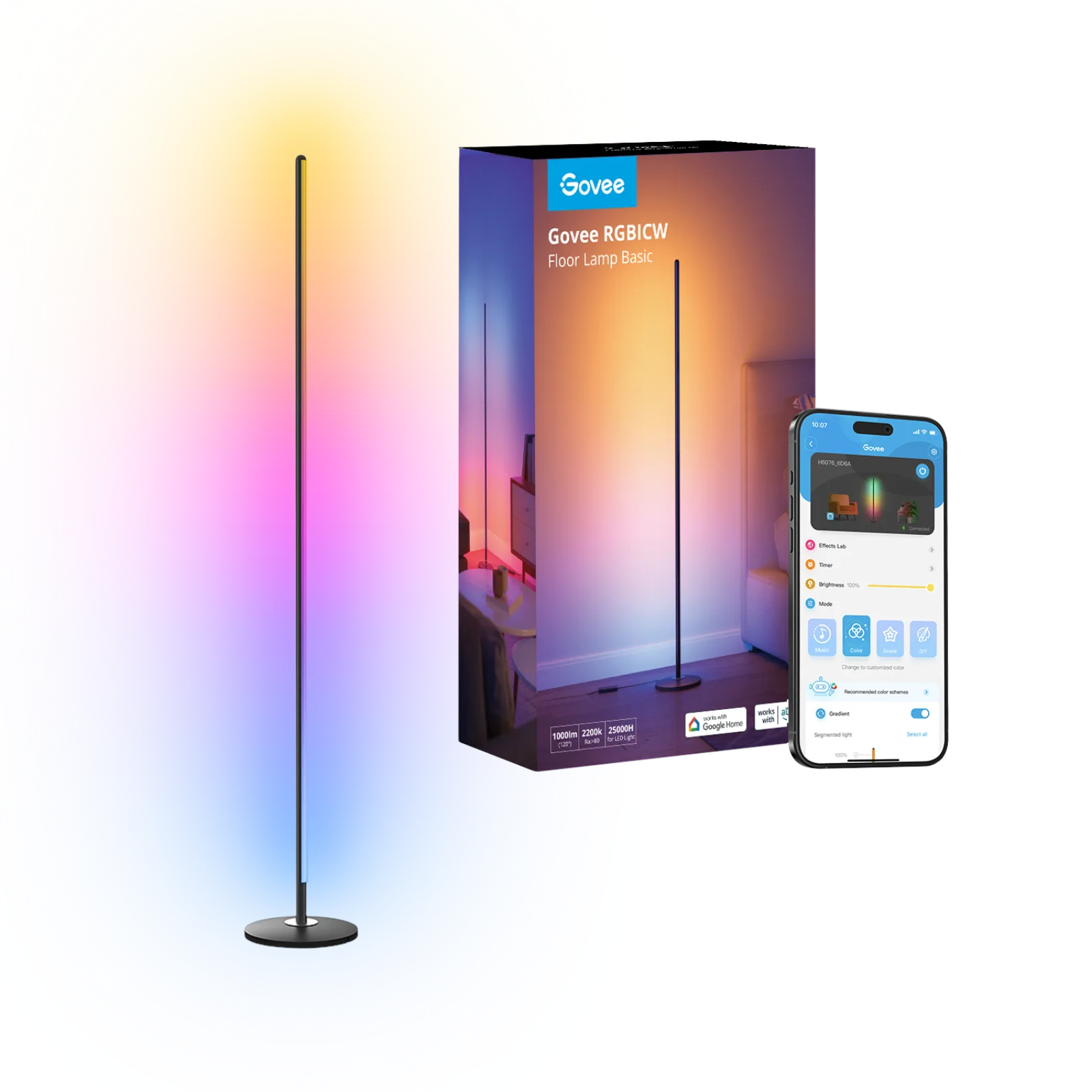
Govee RGBIC LED floor lamp H6076
Room corner next to the desk, nothing to mount
Affiliate links. Learn more
New · New
9-bar LED light starter kit (white)
Ideal for: Wall ambient lighting for desk and living room.
See on AmazonLive price and availability on amazon.fr
Nine wall-mounted LED bars that shine onto the wall instead of at you. You lay them out in any shape you like, and they give a desk or living room graphic, colourful ambient light.
Avoid ifSkip it if you need light for working or reading: Nanoleaf rates each bar at 20 lm, so it's ambient light only. Skip it too if your network only offers 5 GHz Wi-Fi, or if you want a Matter device: Nanoleaf's spec sheet says Lines doesn't support it.
1 / 2
The Nanoleaf Lines 60° is a kit of nine backlit LED bars that you mount on the wall. It's for people who want to give a desk, gaming setup or living room a strong graphic atmosphere, with no drilling and no electrical work.
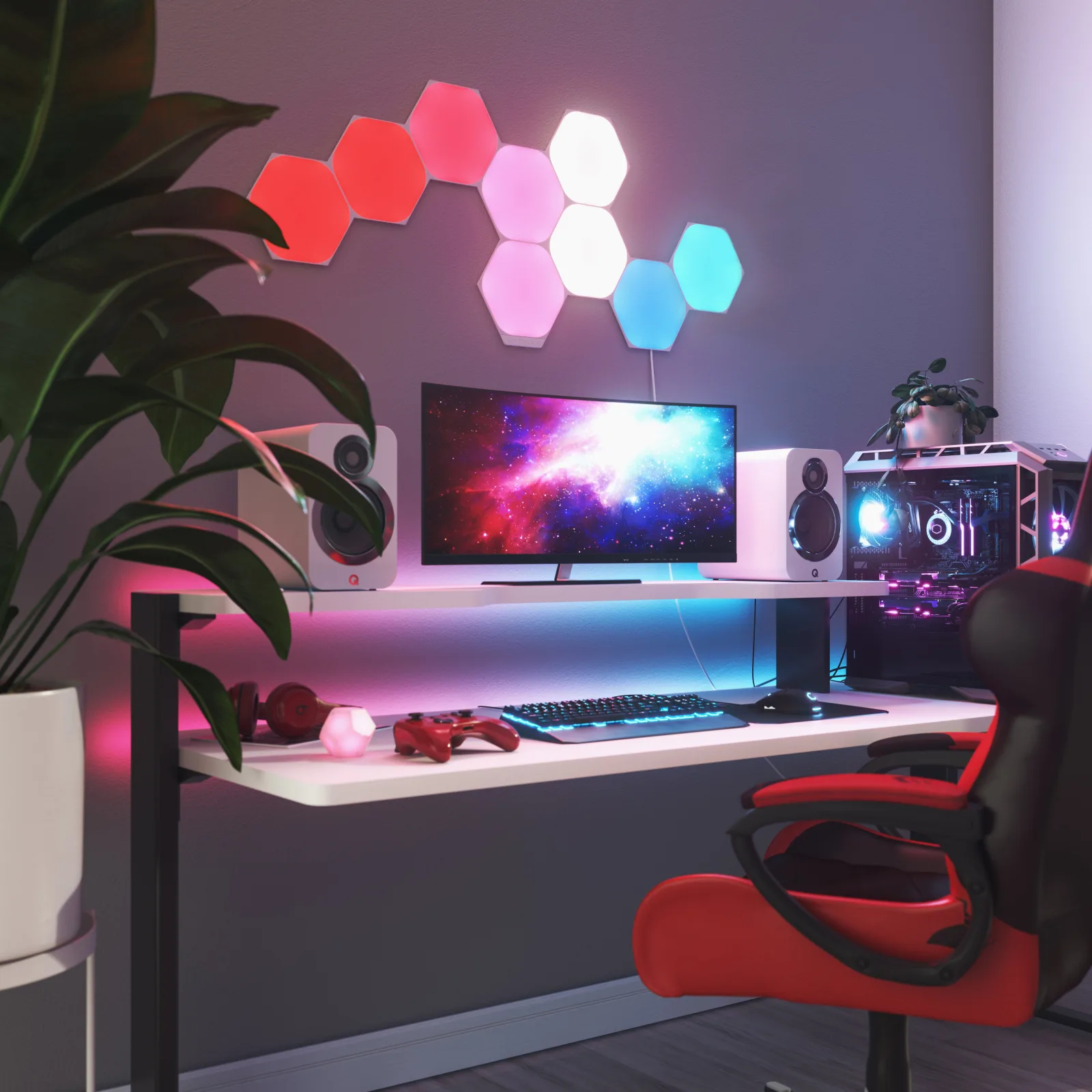
Unlike regular light panels, the bars light up the wall behind them. You never see the LEDs, just a soft glow that traces the shape you've designed. Here's our Nanoleaf Lines review: the design, what it adds day to day, the key specs, and when you're better off with something else.
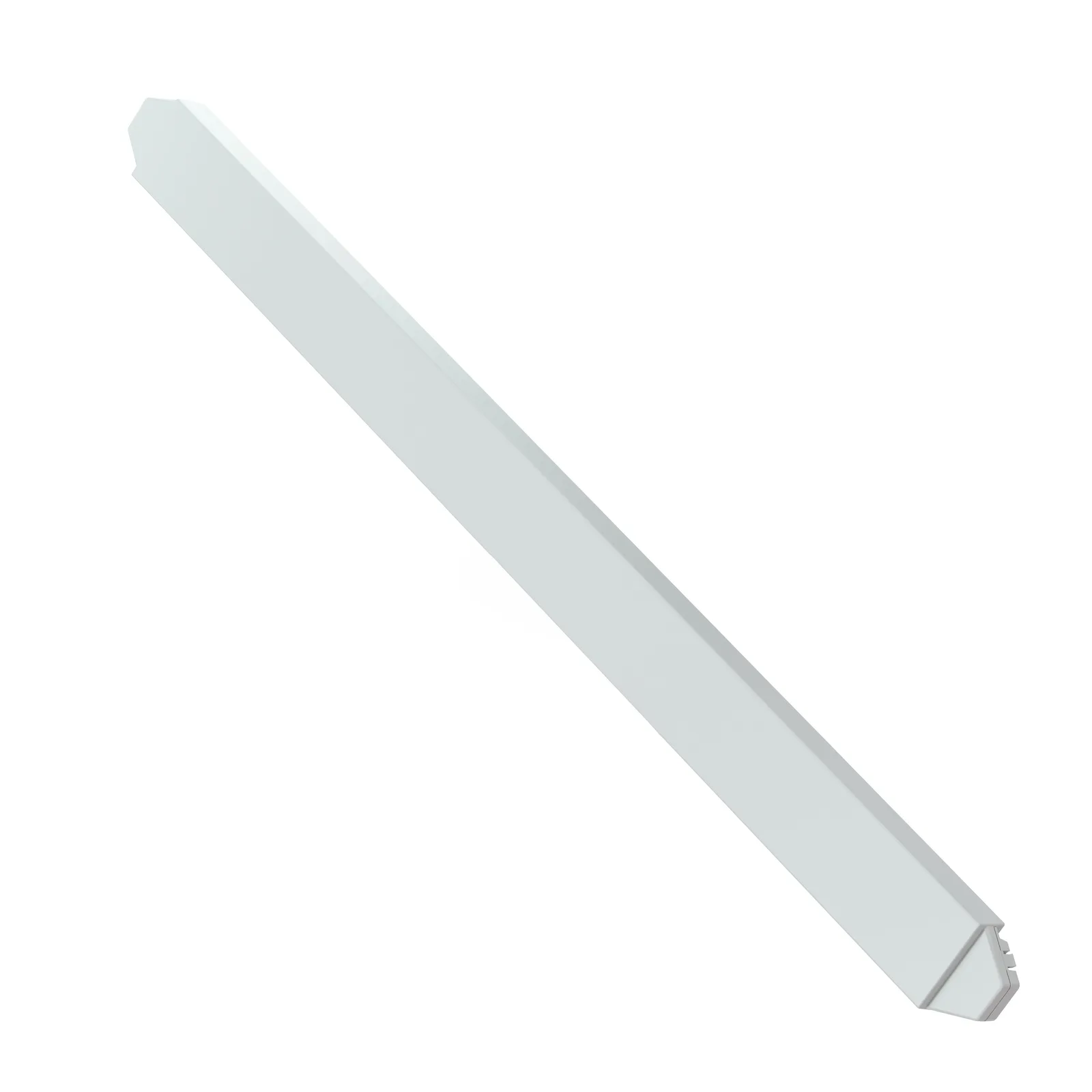
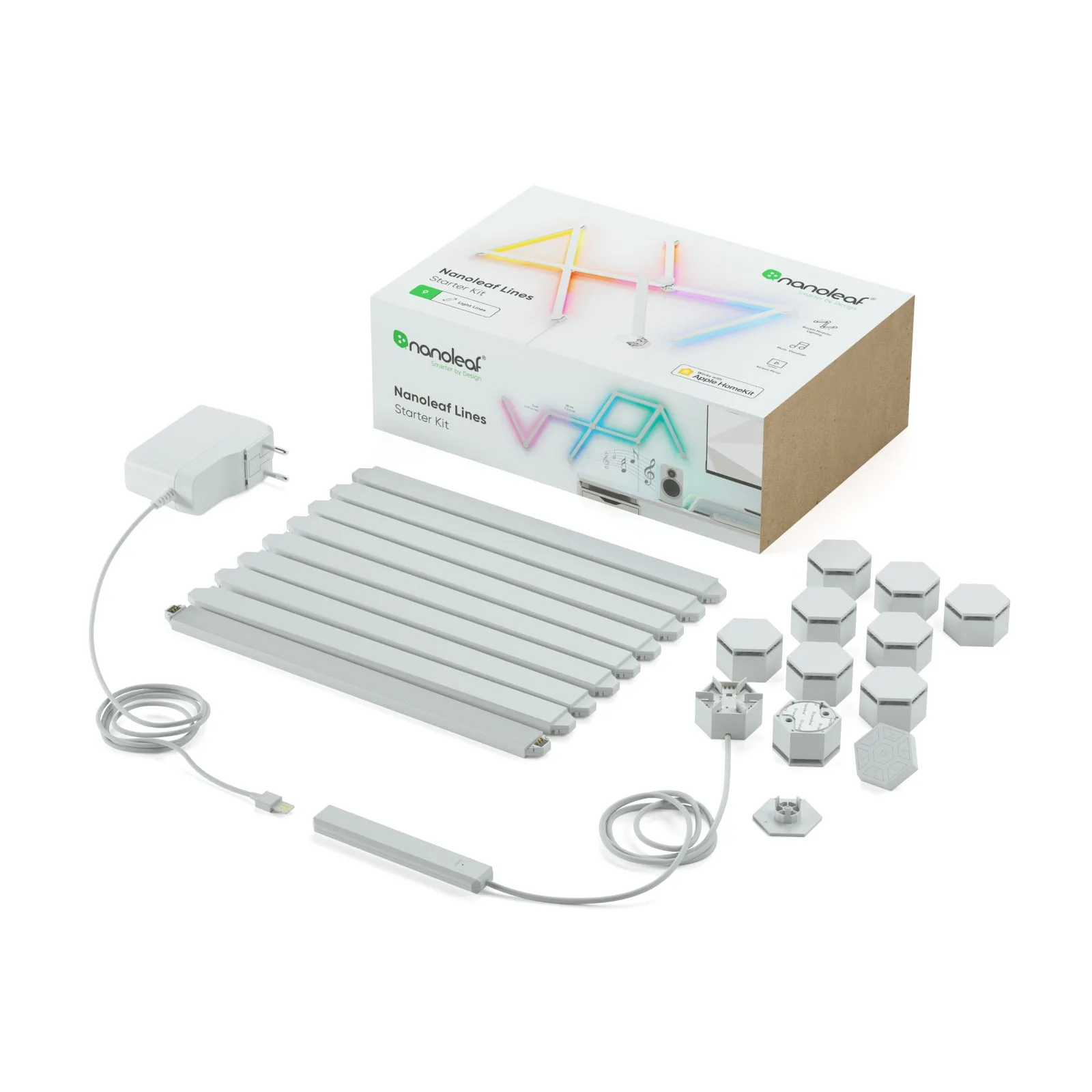
Nanoleaf Lines comes as nine slim white bars, each 27.9 cm long, that you join with 60° connectors. You pick the shape: hexagons, triangles, a lightning bolt, or something freeform. Switched off, it's a subtle line drawing on the wall. Switched on, each bar throws light back onto the wall and draws a crisp, colourful outline with no glare.
Every bar has two colour zones, so gradients and animations look finer than on an LED strip. Nanoleaf also sells black and pink skins to change the look, and there's a 90° version of the system for square layouts and corners.
You control Lines from the Nanoleaf app, by voice with Alexa, Google or Apple Home, or with the controller on the kit itself. Set a fixed scene for the evening, a slow animation behind your monitor, or a warm 1,200 K white to wind down at the end of the day.
According to Nanoleaf, Lines also syncs to music, mirrors your screen colours and reacts to games through Razer Chroma and Overwolf. Behind a desk, that makes it a very effective backdrop for video calls and streaming.
According to Nanoleaf, each bar gives 20 lm, draws up to 2 W and measures 27.9 × 2.0 × 0.8 cm at 39 g. The RGBW LEDs cover more than 16 million colours and whites from 1,200 to 6,500 K, with a CRI above 80 and a rated lifetime of 25,000 hours. One 42 W power supply drives up to 18 bars.
You need a 2.4 GHz Wi-Fi network (5 GHz isn't supported) and Bluetooth for setup. The kit also works as a Thread Border Router, and its spec sheet states that it does not support Matter. It's rated IP20 for indoor use only, and it goes up with adhesive mounts, so no drilling.
Nanoleaf Lines is for you if you want a wall with character behind your desk, gaming screen or sofa. It also suits you if you like switching the mood through the day and want something more graphic than an LED strip. Expansion packs let you grow the design later.
It isn't a task light: at 20 lm per bar, it won't replace a desk lamp or a monitor light bar. If you want a fully Matter-based setup, if your router only broadcasts on 5 GHz, or if you'd rather have mood lighting on the desk than on the wall, a smart lamp is the better pick.
Yes, if you want wall-mounted ambient lighting with a graphic design behind your desk or setup. The bars light the wall rather than your eyes, which makes a pleasant backdrop for evening work and video calls. It won't replace a desk lamp, though.
The Lines 60° starter kit includes 9 light bars, plus the connectors, controller, power supply and adhesive mounts. According to Nanoleaf, one 42 W power supply can drive up to 18 bars, so you can add expansion packs to grow the layout.
No. Nanoleaf Lines goes up with adhesive mounting plates, with no drilling and no wiring, and the power supply plugs into a normal socket. You then set it up in the Nanoleaf app over Bluetooth and 2.4 GHz Wi-Fi.
According to Nanoleaf's spec sheet, Lines has a built-in Thread Border Router but doesn't support Matter. You control it with the Nanoleaf app, and it works with Alexa, Google and Apple Home. It needs a 2.4 GHz Wi-Fi network.
Lines traces glowing outlines with bars that light the wall, for a lighter, more graphic look. Shapes uses solid panels that glow into the room, so the mosaic is more prominent. Pick Lines for a less busy wall, and Shapes for blocks of colour.
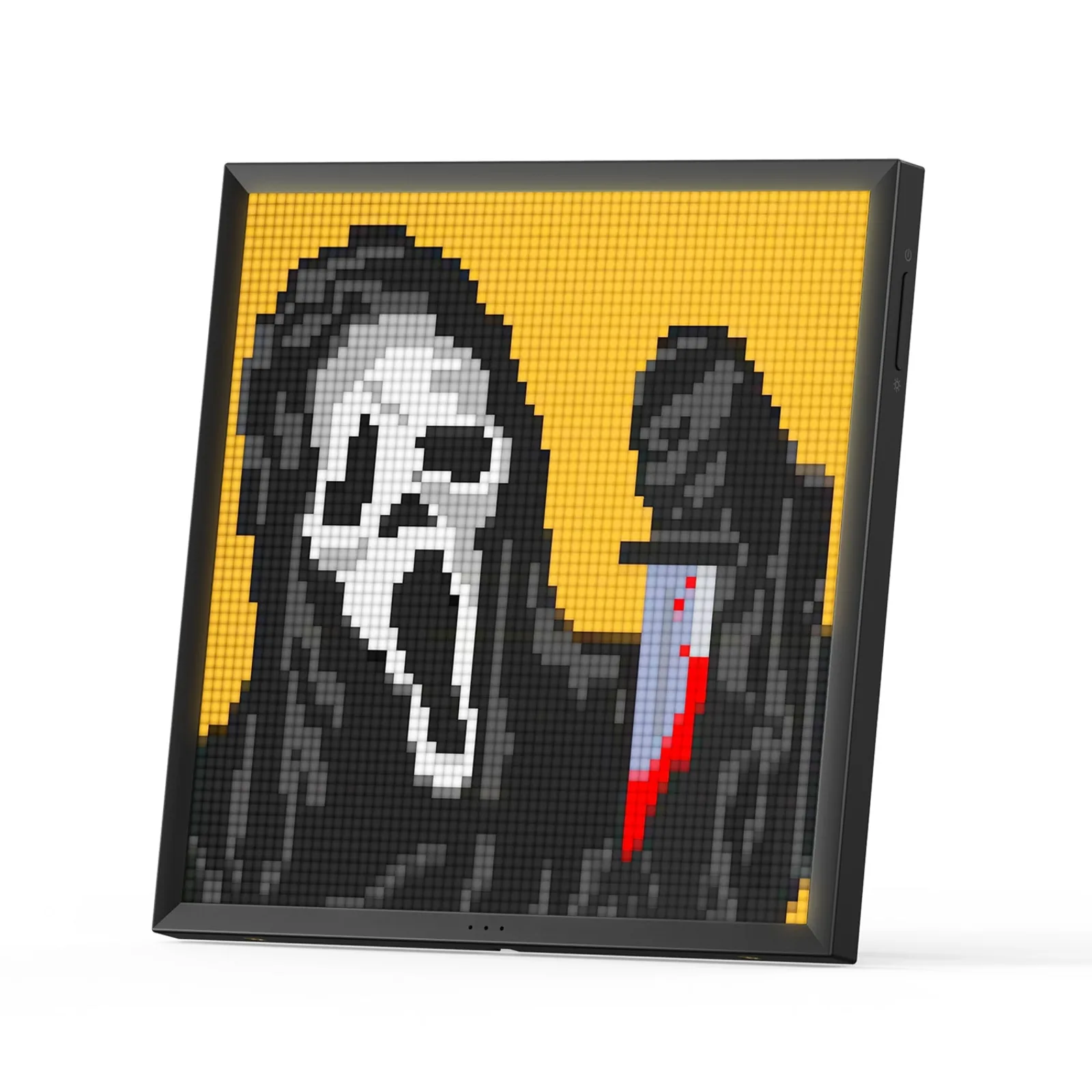
Ambient light for your desk: wall panels behind the monitor, a light column in the corner or a pixel display on the desk itself. Three constraints.
Which ambient lighting gives your desk some characterNanoleaf Lines 60°
See on AmazonLive price and availability on amazon.fr