Nothing on the wall
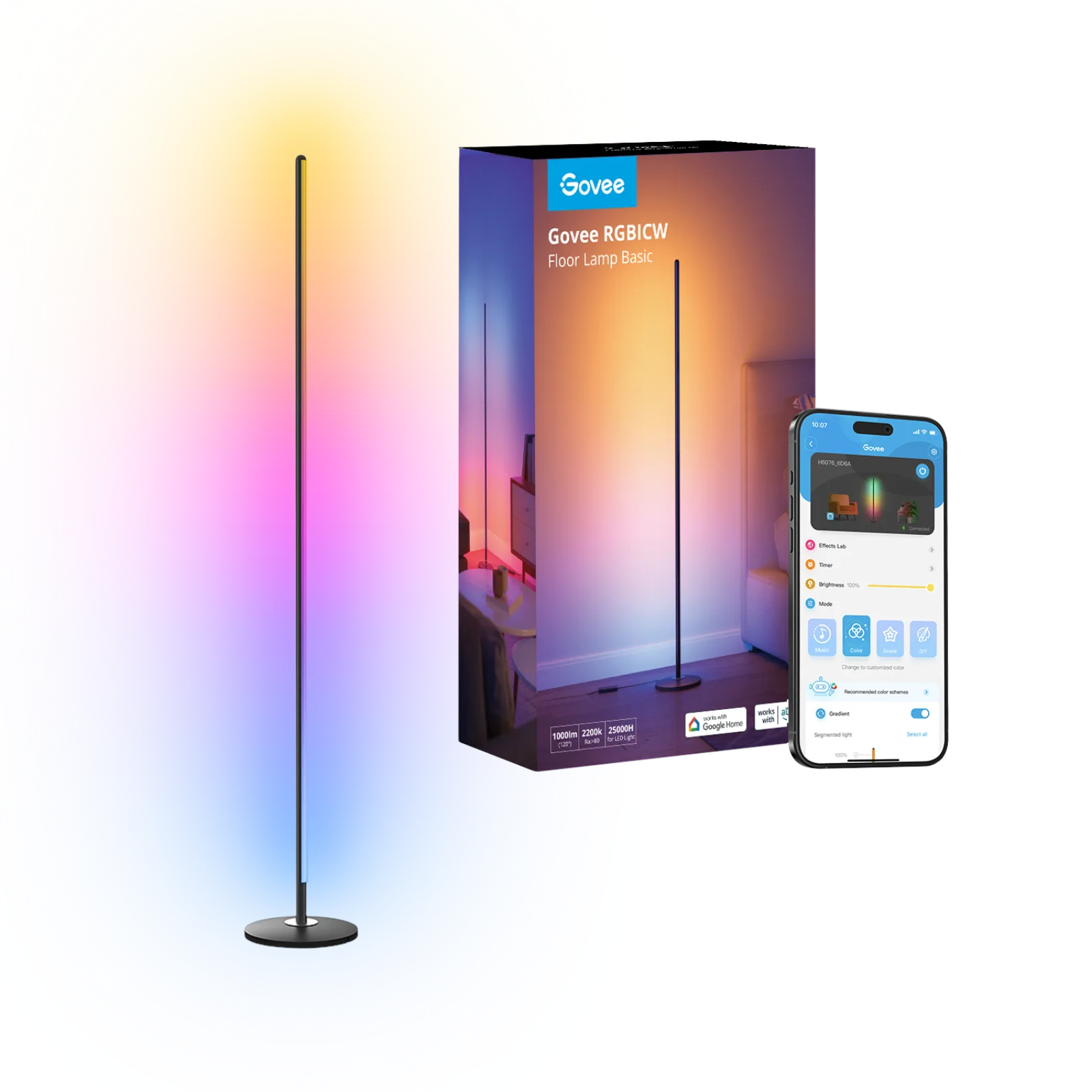
Govee RGBIC LED floor lamp H6076
Room corner next to the desk, nothing to mount
Affiliate links. Learn more
For pixel art
64 × 64 Wi-Fi pixel art display
Ideal for: Desk object, stream or video-call backdrop.
See on AmazonLive price and availability on amazon.com.be
A 10.3-inch frame with a 64 × 64 LED panel: show your own animations, the Divoom community’s, a clock or a YouTube subscriber counter.
Avoid ifYou want to show sharp photos: 64 × 64 pixels is pixel art, not a photo frame. It also stays plugged in all the time.
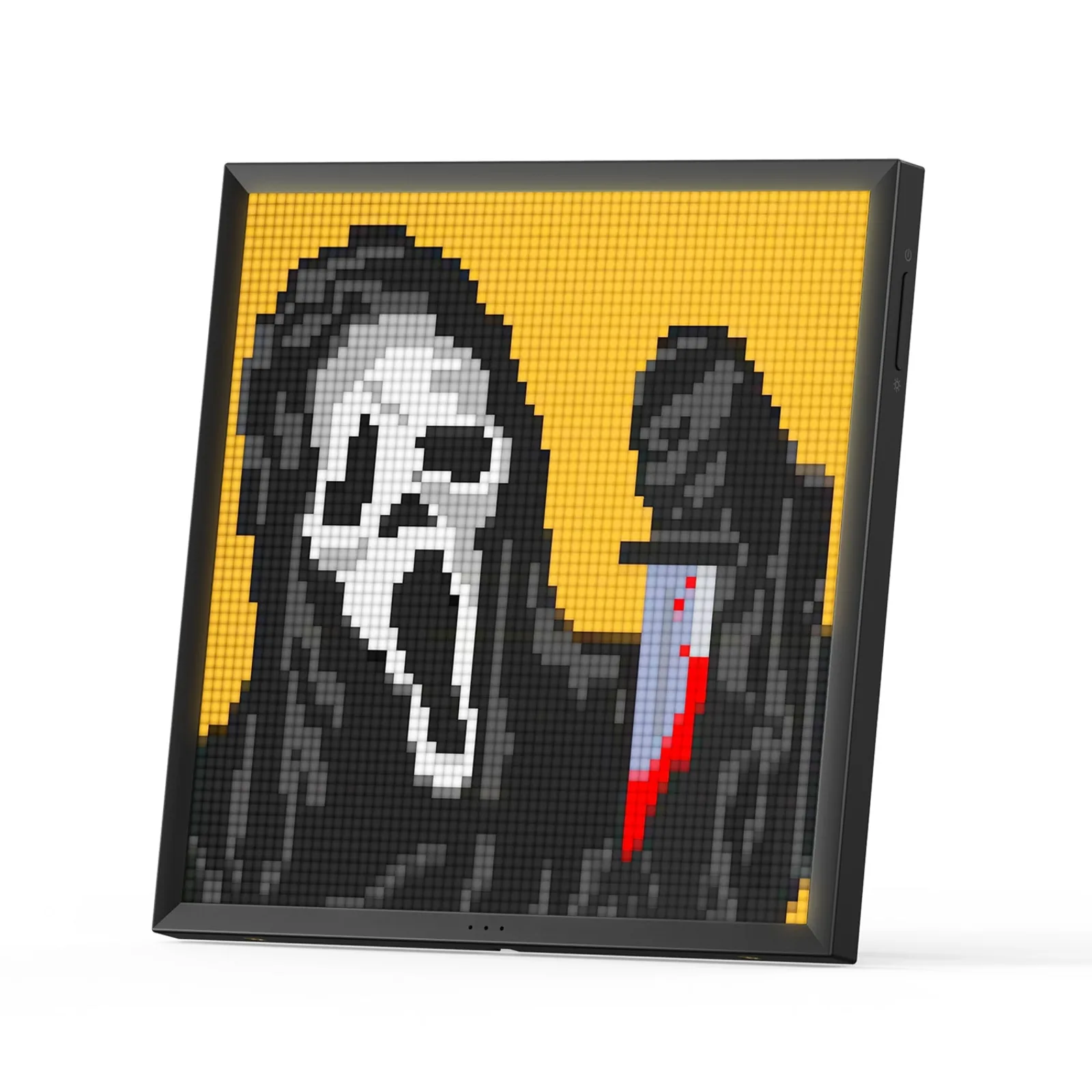
A 64 × 64 pixel screen for your animations, a clock or a counter.
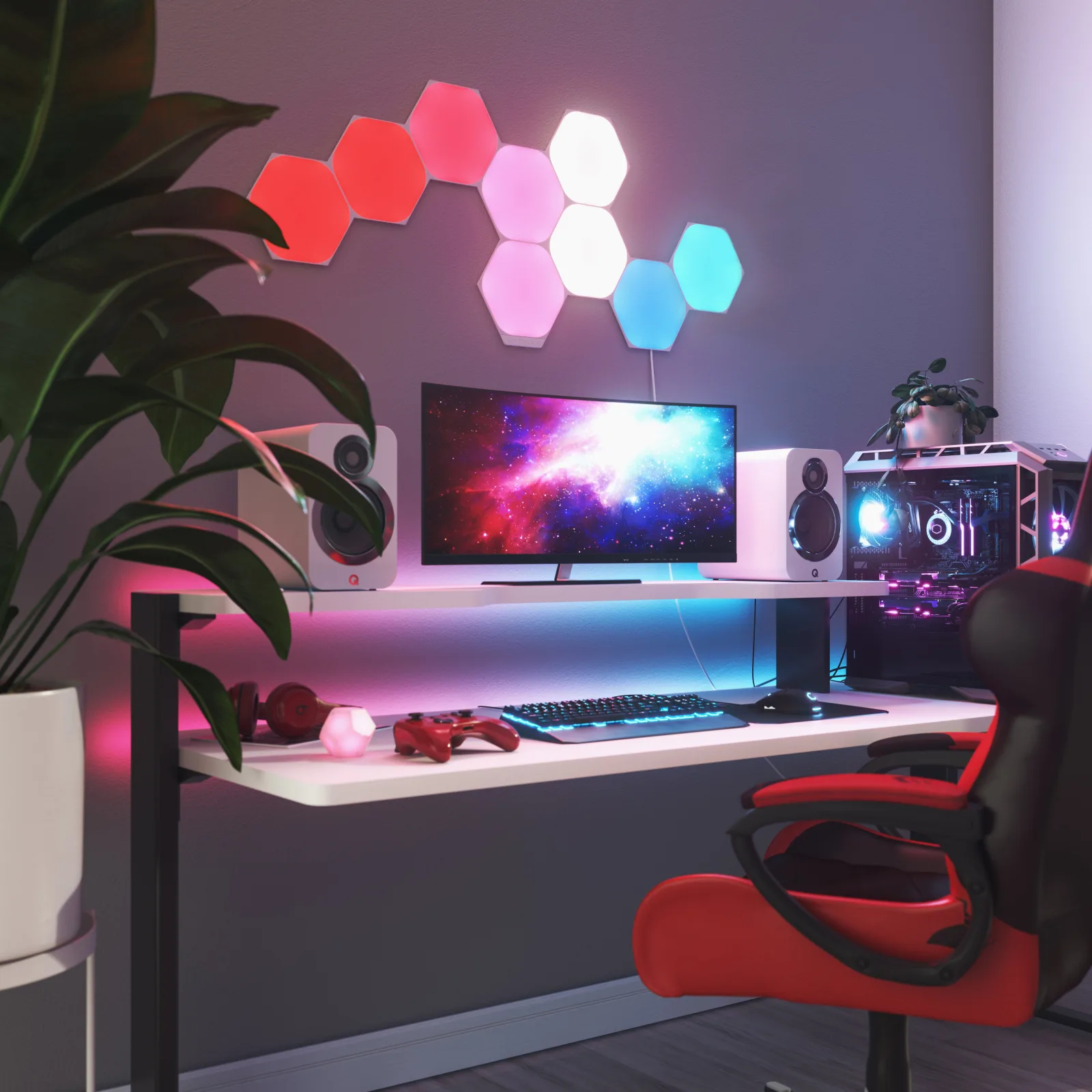
If you have a free stretch of wall behind the desk, Nanoleaf Shapes Hexagons make the backdrop on their own: nine 23 cm panels you lay out as you like, touch-sensitive, following your music or your screen.
If you do not want anything stuck to the wall, the Govee column stands in a corner and lights from top to bottom in several colours. And if you want an object rather than a light, the Divoom Pixoo-64 shows pixel art, a clock or a counter on the desk.
Read the full guideDivoom Pixoo-64
See on AmazonLive price and availability on amazon.com.be