
Nothing on the wall
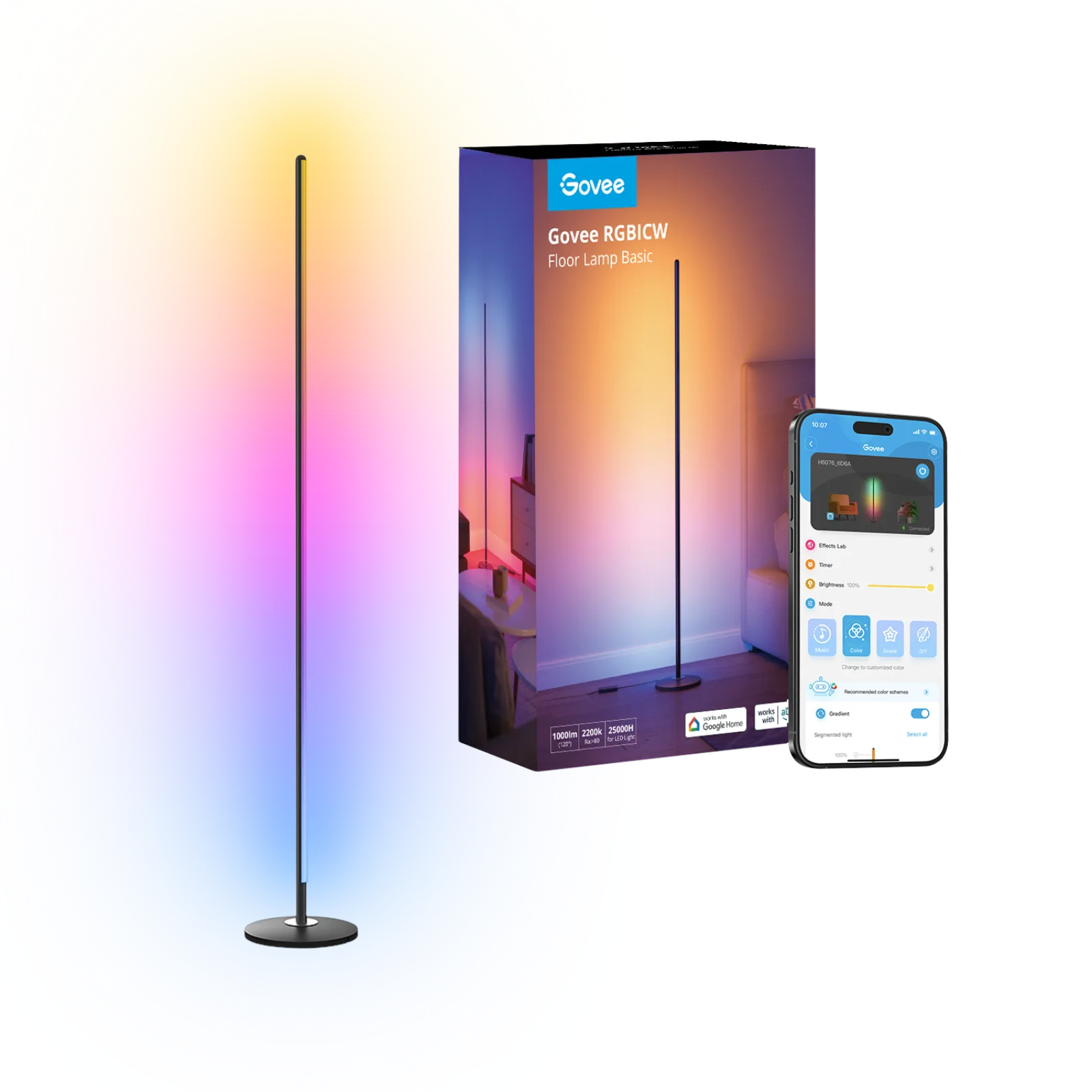
Govee RGBIC LED floor lamp H6076
The column of colour that stands in a corner, no screws or adhesive.
Affiliate links. Learn more
Desk guide · 6 min read
Ambient light for your desk: wall panels behind the monitor, a light column in the corner or a pixel display on the desk itself. Three constraints.
Our pick: Nanoleaf Shapes HexagonsSee on Amazon
Our pick
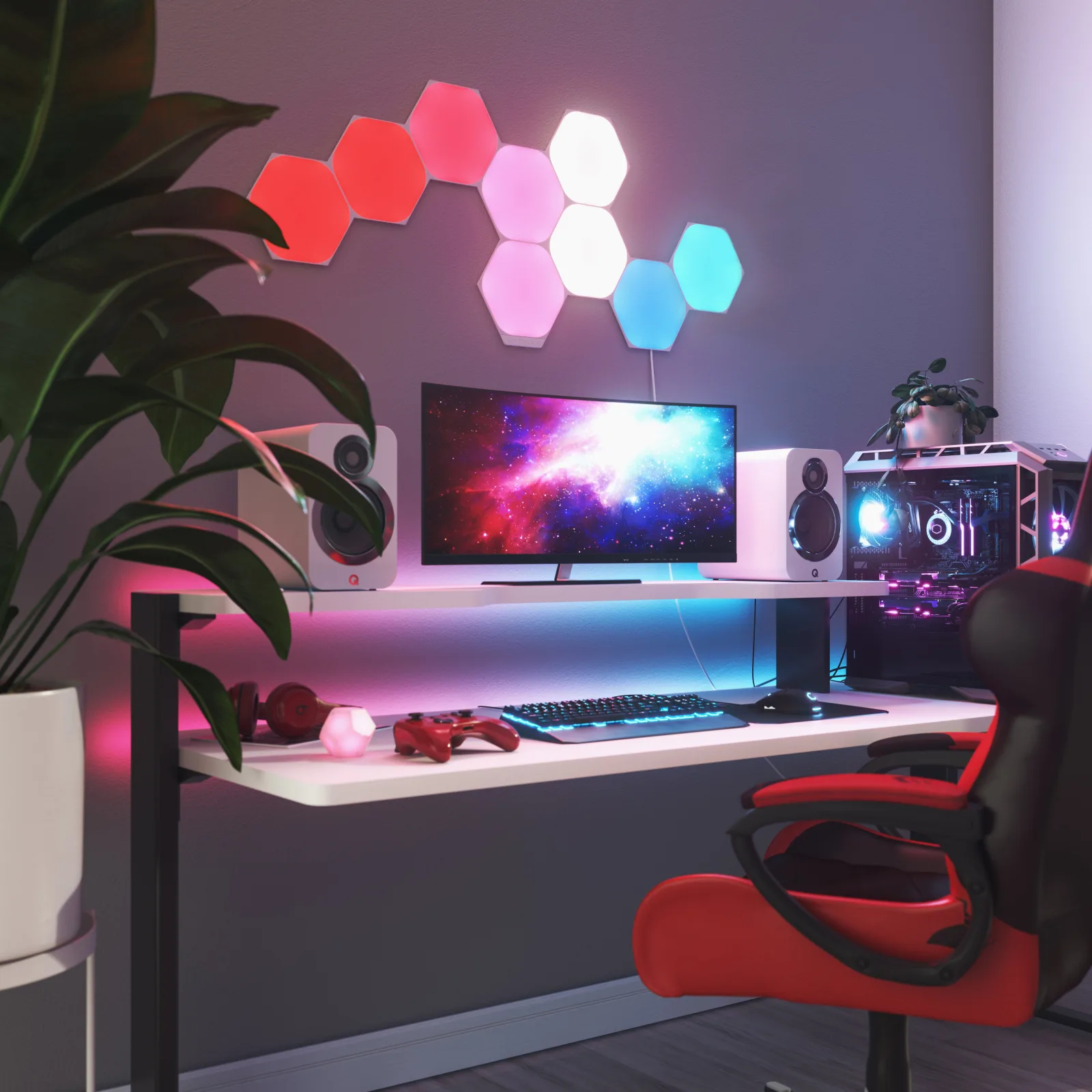
If you have a free stretch of wall behind the desk, Nanoleaf Shapes Hexagons make the backdrop on their own: nine 23 cm panels you lay out as you like, touch-sensitive, following your music or your screen.
Live price and availability on amazon.com.be
If you do not want anything stuck to the wall, the Govee column stands in a corner and lights from top to bottom in several colours. And if you want an object rather than a light, the Divoom Pixoo-64 shows pixel art, a clock or a counter on the desk.
Nothing on the wall
The column of colour that stands in a corner, no screws or adhesive.
For pixel art
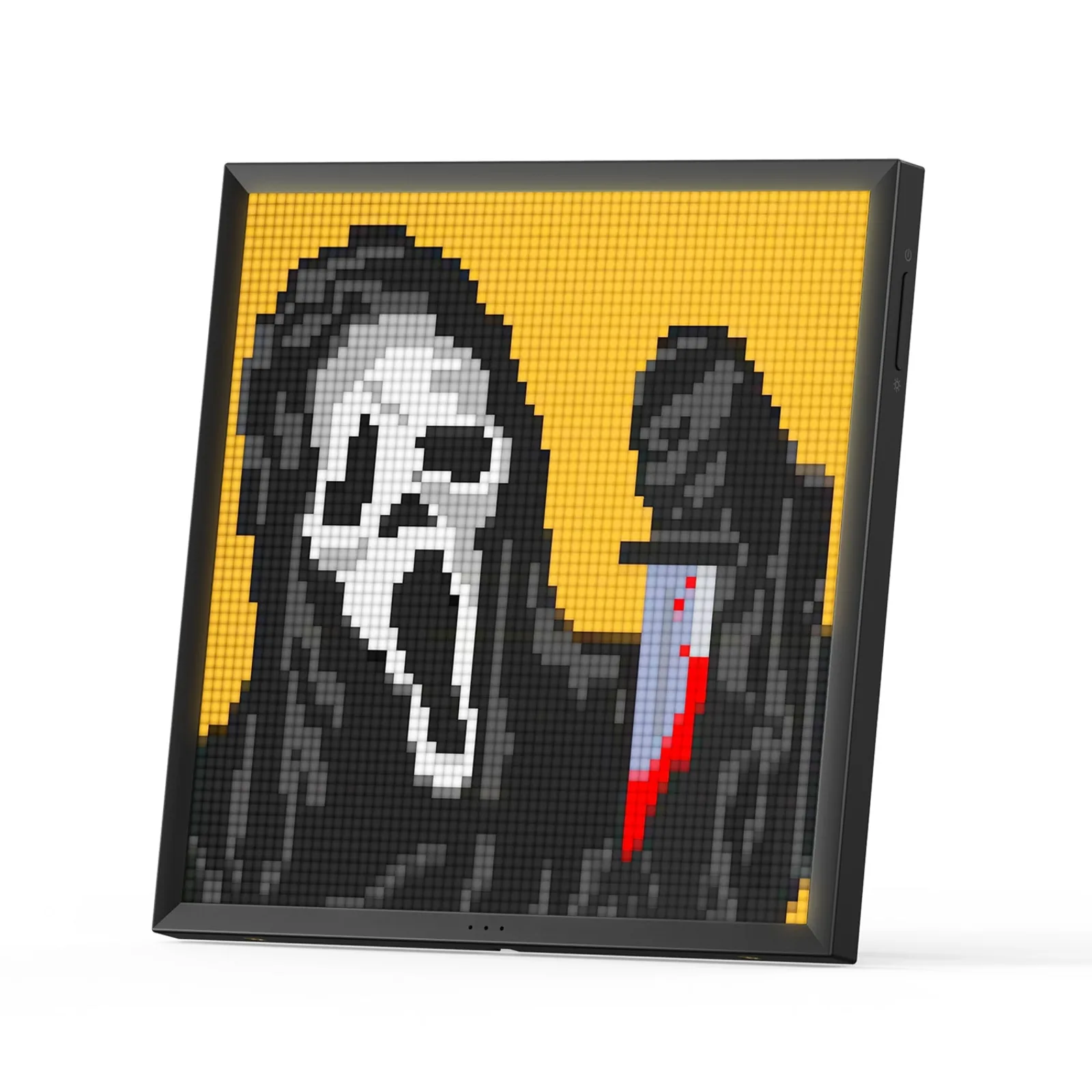
A 64 × 64 pixel screen for your animations, a clock or a counter.
| Model | Format | Light | Control | Link |
|---|---|---|---|---|
| Our pickNanoleaf — Shapes Hexagons, 9-panel starter kit | 9 panels of 23 × 20 cm, 1 cm thick once mounted, expandable | RGBW, 16 million colours, whites from 1,200 to 6,500 K, 100 lm per panel | Nanoleaf app, touch on the panels, 2.4 GHz Wi-Fi, Matter and Thread | See on Amazon |
| Nothing on the wallGovee — RGBIC LED floor lamp H6076 (black) | 136 cm floor lamp, black metal, aluminium base | RGBIC, 16 million colours, 1,000 lm in white | Govee Home app, Alexa and Google Assistant, music sync via built-in mic | See on Amazon |
| For pixel artDivoom — Pixoo-64, 64 × 64 Wi-Fi pixel art display | 10.3-inch screen, 64 × 64 pixels, 4,096 dots in all | colour LED panel, animations, clocks and counters | Wi-Fi and Divoom app, USB power by cable | See on Amazon |
A desk lit only by the screen tires you quickly: the panel is the only bright area in a dark room, and your eyes keep jumping between the two. A soft source behind the screen narrows that gap. That is the most useful job of ambient lighting, well before the decorative effect.
The rule fits in one sentence: ambient light should be visible from the room, not from your chair in the screen. A wall behind the monitor, a room corner beside the desk or an object next to the screen all work. A panel placed behind your back ends up in the display.
Wall panels turn a whole wall into a backdrop, but they stick on with adhesive plates and need a little preparation. The floor column touches nothing: you stand it in a corner and move it whenever you like. The pixel display stays on the desk and shows an image rather than a light.
None is better in absolute terms. If you rent and the landlord cares about the walls, the column avoids the conversation. If you film or stream from your desk, the panels give the camera the clearest backdrop. If your desk is already busy, one well-chosen object beats a whole wall.
With no free wall and no room corner, ambient light can sit on the desk itself. That is the job of the Divoom Pixoo-64: a 10.3-inch frame you place next to the screen, powered by a USB cable, showing an animation, a clock or a counter rather than a plain light.
The rule is the same as on the wall: beside the screen, never behind your back. And if what you are missing is light to read and write on the desk surface, an LED desk lamp will do better than ambient lighting: that is the subject of the companion guide, linked above.
Three products available on Amazon, from brands that publish a readable spec sheet, covering three distinct situations: a free wall behind the desk, a room corner with nothing to mount, and an object that decorates the desk itself.
None was tested in a lab. The characteristics quoted come from the manufacturer pages and the Amazon listings, nothing else. Each card below also says when not to choose it.
Our pick
Nine 23 × 20 cm hexagonal panels you arrange on the wall in any layout: 16 million colours, whites from 1,200 to 6,500 K, touch control and sync with music or your screen.
Avoid ifYou cannot stick anything to the wall: the panels hold with mounting plates and adhesive, and the screw kit is sold separately.
See on AmazonLive price and availability on amazon.com.be
Nothing on the wall
A 136 cm black metal column that shows several colours at once along its height, with 1,000 lumens in white and music sync through a built-in microphone.
Avoid ifYou want a lamp to light your work surface: this is a column of ambient light, not a task lamp.
See on AmazonLive price and availability on amazon.com.be
For pixel art
A 10.3-inch frame with a 64 × 64 LED panel: show your own animations, the Divoom community’s, a clock or a YouTube subscriber counter.
Avoid ifYou want to show sharp photos: 64 × 64 pixels is pixel art, not a photo frame. It also stays plugged in all the time.
See on AmazonLive price and availability on amazon.com.be
No. It softens the contrast between the screen and a dark wall, which rests your eyes in the evening, but it does not light the keyboard or the paper. Keep a desk lamp or a monitor light bar for the work surface: our LED desk lamp guide covers that part.
No, all three connect over Wi-Fi and are set up from the manufacturer’s app. The Nanoleaf panels need a 2.4 GHz network: 5 GHz alone will not do. Check that your router broadcasts it before ordering.
A warm white or a soft tint, at low intensity. Animations and bright colours are for the end of the day, gaming or a call where you want a lively background, not for eight hours of focus.