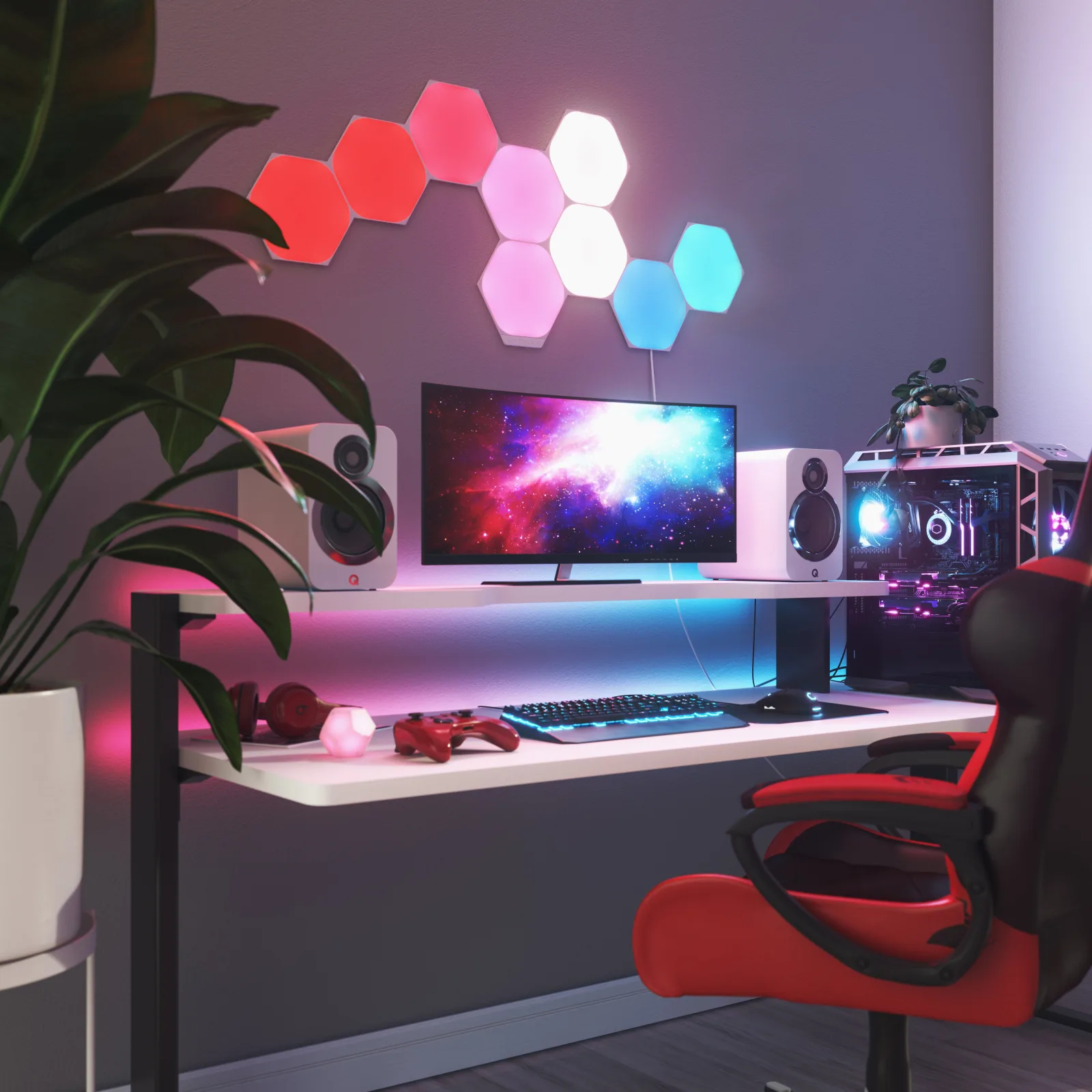
Nothing on the wall
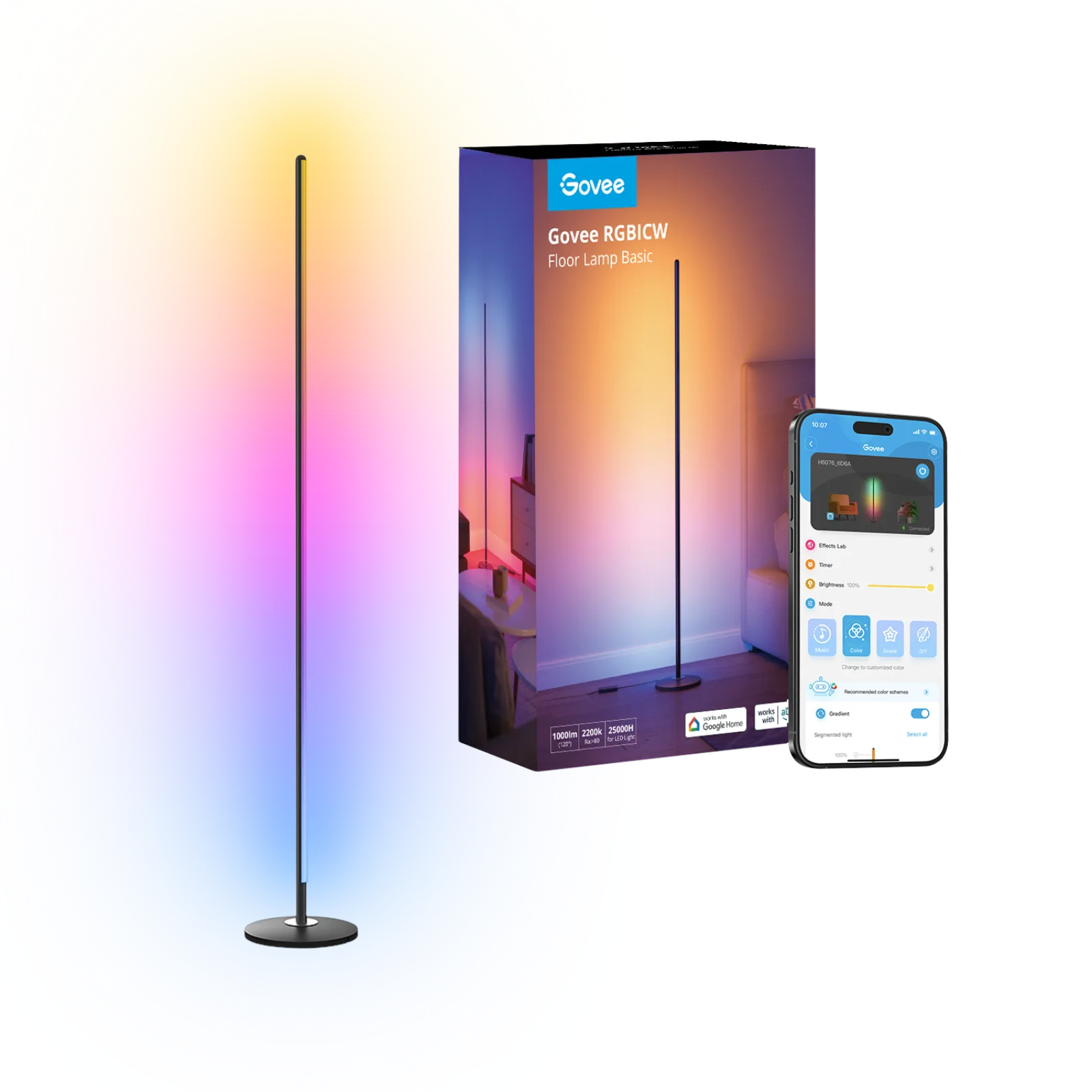
Govee RGBIC LED floor lamp H6076
Room corner next to the desk, nothing to mount
Affiliate links. Learn more
New · New
White and colour smart table lamp (black)
Ideal for: Coloured mood lighting for your desk.
See on AmazonLive price and availability on amazon.fr
The Hue Iris is a smart table lamp with a round, compact design. It washes your wall in white or coloured light and gives off a soft glow from the back. You can control it over Bluetooth without a Bridge, or add a Hue Bridge to unlock every feature.
Avoid ifSkip it if you need a task lamp for your work surface or a battery lamp you can carry around: the Iris is a mood light that stays plugged into the mains.
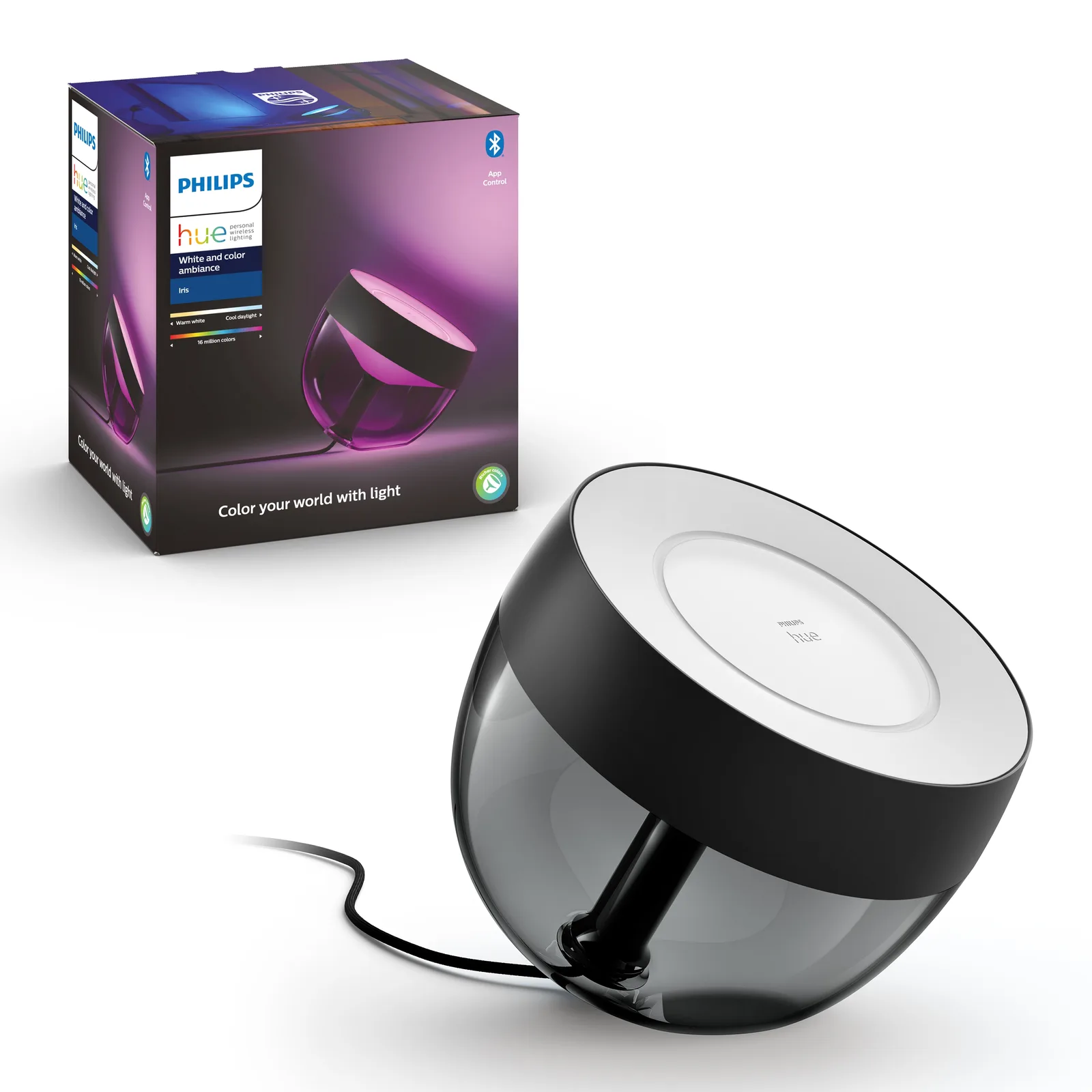
The Philips Hue Iris is a smart table lamp that bathes your wall in white or coloured light. It's for you if you want to add atmosphere to your desk or living room without fitting LED strips or wall panels. It isn't a task light: it's a round, compact mood piece you set on a shelf or desk and leave on display.
Our Philips Hue Iris review in short: this black version is one of the easiest ways into the Hue ecosystem. You can run it over Bluetooth from the Hue app with no Bridge, then add a Hue Bridge later to unlock everything. We also compare it with the battery-powered Hue Go to help you choose.
The Iris has a round shape tilted towards the wall, with a diffuser that throws light backwards and upwards. According to Philips Hue, it casts coloured light onto walls while also giving off a soft backlight. At 19.4 × 20.4 × 18.8 cm, it fits easily on a desk, shelf or bedside table.
This black version combines synthetic material and metal. It blends into a dark setup and draws less attention when it's switched off than the white one. The fabric-wrapped cord, which Signify highlighted when this generation launched, looks less like a plain electrical cable than standard plastic wire.
Without a Bridge, you pair the Iris with the Hue app over Bluetooth and set colour, brightness and scenes from your phone, or by voice with Alexa or Google Home. According to Signify, Bluetooth control is designed for a single room. For a mood light behind your monitor or in a corner of the lounge, that's often enough.
With a Hue Bridge, the Iris switches to Zigbee. It then joins your other Hue lights in routines, automations and integrations such as Apple HomeKit, Matter, SmartThings and Sonos, all listed as compatible by Philips Hue. It works without Wi-Fi and can also be dimmed with a Hue remote, sold separately.
According to Philips Hue, the Iris delivers up to 570 lm at 4000 K and 520 lm at 2700 K from 8.1 W. In white mode it ranges from 2000 K (very warm) to 6500 K (cool), with a CRI above 80, and it also produces coloured light (RGBW). The brand rates its lifetime at 25,000 hours.
It weighs 874 g, runs on mains power through the supplied adapter, and the cable is about 2 m long. It's rated IP20, so it's for indoor use only. Philips Hue promises software support for at least 60 months from launch and a 2-year warranty.
The Hue Go is the portable lamp in the range: it has a battery and moves from room to room. The Iris stays plugged in. In return, it never needs charging and its diffuser is designed to throw light onto the wall, which makes it real ambient lighting behind a screen or TV unit.
If you want a fixed desk lamp that colours the wall behind your monitor every time you switch it on, go for the Iris. If you want to take your light onto the terrace or between rooms, the Go makes more sense.
The Iris suits you if you want a first smart lamp that looks good and is easy to set up, to give your desk, living room or bedroom some character. It's also a good alternative to wall-mounted light panels if you'd rather not stick anything on your walls.
Look elsewhere if you need a lamp for reading or working: it lights the wall, not your keyboard. It's also not for outdoor use (IP20) or for anyone who wants a cordless lamp. And for advanced automations, budget for a Hue Bridge too.
Yes. The Iris connects to the Hue app over Bluetooth and works with Alexa or Google Home voice control without a Bridge. According to Philips Hue, the Bridge unlocks the full range of smart lighting features, such as advanced automations and remote access.
According to Philips Hue, the Iris puts out up to 570 lumens at 4000 K and 520 lumens at 2700 K from 8.1 W. That brightness is meant for mood lighting and lighting up the wall, not for lighting a work surface.
Philips Hue lists Apple HomeKit and Matter among the Iris's compatible platforms. In practice, these integrations run through the Hue Bridge, which links the lamp over Zigbee to your smart home setup.
The Hue Go runs on a battery and is portable, while the Iris stays plugged into the mains. The Iris is designed to throw coloured light onto the wall behind it, which makes it ideal as a fixed mood lamp on a desk or sideboard.
As mood lighting behind your monitor, yes: it colours the wall and softens the contrast. As a task light, no: it doesn't direct light onto your work surface. For that, a LED desk lamp with an arm or a monitor light bar is the better choice.
Ambient light for your desk: wall panels behind the monitor, a light column in the corner or a pixel display on the desk itself. Three constraints.
Which ambient lighting gives your desk some characterPhilips Hue Iris
See on AmazonLive price and availability on amazon.fr