For a small desk
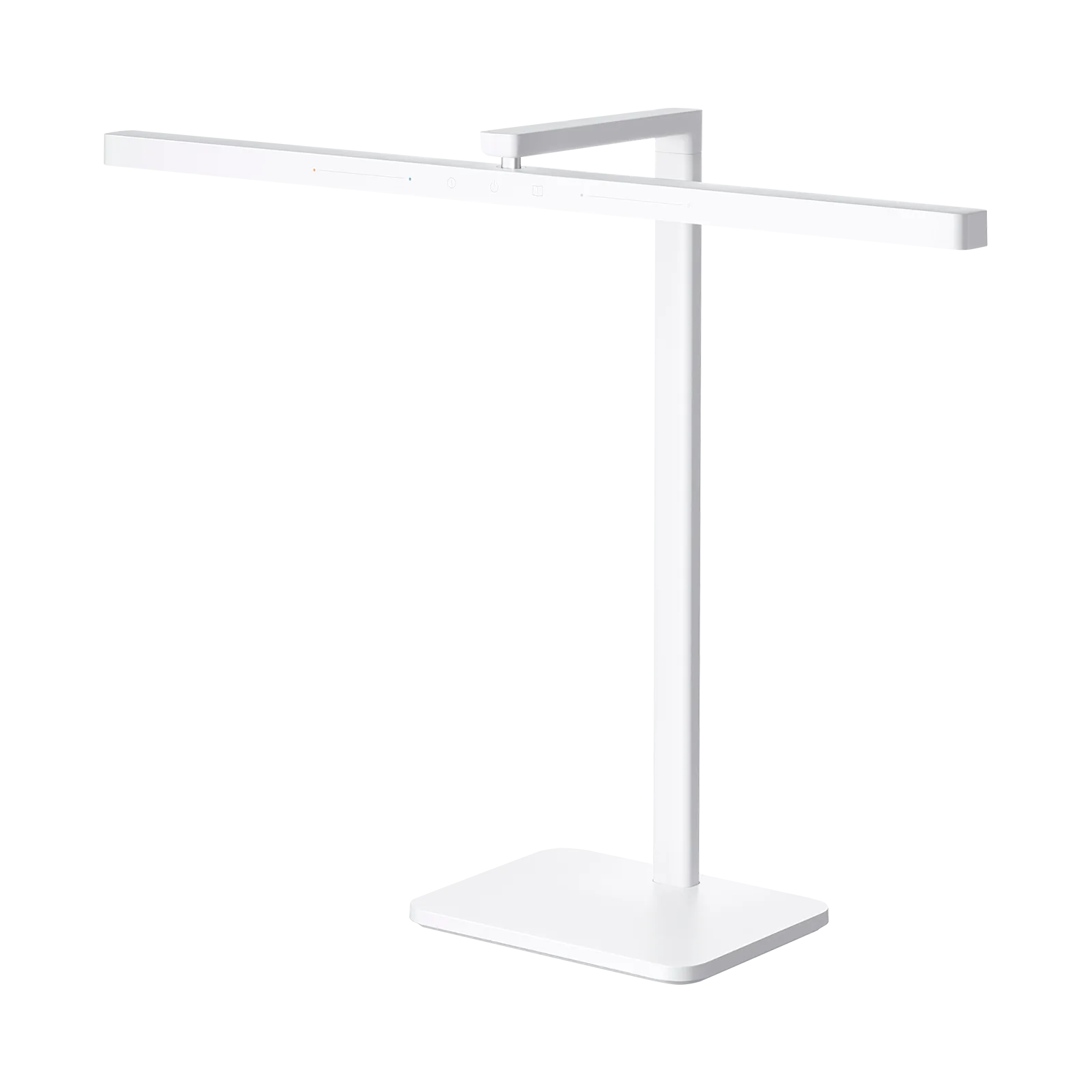
Xiaomi LED Desk Lamp 2
Small desk, laptop slid underneath
Affiliate links. Learn more
New · New
Wi-Fi LED panel for video calls and streaming
Ideal for: Clean light for calls and streaming.
See on AmazonLive price and availability on amazon.com
A 2,800-lumen LED panel, adjustable from 2,900 to 7,000 K, controlled over Wi-Fi and fixed to your desk with a clamp. It lights your face cleanly for calls, streams and video, with no desk-lamp glare.
Avoid ifSkip it if you only need reading light or mood lighting: it is a face-lighting panel with a desk clamp and mains power. If your desk is very narrow or has no edge for the clamp, a more compact model such as the Key Light Mini makes more sense.
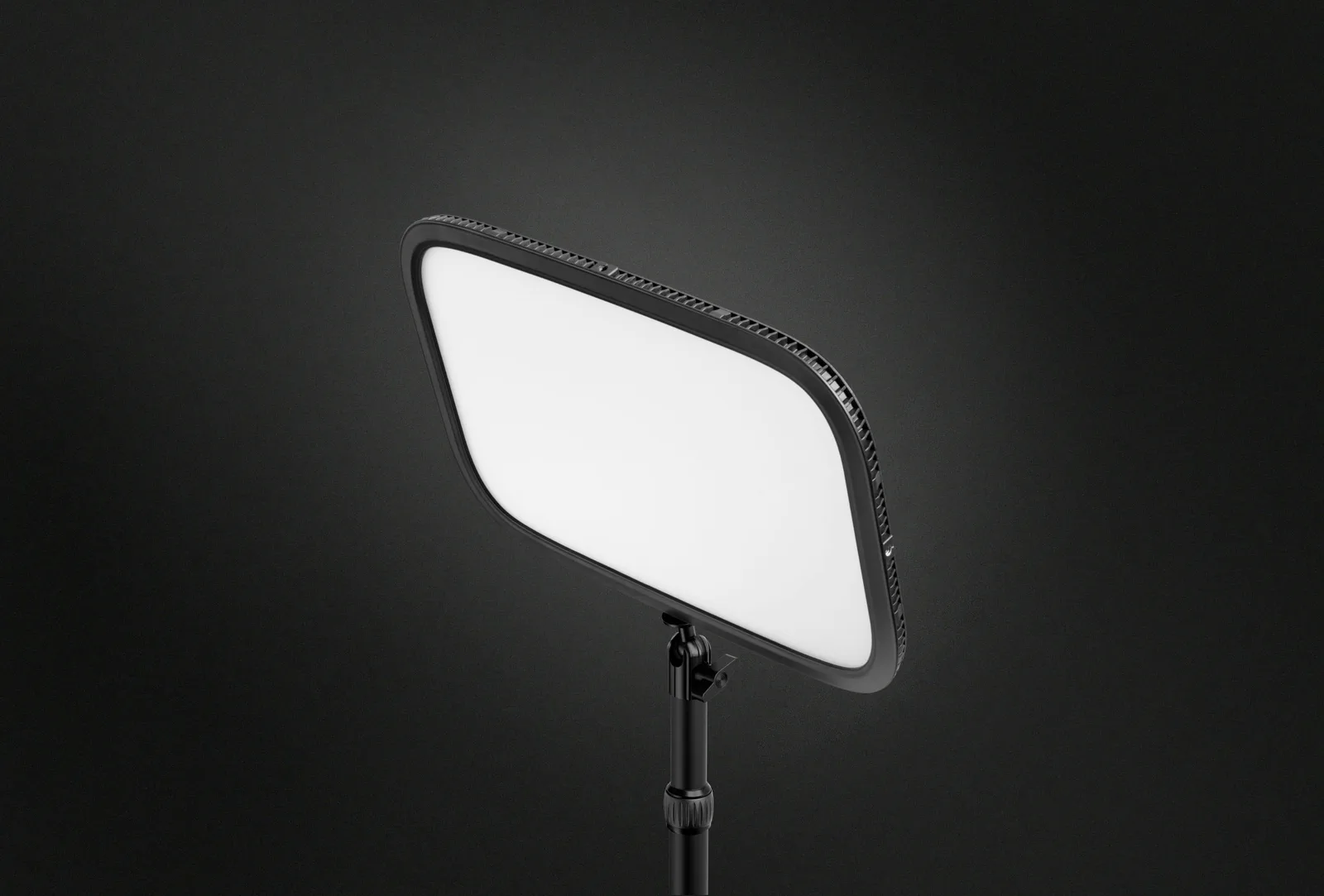
The Elgato Key Light is a Wi-Fi LED panel that clamps to your desk and lights your face for video calls, streaming and filming, for anyone who wants a clean image without building a studio. According to Elgato, it delivers 2,800 lumens, with colour temperature adjustable from 2,900 to 7,000 K.
If you are looking for an Elgato Key Light review before setting it up at home in Belgium, here is the short version: it is a sober object meant to sit on a tidy desk and be controlled from your computer or phone. Below: what it looks like, how it fits into daily use, and who it is (or is not) for.
The Key Light is a rectangular 350 × 250 mm panel on a height-adjustable arm. The look stays simple: a light-emitting face and a slim frame, nothing that screams studio gear.
It attaches with a padded desk clamp that opens up to 60 mm, according to Elgato. On a tidy desk it sits above or beside your screen and is easy to move out of the way between calls.
You set brightness and colour temperature from your computer (Windows, macOS) or phone (iOS, Android) and keep your preferred setting from day to day. Elgato also lists Stream Deck compatibility, so you can control the light with one key press.
In practice you can go from a warm 2,900 K glow for a soft look to a cool 7,000 K light to compensate for a dim room. That helps with work calls, but also with tutorials and streaming.
According to Elgato: 2,800 lumens, adjustable; colour temperature 2,900 to 7,000 K; up to 45 W through the supplied power adapter; Wi-Fi 2.4 GHz and 5 GHz. The panel measures 350 × 250 mm and the whole unit weighs 1.3 kg.
The arm height adjusts from 55 to 125 cm. You therefore need a desk edge where the clamp can tighten, plus a power outlet nearby, since the light runs on mains power.
It suits people who spend a lot of time on video calls, stream or film: the image gain comes from the light, not from a pricier camera. It is also a good pick if you want a neat, coherent desk setup.
Skip it if you just want a lamp for reading or working: a desk lamp or a monitor light bar does that better. If space is tight, look at a smaller panel instead.
Yes, if you take many video calls and your room is short on light: adjustable front lighting changes the image more than a new webcam. According to Elgato, it delivers 2,800 lumens and adjusts from 2,900 to 7,000 K. If you only have a few calls a month, it is probably more than you need.
It uses a padded desk clamp that opens up to 60 mm, according to Elgato. The arm height then adjusts from 55 to 125 cm. You need an accessible desk edge and a power outlet.
Yes. It connects over Wi-Fi 2.4 GHz or 5 GHz and is controlled from Windows, macOS, iPadOS, iOS and Android. It also works with Stream Deck, according to Elgato.
The Key Light is the larger 2,800-lumen panel for stronger face lighting. The Key Light Mini is a more compact, portable version listed at 800 lumens in its Amazon title. Pick the Mini if space is limited or you travel with your gear.
Technically yes, since the light is adjustable, but it is not designed for that. It is a panel for lighting your face on camera. To light your work surface without screen glare, a LED desk lamp or monitor light bar is a better fit.
A well-placed lamp lights the keyboard and the page without showing up in the panel. Three lamps, three situations.
Which LED desk lamp lights the desk without reflecting in the screenElgato Key Light
See on AmazonLive price and availability on amazon.com