If your wrist hurts
Logitech Lift
Wrist that aches by the end of the day
Affiliate links. Learn more
New · New
Wireless ergonomic vertical mouse (graphite)
Ideal for: Easing wrist strain when working from home.
See on AmazonLive price and availability on amazon.com.be
The vertical mouse in Logitech’s MX range. Its 57° angle puts your hand in a handshake position to take strain off your wrist during long days at the computer.
Avoid ifSkip it if you have small hands: Logitech designs it for medium to large hands. Look elsewhere too if you want lots of programmable buttons or a horizontal scroll wheel.
1 / 4
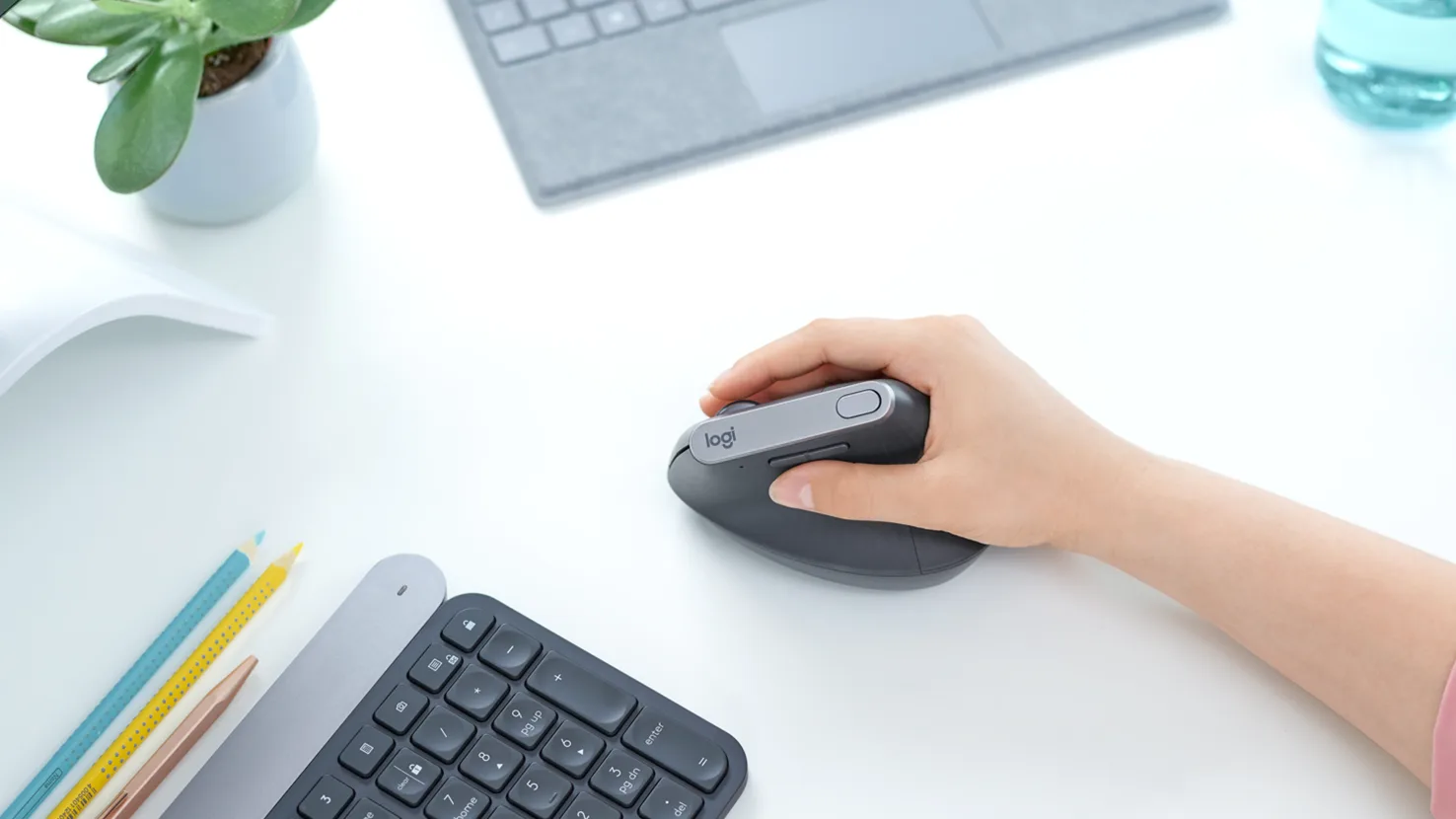
The Logitech MX Vertical is a wireless vertical mouse, tilted at 57°, made for people who spend their days at a computer and are starting to feel it in their wrist. Instead of resting your hand flat, you hold it as if shaking someone’s hand, and that posture is what reduces tension in the forearm.
It belongs to Logitech’s premium MX office range and brings the essentials with it: a sensor up to 4,000 DPI, connection to three devices and a USB-C rechargeable battery. If you are looking for an ergonomic mouse for your desk, at home or at the office, here is our review of what it offers and who it suits.
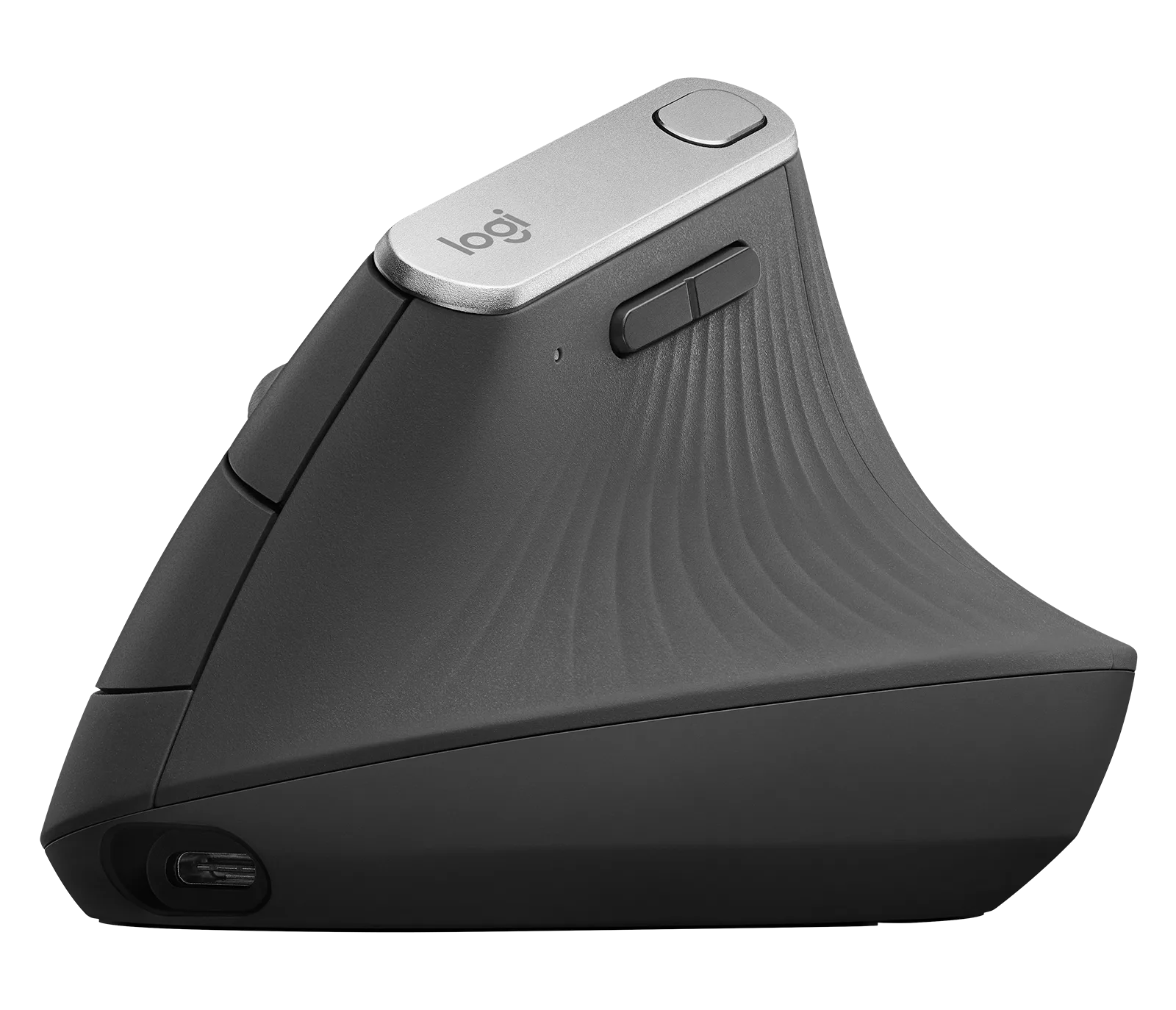
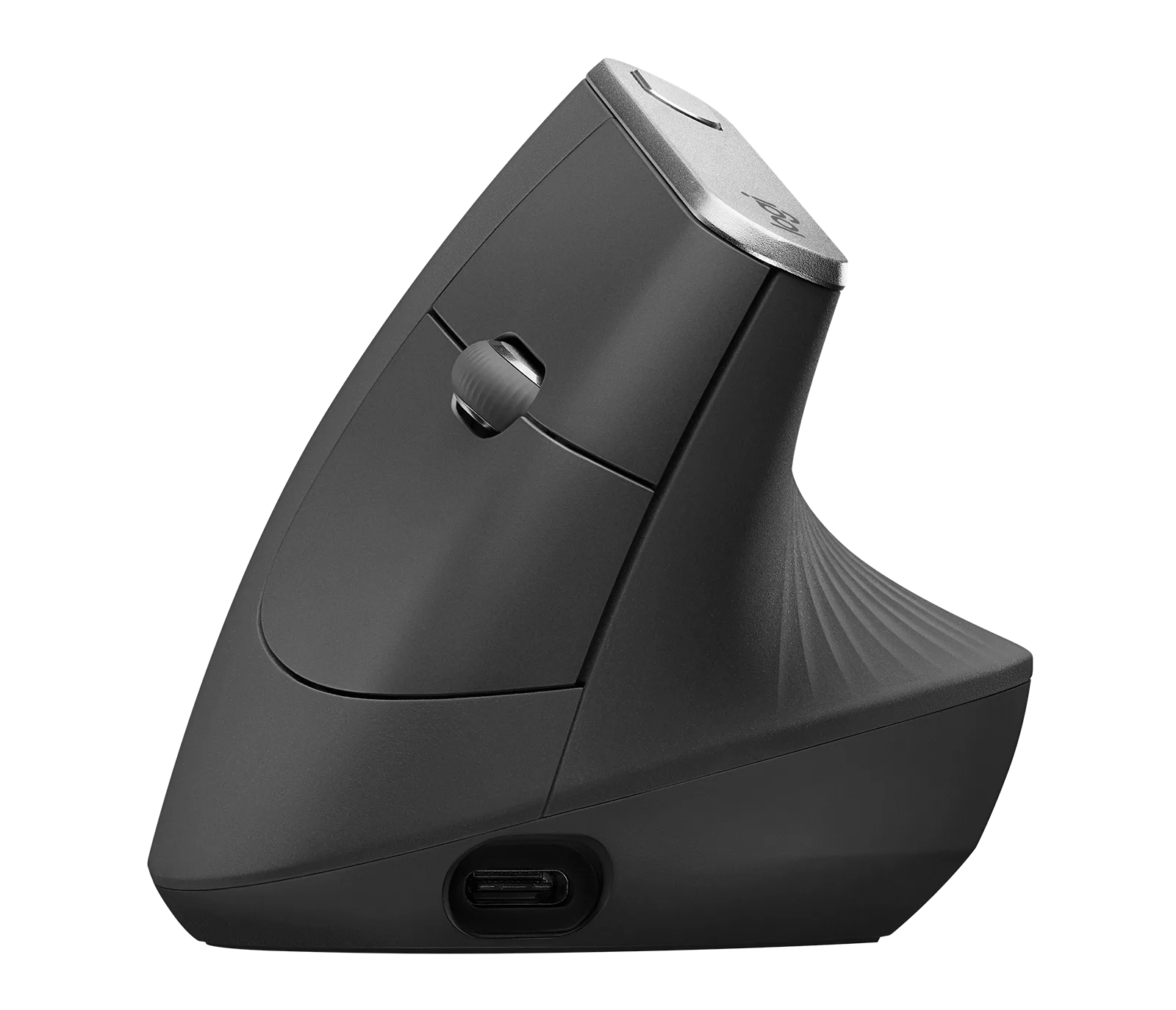
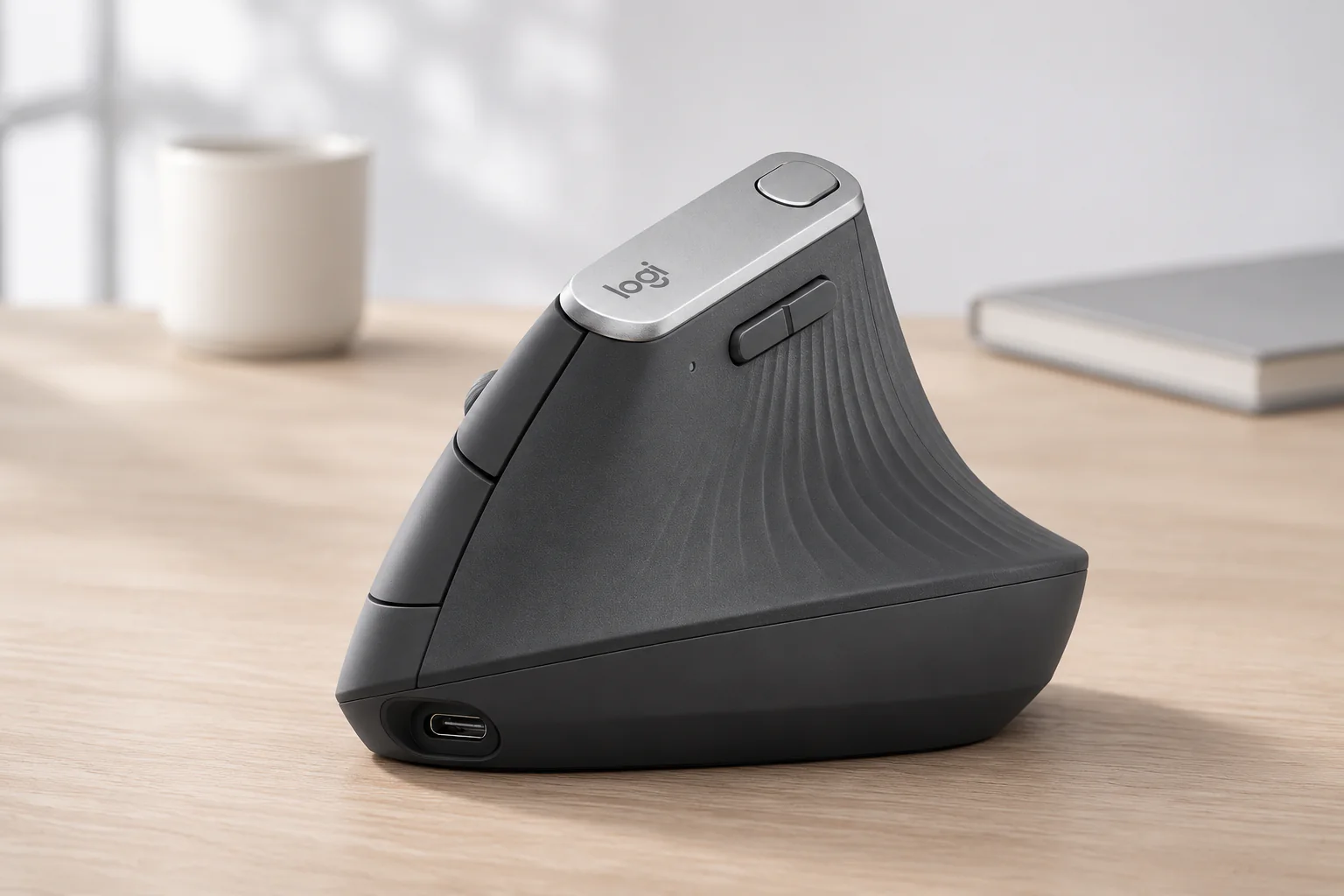
The MX Vertical looks nothing like a classic mouse. Its graphite body stands at 57° and your thumb sits in a sculpted thumb rest. Logitech finished the grip in textured rubber so your hand stays in place without squeezing.
On a desk it reads more like a small sculpted object than an office accessory. Its clean lines and dark finish pair well with an MX keyboard or a minimalist setup. It stands taller than a flat mouse but takes up no more desk space.
According to Logitech, the handshake position reduces muscular strain by 10% compared with a standard mouse, and the 57° angle reduces pressure on the wrist. Give yourself a few days to adjust: at first, fine movements come more from the arm than the fingers.
A dedicated button under your thumb changes cursor speed on the fly, which Logitech says means four times less hand movement. With the Logi Options+ app on Windows and macOS, you can tune speed, precision and what each button does.
The optical sensor adjusts from 400 to 4,000 DPI. The mouse has 4 buttons, weighs 135 g and measures 78.5 × 79 × 120 mm. It connects through the included Logitech Unifying USB receiver, over Bluetooth or with the USB-C cable, and works with PC, Mac and iPadOS.
The 240 mAh Li-Po battery lasts up to four months on a full charge, according to Logitech, and a one-minute quick charge gives about three hours of use. Easy-Switch remembers up to three devices, such as your work laptop and personal computer, and you switch between them with a single press.
The MX Vertical is aimed first at people who spend long hours on the mouse and feel discomfort in their wrist or forearm. It also suits anyone juggling several computers. Logitech designs it for medium to large hands.
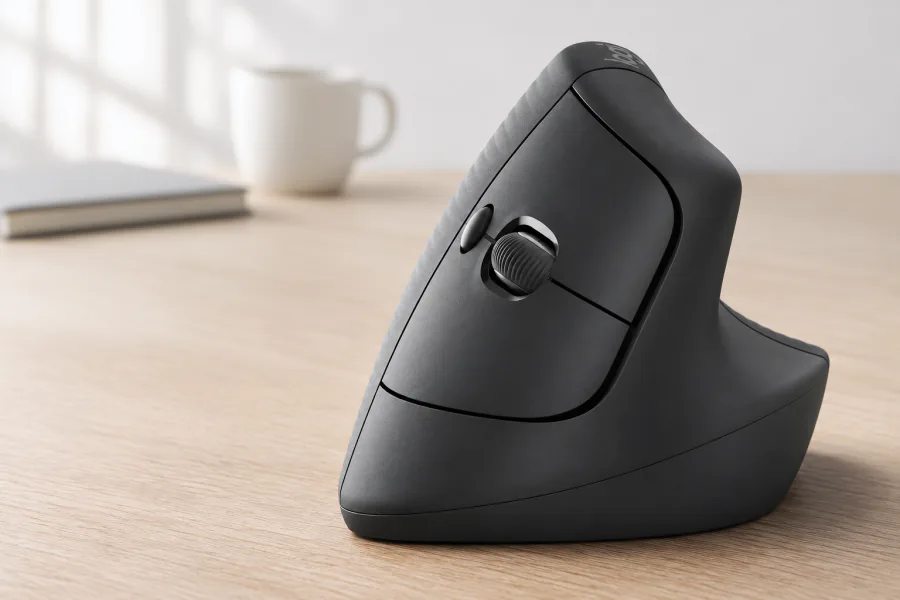
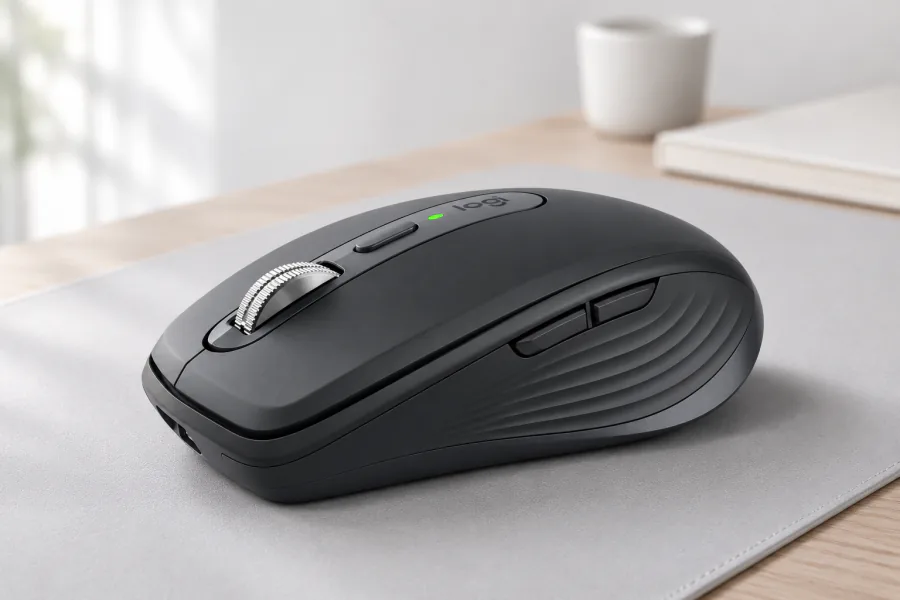
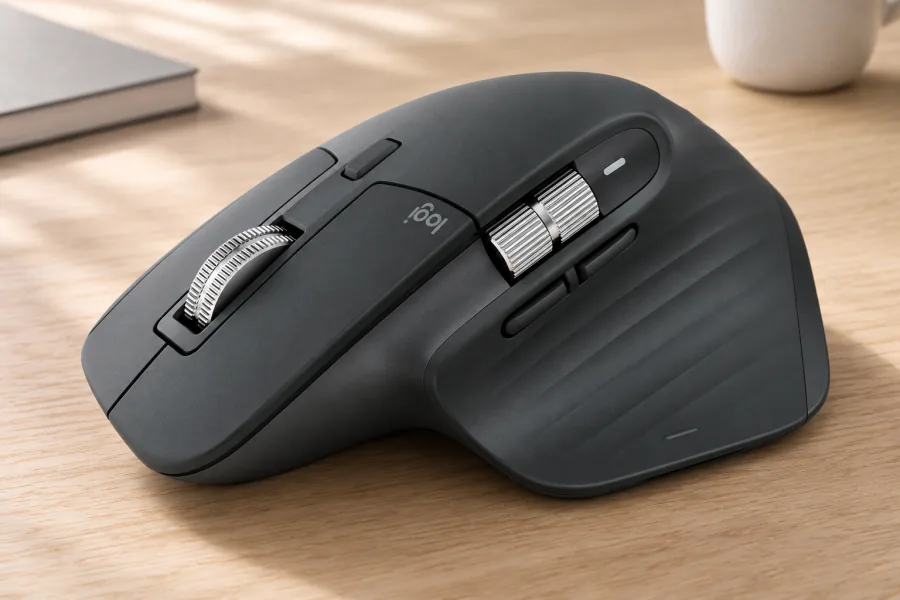
If your hands are small, look at the Logitech Lift instead, a more compact vertical mouse from the same brand. If you want a horizontal scroll wheel and plenty of buttons for creative software, a flat MX Master will be more versatile. The MX Vertical puts everything into posture.
Logitech’s two vertical mice share the same idea: raising your hand upright to relieve the wrist. The MX Vertical is the larger and more premium of the two, with a USB-C rechargeable battery, a sensor up to 4,000 DPI and a cursor speed button.
The right choice mostly comes down to hand size. For a medium to large hand that wants a full grip, go for the MX Vertical. For a smaller hand, the Lift will feel more natural. Both are available on Amazon.
According to Logitech, its handshake position reduces muscular strain by 10% and its 57° angle reduces pressure on the wrist. It is no substitute for medical advice, but it corrects the forearm twist that a flat mouse forces on you.
According to Logitech, a full charge lasts up to four months, depending on use. A one-minute USB-C quick charge gives about three hours of use, and you can keep using it while it charges over the cable.
Yes, it works with PC, Mac and iPadOS, over Bluetooth or with the included Unifying USB receiver. The Logi Options+ app, available on Windows and macOS, lets you customise the buttons and cursor speed.
Both are Logitech vertical mice, but the MX Vertical is designed for medium to large hands while the Lift is more compact. The MX Vertical charges over USB-C and goes up to 4,000 DPI. Choose mainly by the size of your hand.
Easy-Switch remembers up to three devices, and a button on the underside lets you switch between them. You can mix Bluetooth, the Unifying receiver and the USB-C cable.
The pain rarely comes from the mouse alone, but changing shape is the fastest lever. Three shapes, three uses.
Which mouse prevents a sore wrist when working from homeLogitech MX Vertical
See on AmazonLive price and availability on amazon.com.be