For typing and gaming
Keychron K2 HE Special Edition
A statement keyboard for typing by day and gaming at night
Affiliate links. Learn more
New · New
Compact backlit wireless keyboard (Rose, French AZERTY)
Ideal for: Compact typing at the desk and on the go.
See on AmazonLive price and availability on amazon.com.be
A compact wireless keyboard with no number pad, a metal build and backlighting that wakes up as your hands approach. It switches between up to 3 devices and charges over USB-C, in a Rose finish that breaks with the usual office grey.
Avoid ifSkip it if you type lots of numbers (no number pad), if you want a mechanical keyboard, if you need a specific layout (the version we point to is French AZERTY; the layout depends on the Amazon variant) or if you expected a USB receiver in the box (the Logi Bolt is sold separately).
1 / 2
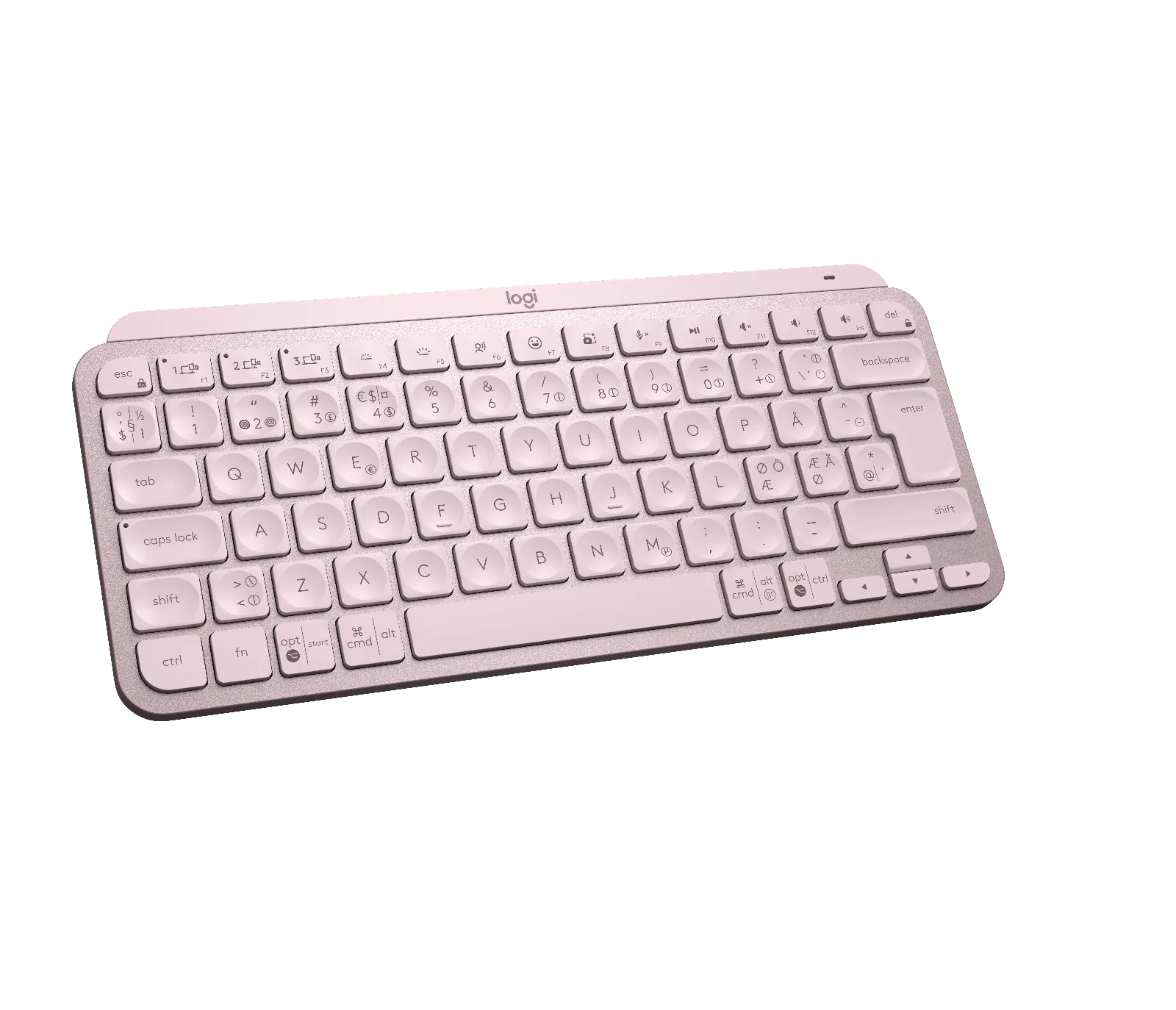
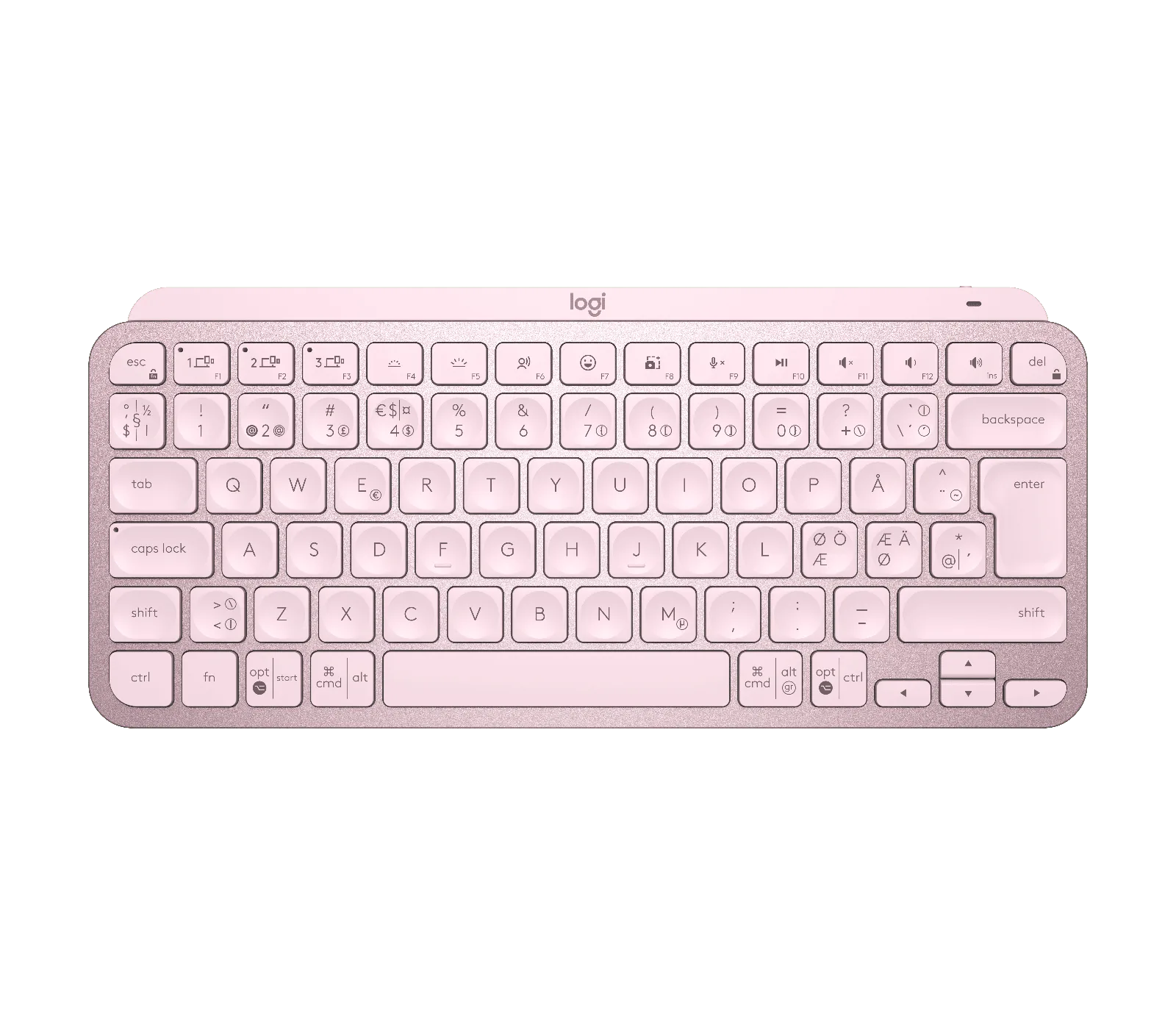
The Logitech MX Keys Mini is a compact, backlit wireless keyboard with no number pad, built for people who want a clean desk and who switch between computer, tablet and phone. In this Rose finish, it is also one of the nicest big-brand keyboards to leave on display.
This compact design keyboard brings MX-series typing to a smaller footprint: metal build, dished keys, backlighting that turns itself on and USB-C charging. Here is our Logitech MX Keys Mini review: who it suits, what it does well and when an alternative makes more sense.
The MX Keys Mini drops the number pad and keeps the essentials: 296 mm wide, 132 mm deep and 21 mm thick, according to Logitech. Your mouse sits closer to the keyboard, your shoulders stay more open and the desk feels less cluttered. The metal build gives it a solid look, far from budget plastic keyboards.
The Rose colour is what sets this version apart: subtle but confident, it pairs well with a light setup, wood or a white monitor. The keys are spherically dished, a detail Logitech highlights for guiding your fingertips, and it gives the keyboard a pleasing texture.
The backlight switches on as your hands approach and adapts to the room's light through a sensor. In practice you stop thinking about it: it lights up when you type in the evening and turns off when you walk away, which saves battery.
The MX Keys Mini remembers up to three Bluetooth devices and switches between them at the press of a key: your work PC, your personal Mac and a tablet, for instance. It works with macOS, iOS, Windows, Linux and Android. Dedicated keys start dictation, mute your mic on calls or open the emoji panel, and the Logi Options+ app lets you customise them.
According to Logitech, the 1,500 mAh Li-Po battery lasts up to 10 days on a full charge, and up to 5 months with the backlight off. It charges over USB-C. The keyboard weighs 506.4 g: heavy enough not to slide around, compact enough to go in a bag.
It connects over Bluetooth Low Energy and also works with the Logi Bolt receiver, which is not included. Paired with a Flow-compatible mouse such as the MX Master 3S or MX Anywhere 3S, you can move between computers just by moving the cursor. Logitech lists a carbon footprint of 10.78 kg CO₂e and the use of recycled plastic in some parts.
The MX Keys Mini suits you if you work at a narrow desk, move between home, office and coworking space, or spend the day switching between devices. It will also appeal to anyone who wants a big-brand keyboard that doesn't look like standard office kit.
Look elsewhere if you enter lots of numbers (accounting, spreadsheets): a full-size model like the MX Keys S will be more comfortable. If you want the feel of a mechanical keyboard, the MX Mechanical Mini is a better fit. And check the layout: the version we point to is French AZERTY, and the layout depends on the Amazon variant.
Yes, if you want a compact, backlit wireless keyboard that handles three devices. Its no-number-pad format frees up room for your mouse and makes the desk look tidier. If you type numbers often, a full-size keyboard will be more practical.
According to Logitech, the MX Keys Mini lasts up to 10 days on a full charge with backlighting, and up to 5 months without it. It recharges over USB-C and uses a 1,500 mAh Li-Po battery.
The MX Keys Mini is more compact and easier to carry, but has no number pad. The full-size MX Keys S is the better pick if you work in spreadsheets a lot. Both are backlit, wireless and work with several devices.
Yes, the MX Keys Mini works with macOS and iOS, as well as Windows, Linux and Android. It connects over Bluetooth and can remember up to three devices. The keyboard layout depends on the variant you pick on Amazon.
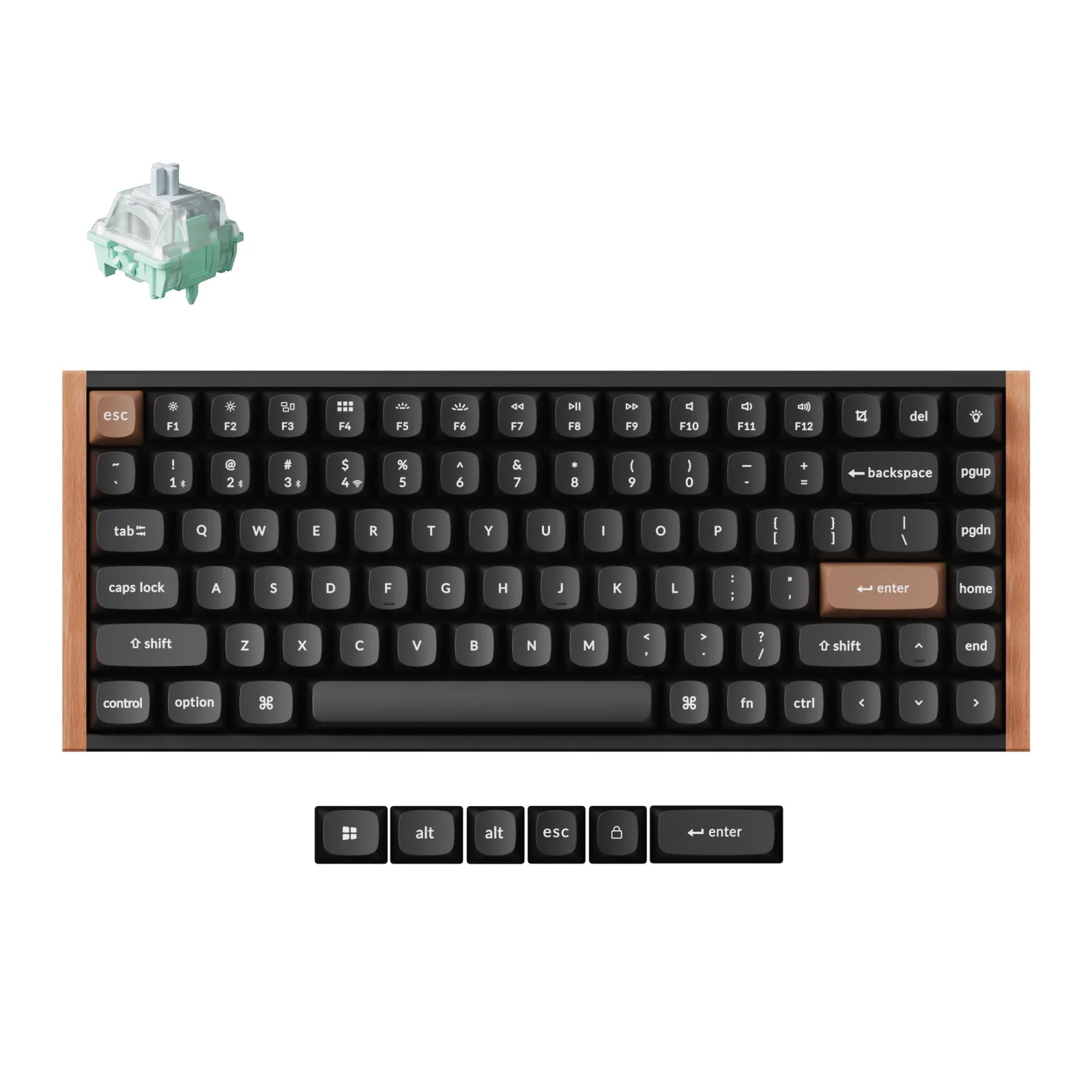
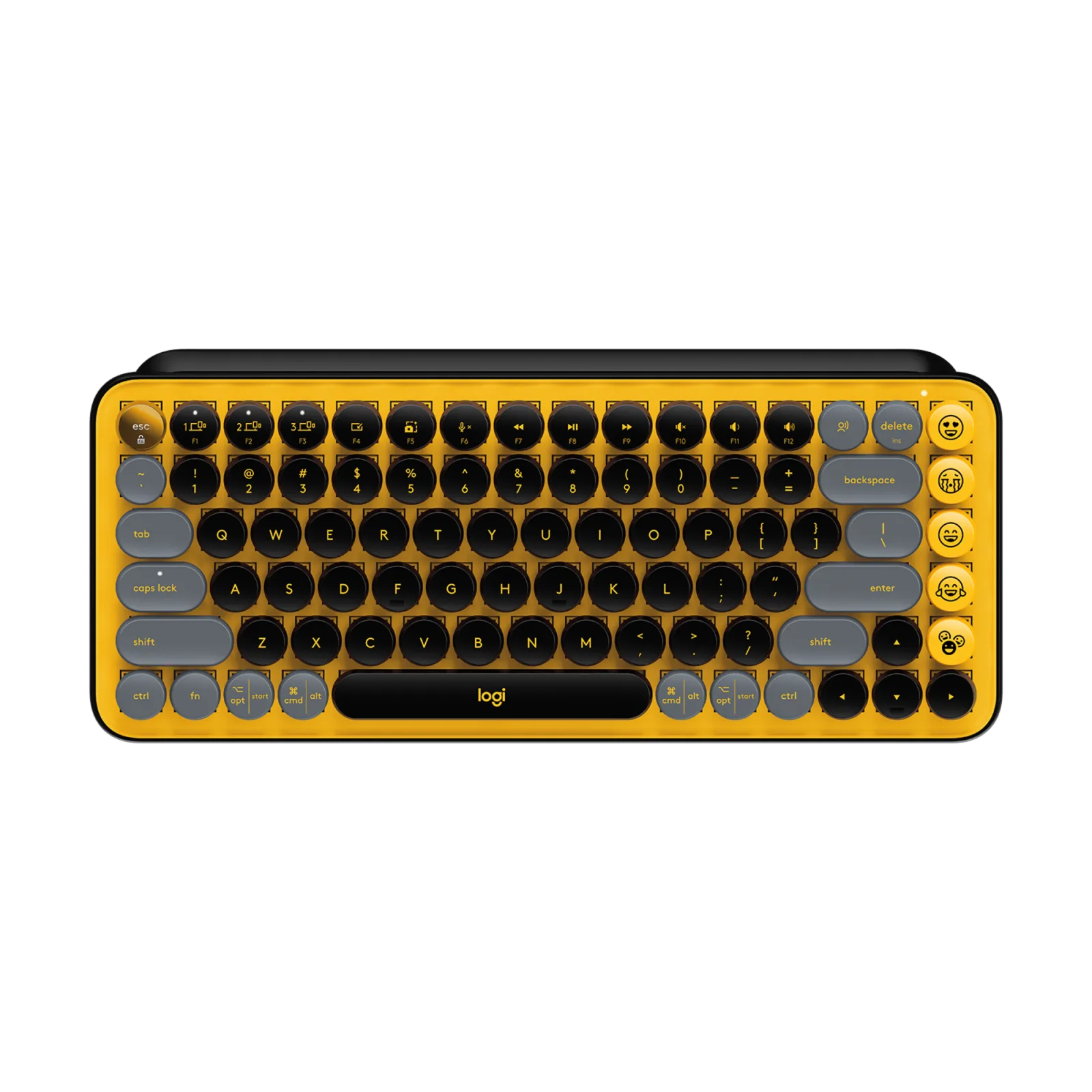
If you prefer mechanical typing, the Logitech MX Mechanical Mini or the Keychron K2 HE are two alternatives in the same compact spirit. For a more playful look, the Logitech POP Keys goes for round, colourful keys. The MX Keys Mini remains the most understated and quiet of the four.
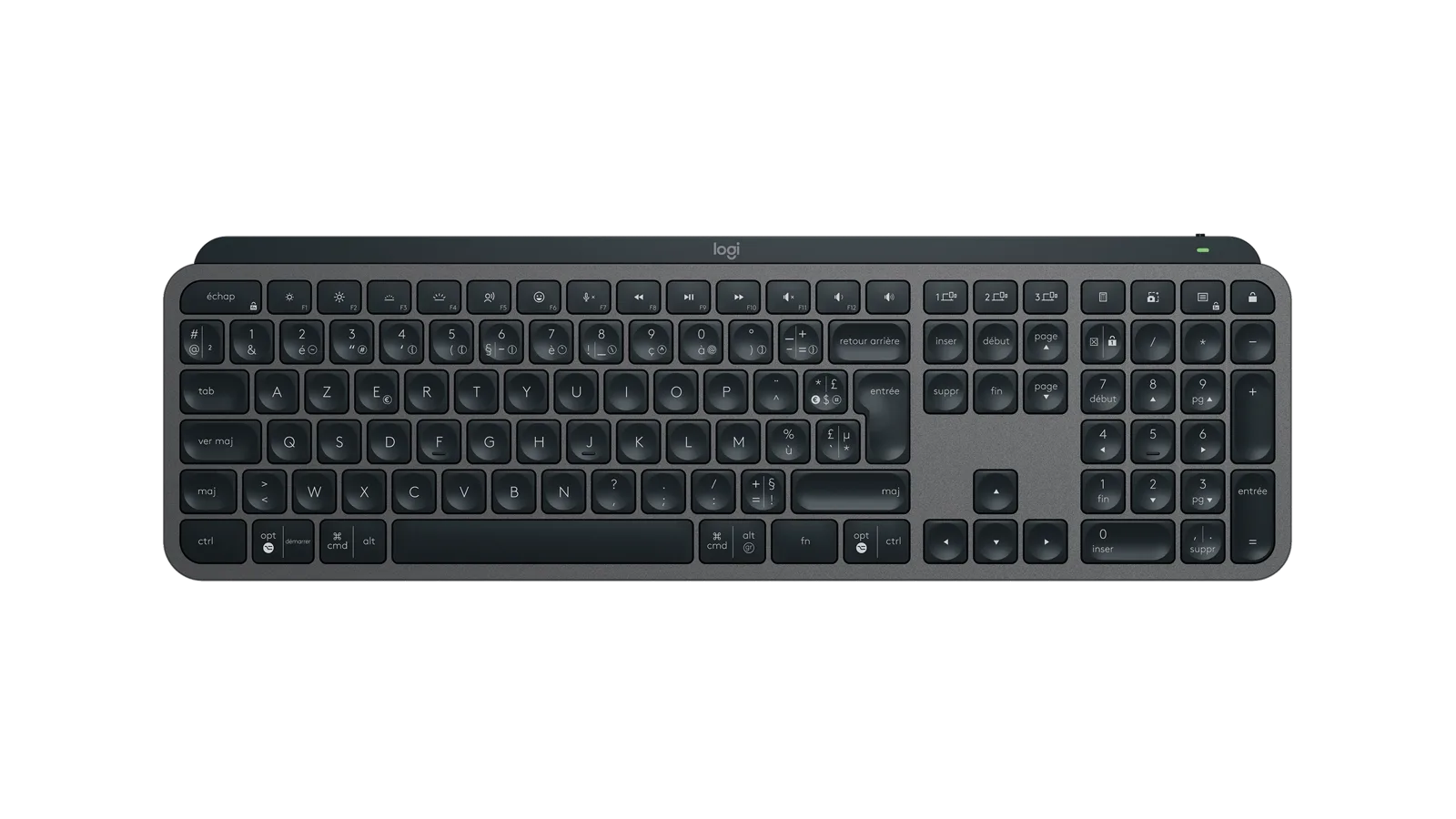
3 beautiful wireless design keyboards picked for looks and typing feel: Logitech MX Keys S, Keychron K2 HE, POP Keys. A clear use for each one.
Design keyboard: our pick of 3 beautiful wireless modelsLogitech MX Keys Mini
See on AmazonLive price and availability on amazon.com.be
For typing and gaming
A statement keyboard for typing by day and gaming at night