For typing and gaming
Keychron K2 HE Special Edition
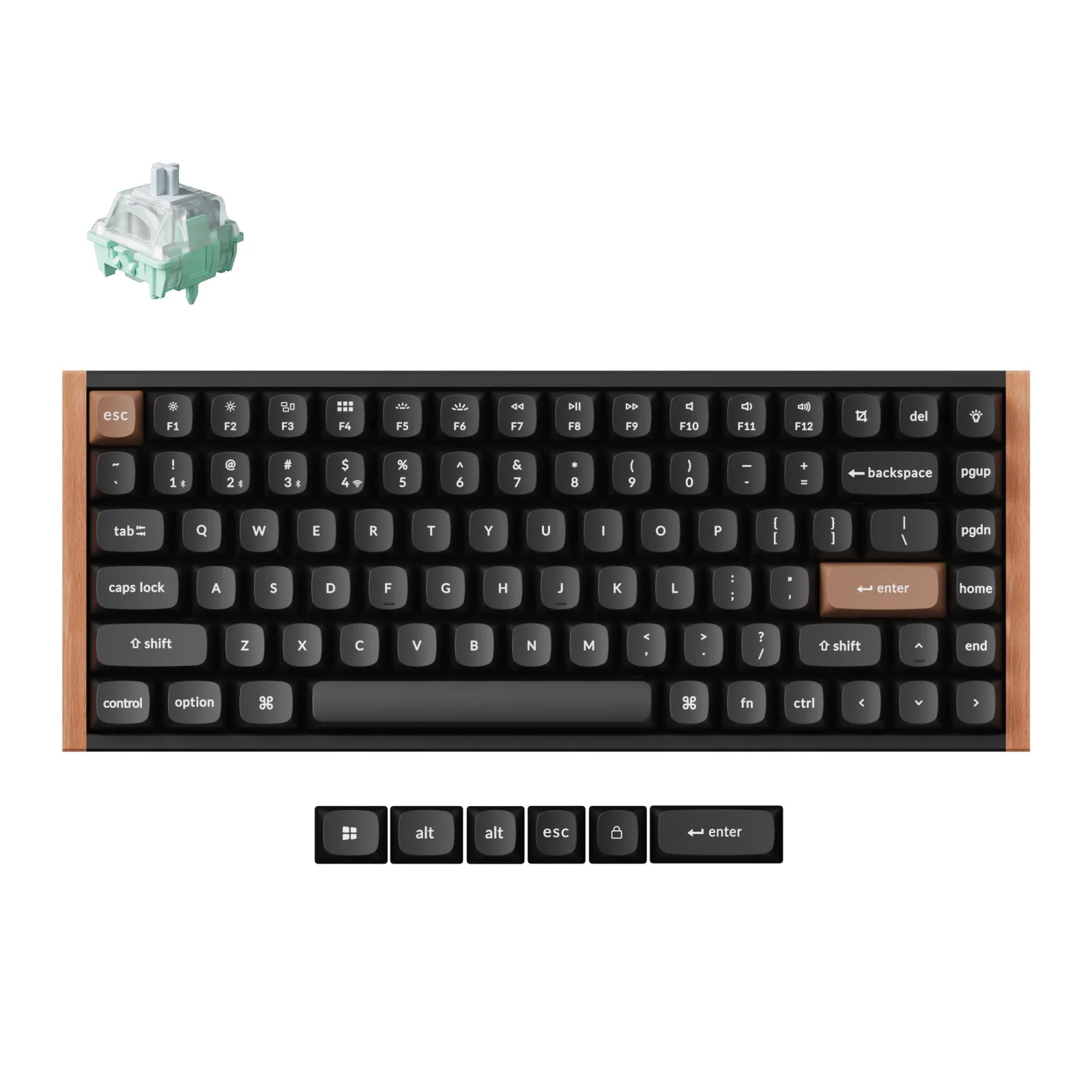
Aluminium, dark wood and magnetic switches adjustable key by key.
Affiliate links. Learn more
Peripherals guide · 6 min read
A good-looking keyboard sits in front of you eight hours a day, but you also type on it. Three wireless keyboards with a strong style, three ways of typing.
Our pick: Logitech MX Keys SSee on Amazon
Our pick
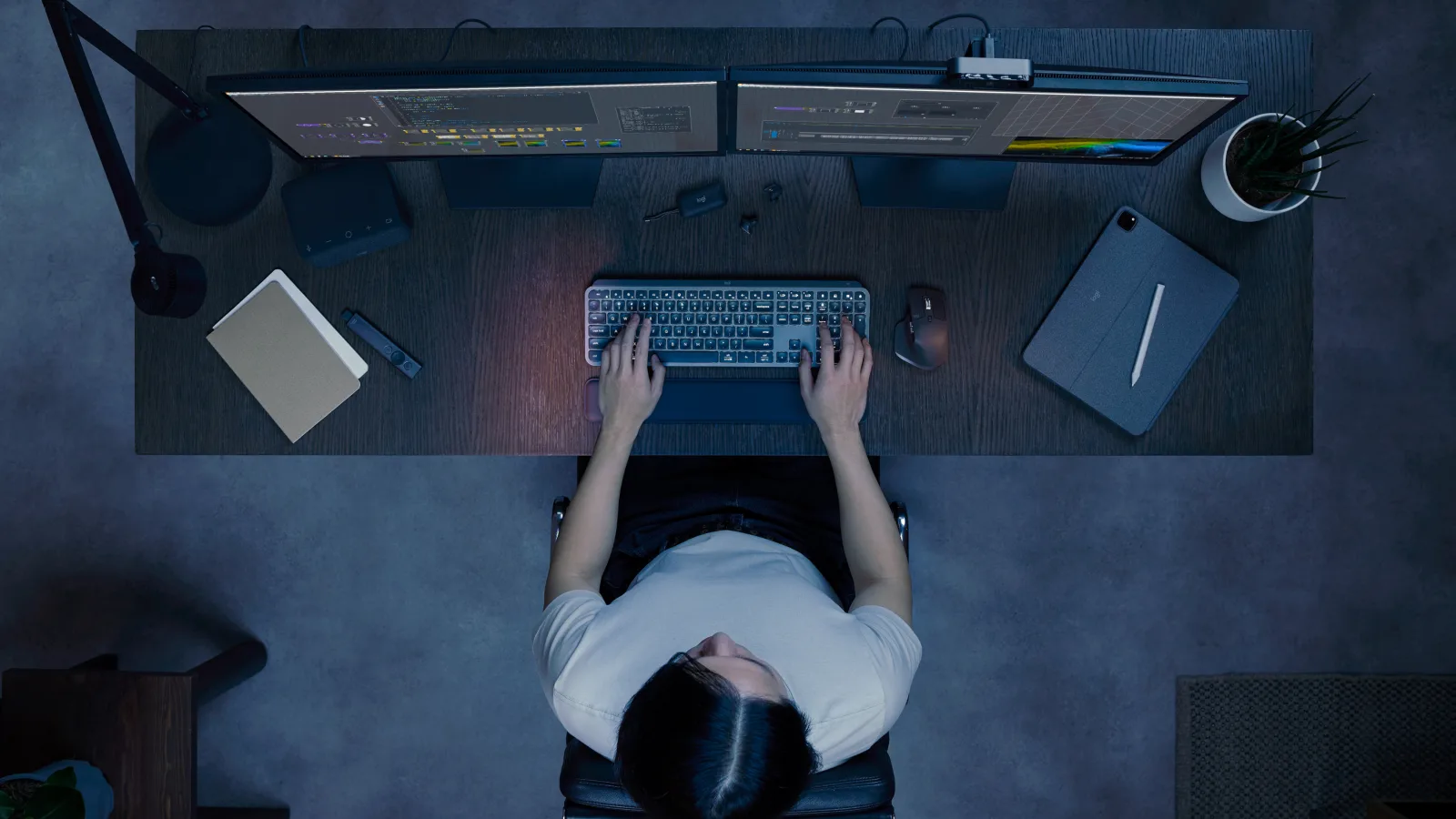
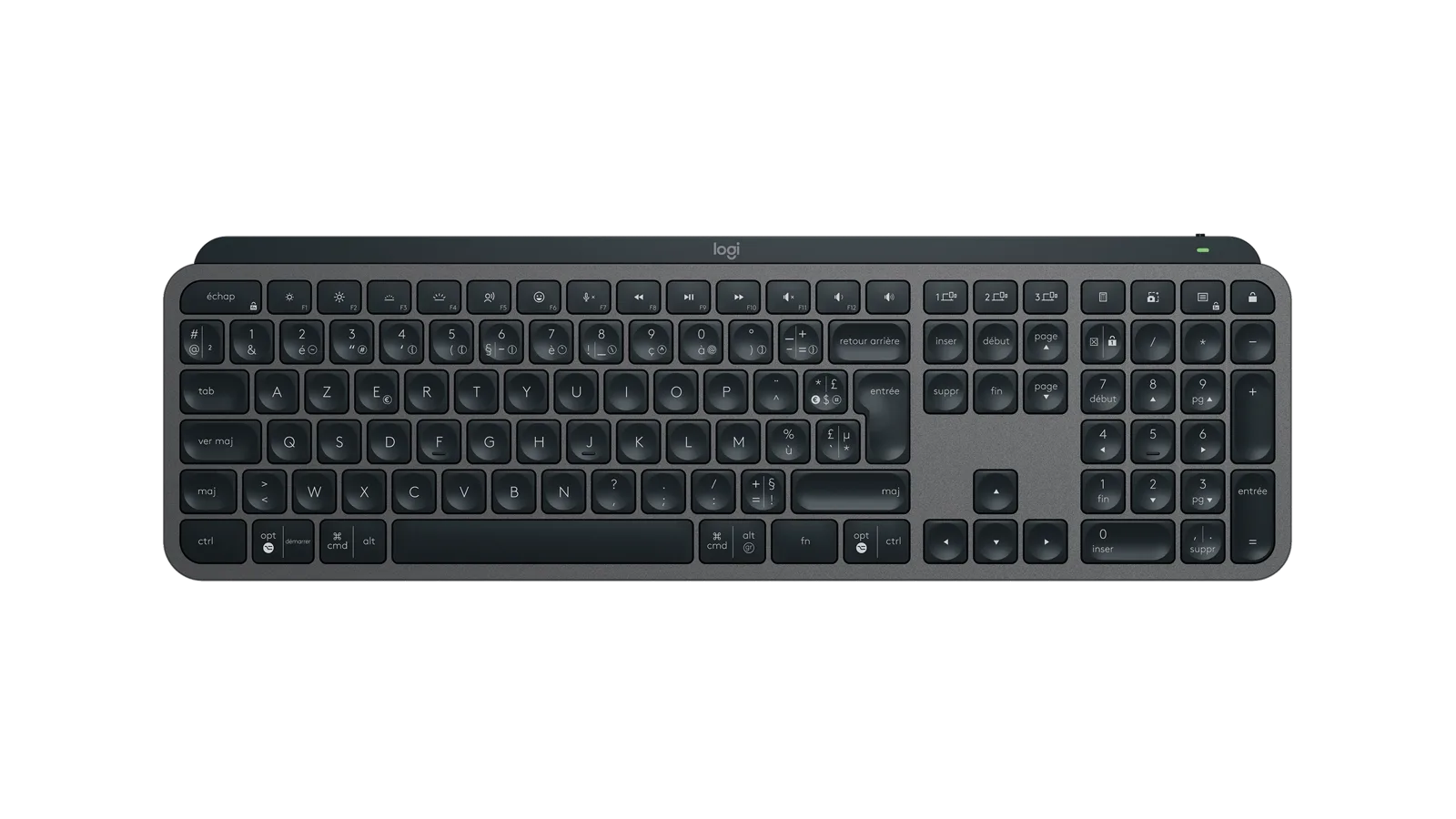
For a day of remote work, the Logitech MX Keys S remains the safest choice: quiet concave keys, backlighting that wakes as your hands approach, French AZERTY and up to three devices, all in understated graphite.
Live price and availability on amazon.com.be
If you want a keyboard that gets noticed, the Keychron K2 HE pairs aluminium and dark wood with adjustable magnetic switches, for typing and gaming alike. The Logitech POP Keys Blast goes for yellow, round keys and a mechanical click.
For typing and gaming
Aluminium, dark wood and magnetic switches adjustable key by key.
For a splash of colour
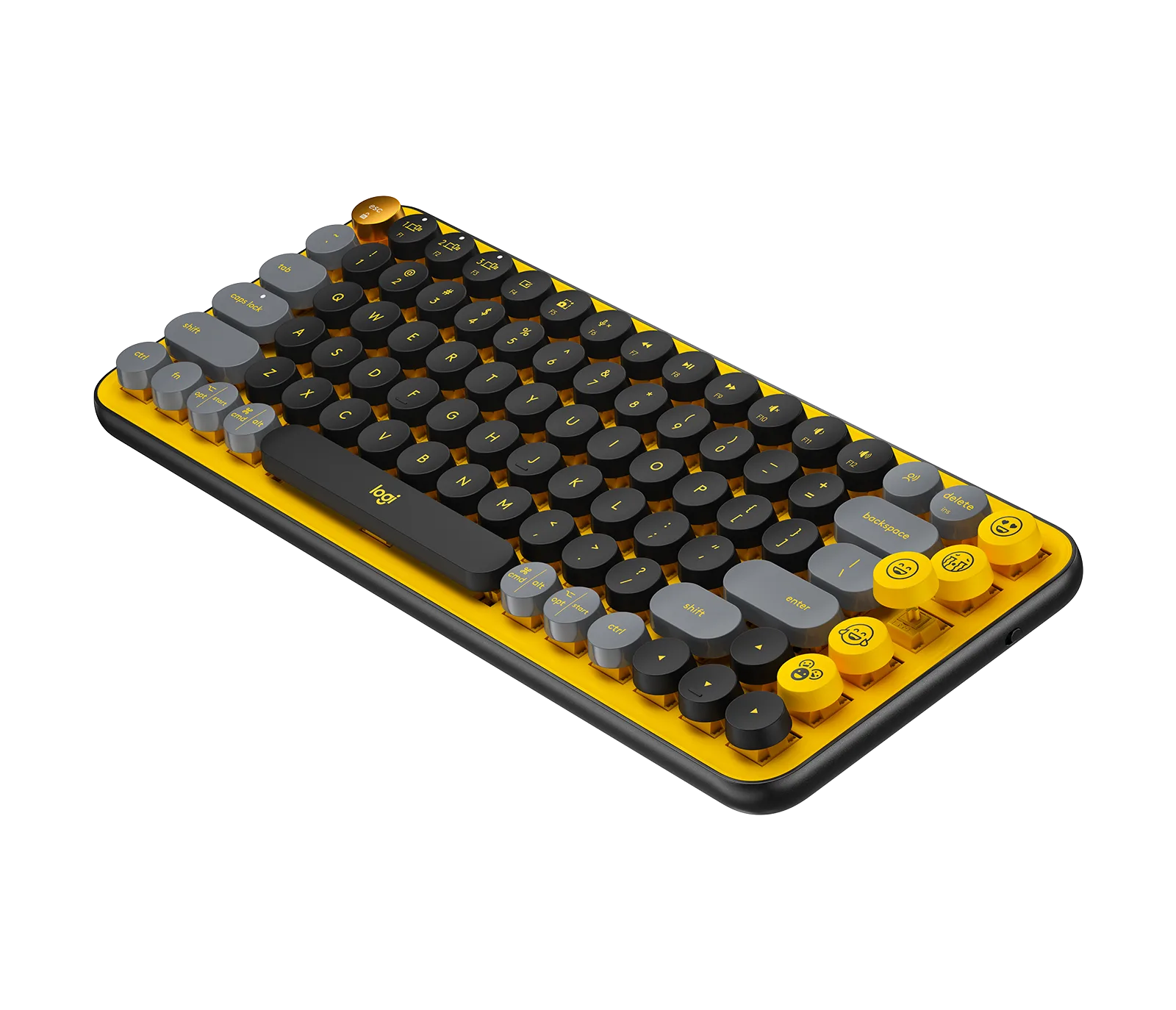
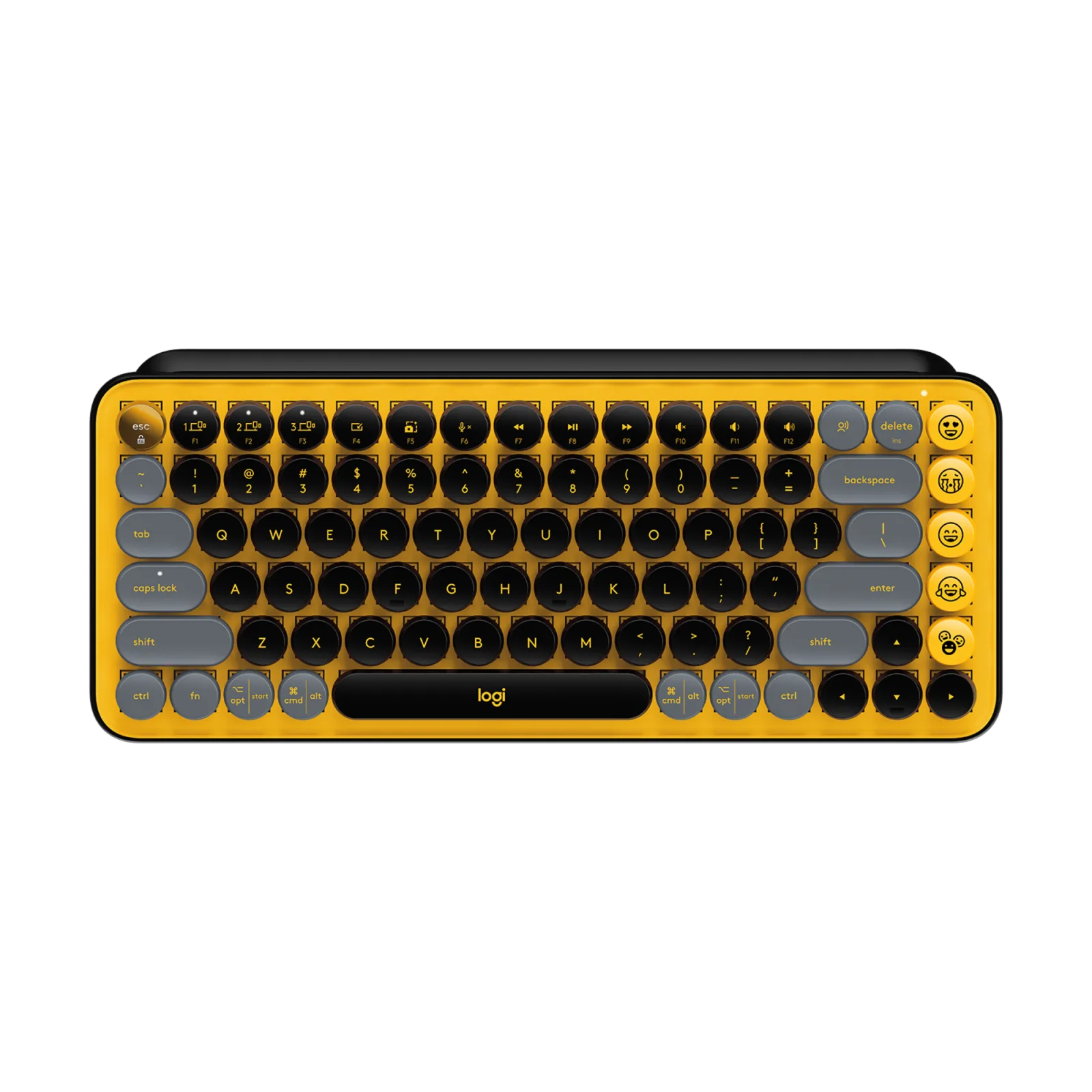
Retro yellow, round keys and the click of a typewriter.
| Model | Keys | Connection | Battery | Link |
|---|---|---|---|---|
| Our pickLogitech — MX Keys S, backlit wireless keyboard (graphite, French AZERTY) | full size with number pad, backlit concave keys, proximity sensor | Bluetooth Low Energy or Logi Bolt receiver, up to 3 devices | 1,500 mAh USB-C battery: up to 10 days, 5 months with backlight off | See on Amazon |
| For typing and gamingKeychron — K2 HE Special Edition, wireless magnetic keyboard (black, French AZERTY) | 75% without number pad, swappable magnetic switches, 0.2 to 3.8 mm actuation | 2.4 GHz at 1,000 Hz, Bluetooth 5.2 up to 3 devices, wired USB-C | 4,000 mAh battery, up to 110 hours wireless according to Keychron | See on Amazon |
| For a splash of colourLogitech — POP Keys, wireless mechanical keyboard (Blast, yellow) | compact without number pad, tactile mechanical switches, 8 emoji keys | Bluetooth or Logi Bolt receiver, up to 3 devices | 2 AAA batteries, up to 36 months claimed | See on Amazon |
The keyboard is the object you touch most on your desk. A beautiful keyboard that is unpleasant to use ends up in a drawer, replaced by the laptop’s. Before colour or material, ask yourself a simple question: do you prefer low, quiet keys or tall keys that travel down clearly?
Both have their case. Low keys, close to a laptop, tire you little and bother no one. Mechanical keys need a little more travel but give clear feedback on every stroke. The three keyboards here cover both families.
The MX Keys S plays it understated: graphite, slim lines, number pad. It blends into a professional desk and suits long days of typing. The Keychron K2 HE aims to be an object: aluminium and dark wood frame, 75% format without number pad, swappable magnetic switches.
The POP Keys Blast embraces colour: yellow, grey and black, round typewriter-style keys and emoji keys. It gives character to a neutral desk, provided you accept the mechanical noise. The right choice depends as much on your desk as on the way you type.
Three wireless keyboards available on Amazon that exist in French AZERTY, from brands that publish a complete spec sheet. They cover three distinct needs: long, quiet typing, the statement keyboard that doubles for gaming, and a touch of colour on the desk.
None was tested in a lab. The characteristics quoted come from the manufacturer pages and the Amazon listings, nothing else. Each card below also says when not to choose it.
1 / 2
Our pick
Concave keys close to a laptop keyboard, backlighting that switches on as your hands approach and adapts to the room light, a number pad, and up to three devices on one button.
Avoid ifYou want the feel of a mechanical keyboard: its keys stay low and quiet, like on a laptop.
See on AmazonLive price and availability on amazon.com.be
For typing and gaming
A 75% board with an aluminium and dark wood frame, Gateron magnetic switches whose actuation point you set from 0.2 to 3.8 mm, key by key, and double-shot PBT keycaps in the OSA profile.
Avoid ifYou want a flat keyboard: it rises to 40.7 mm at the back, keycaps included, and weighs 965 g. Plan for a wrist rest.
See on AmazonLive price and availability on amazon.com.be
1 / 2
For a splash of colour
A compact keyboard with round typewriter-style keys in yellow, grey and black, tactile mechanical switches and eight customisable emoji keys.
Avoid ifYou share your office or are often on video calls: the mechanical switches can be heard with every keystroke.
See on AmazonLive price and availability on amazon.com.be
Yes for typing in French, but Belgian AZERTY puts several symbols and accents in different places. If you learned on a Belgian keyboard, the French one takes a few days to get used to. The cards below state the layout of the version sold.
Instead of a physical contact, a sensor measures the position of the magnet inside the key. You can therefore choose how deep each key triggers. For typing, a deeper point avoids typos; for gaming, a short point responds faster.
With a thick keyboard like the Keychron, yes, it helps keep your wrist flat. With a slim keyboard like the MX Keys S, it is a matter of personal comfort.