For heavy typists
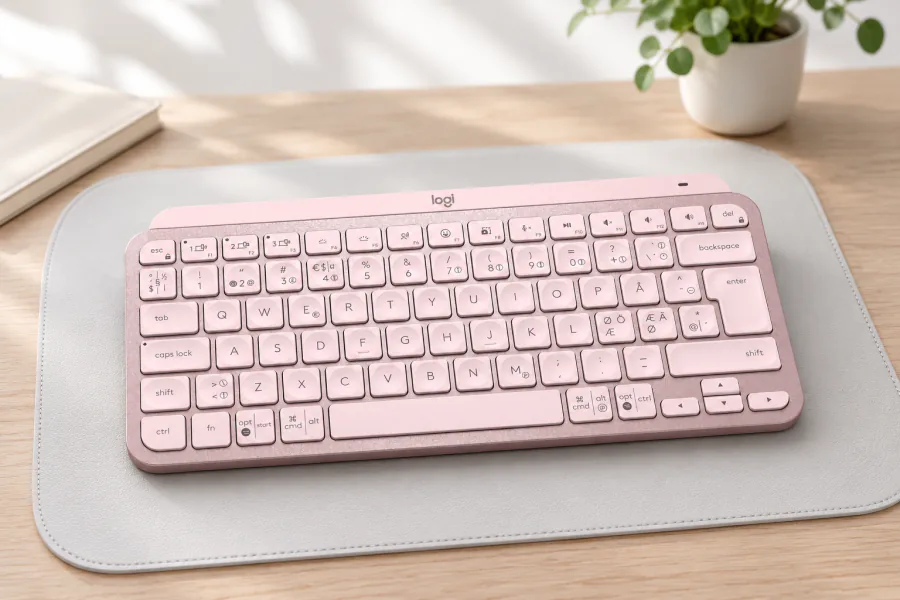
Logitech MX Keys Mini
Compact typing at the desk and on the go
Affiliate links. Learn more
New · New
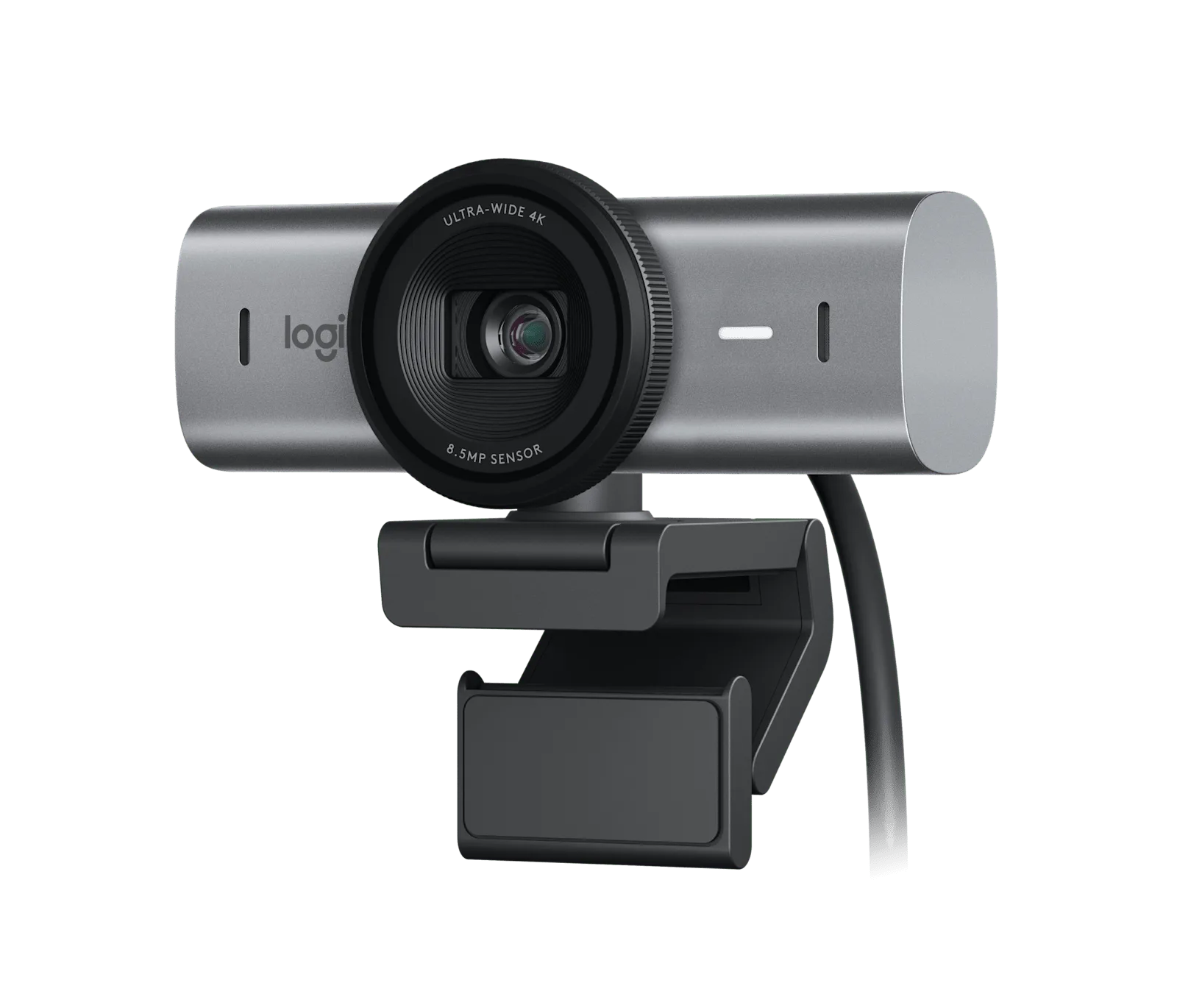
4K Ultra HD USB-C webcam (graphite)
Ideal for: Video calls and streaming at your desk.
See on AmazonLive price and availability on amazon.com.be
A understated 4K webcam for remote work and streaming, with a Sony STARVIS sensor, two noise-reducing mics and a built-in privacy shutter.
Avoid ifSkip it if your computer has no USB-C port supporting USB 3.0, if you want 4K at 60 fps, or if you only make a few video calls a month.
1 / 3
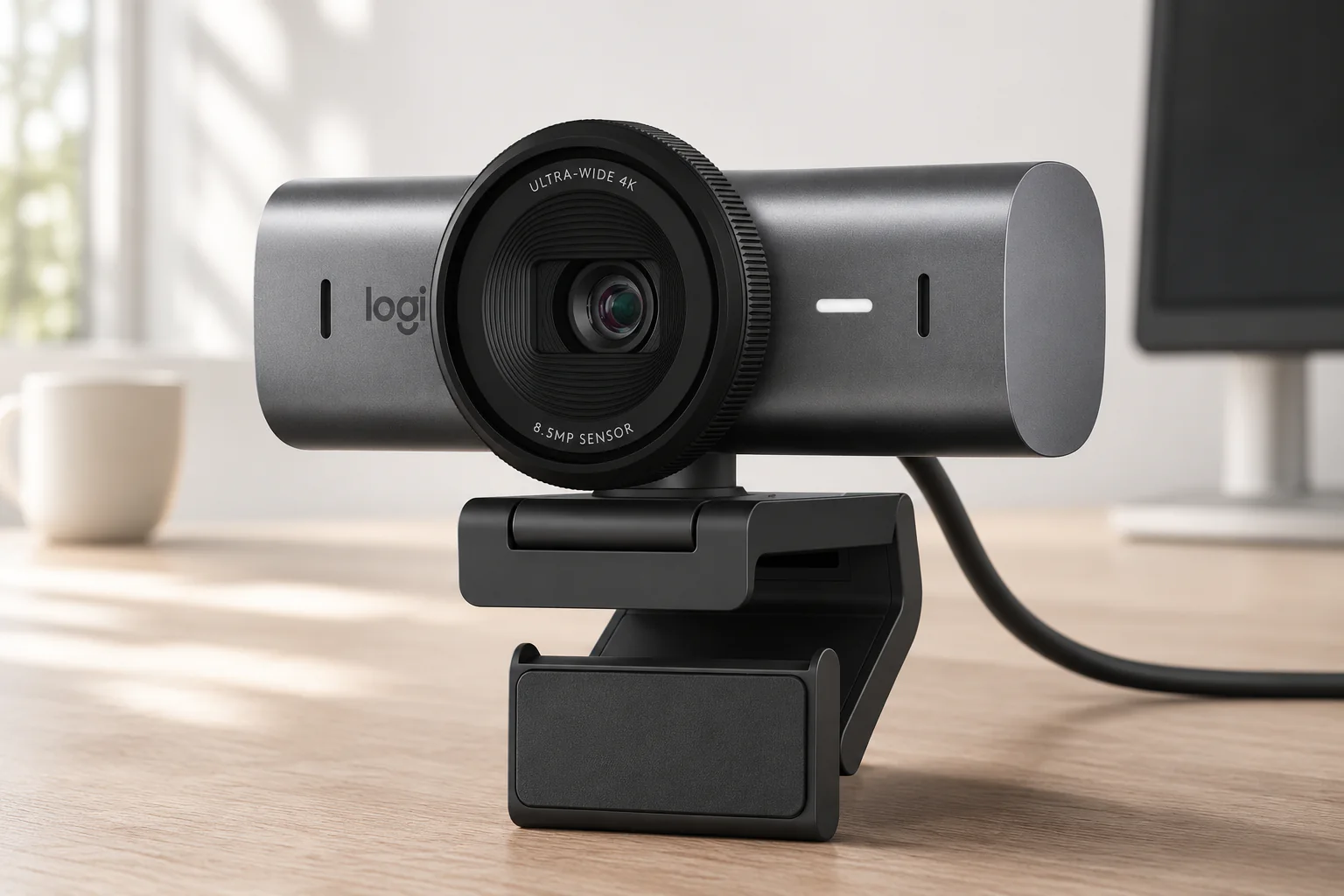
The Logitech MX Brio is a 4K Ultra HD webcam for people who spend a lot of time on video calls or streaming and want a sharper picture than their laptop camera provides. On a well-kept desk, it is also a discreet design webcam, finished in graphite and clipped to your monitor.
According to Logitech, it delivers up to twice the fine image detail and face visibility of the Brio 4K. You can find it on Amazon. This review draws on information published by Logitech and on the product listing, to help you decide whether it fits the way you work, in Belgium or elsewhere.
The MX Brio measures 61.6 mm high, 98 mm long and 52.2 mm deep. Its graphite finish blends easily into a dark desk setup, and its clip holds it on top of your monitor.
The most practical detail is the built-in privacy shutter: rotate it to block the camera completely, with no stick-on cover to lose. According to Logitech, the product is also made with recycled plastic.
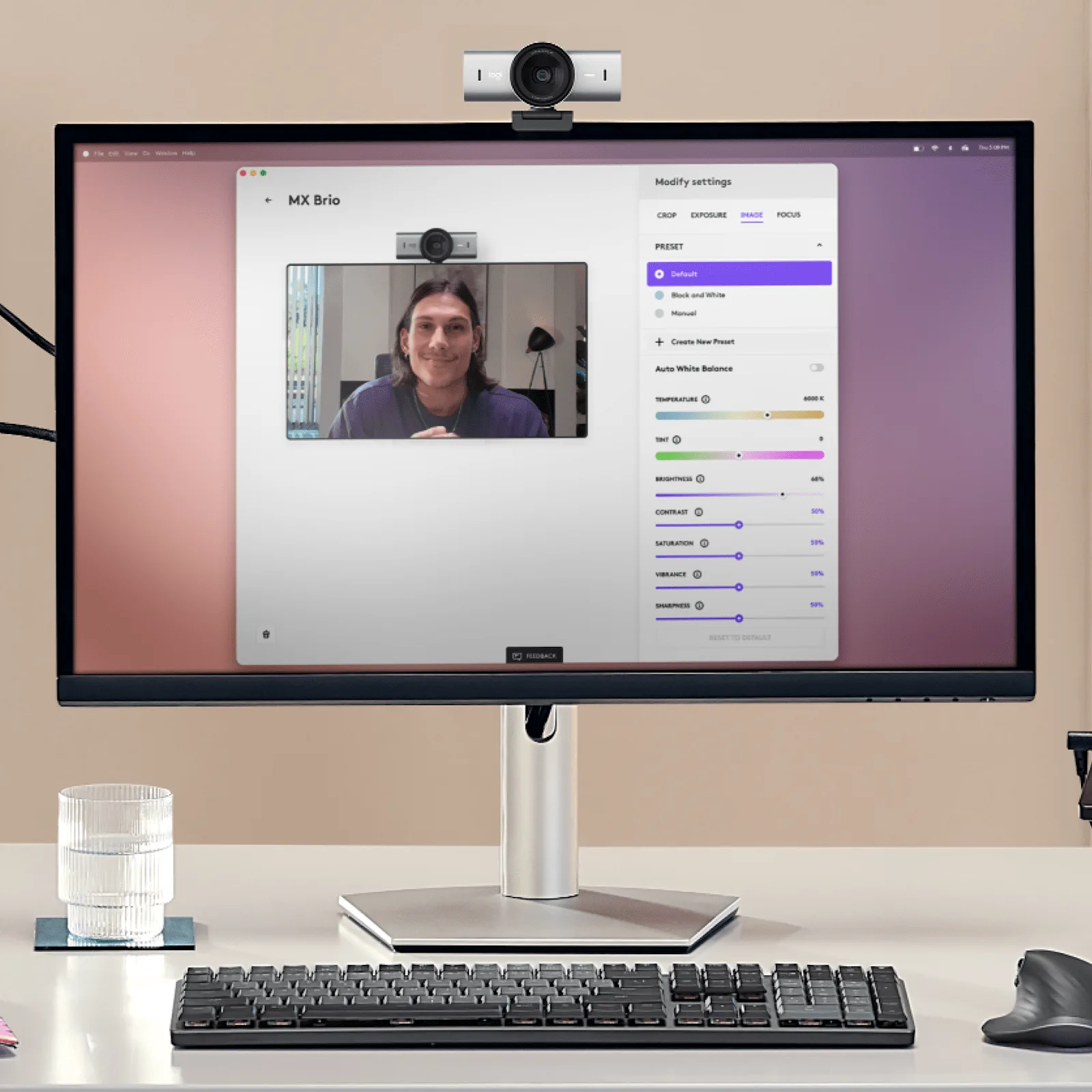
For remote work, the picture adjusts automatically for exposure, white balance and noise, with AI face enhancement according to Logitech. The two beamforming mics also reduce background noise. The Amazon listing says it works with Microsoft Teams, Zoom and Google Meet.
Show Mode lets you lower the camera to show notes or a diagram on your desk during a call. If you stream, Logi Options+ and G HUB give you manual controls such as white balance, ISO sensitivity, shutter speed and hue.
According to Logitech, the webcam records in 4K at 30 fps or in 1080p at 60 fps. It uses a 1/2.8-inch Sony STARVIS IMX415 sensor with 1.45 µm pixels and has a 90° field of view.
It connects through a 1.5 m USB-C to USB-C cable, and Logitech requires a USB-C port supporting USB 3.0. The stated weight is 234.3 g including the clip and cable. Logitech software is available for Windows 10 or later and macOS 10.15 or later.
The MX Brio makes sense if you spend your days in meetings, often present documents or stream in 1080p at 60 fps. It is also a good fit if you want a built-in shutter and a understated webcam that can stay on your monitor permanently.
Look elsewhere if your computer has no USB-C port supporting USB 3.0 or if you want 4K at 60 fps. On ChromeOS and Linux, you only get basic UVC support, with no Logitech software. For a few video calls a month, your laptop camera may be enough.
It is designed for that use, with 4K video, two noise-reducing mics and a built-in privacy shutter. Show Mode also lets you share notes from your desk during a call. It is easiest to justify if you spend a lot of time on video calls.
No. According to Logitech, it records 4K at 30 fps and reaches 60 fps at 1080p. For very smooth streaming, 1080p is the mode to choose.
Yes, though support varies by system. Logitech lists compatibility with Windows 10 or later and macOS 10.15 or later, with its software. ChromeOS and Linux only get basic UVC support, with no Logitech software.
Yes. Logitech requires a USB-C port supporting the USB 3.0 standard, and the cable is a 1.5 m USB-C to USB-C model. Check your computer’s ports before you order.
According to Logitech, the MX Brio offers up to twice the fine image detail and face visibility of the Brio 4K. It also has a built-in privacy shutter and Show Mode. It is the logical choice if image quality and sharing documents matter to you.
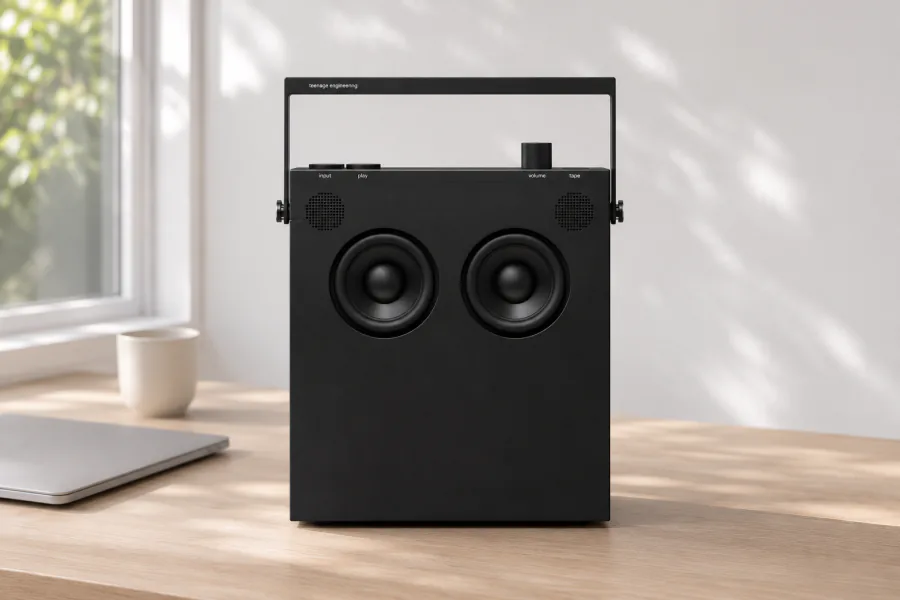
A radio speaker, a compact pink keyboard, noise-cancelling headphones: three design gifts for remote work, for Christmas or St Nicholas' Day.
Gifts for remote workers: 3 design objects for the home deskLogitech MX Brio
See on AmazonLive price and availability on amazon.com.be