For the bag
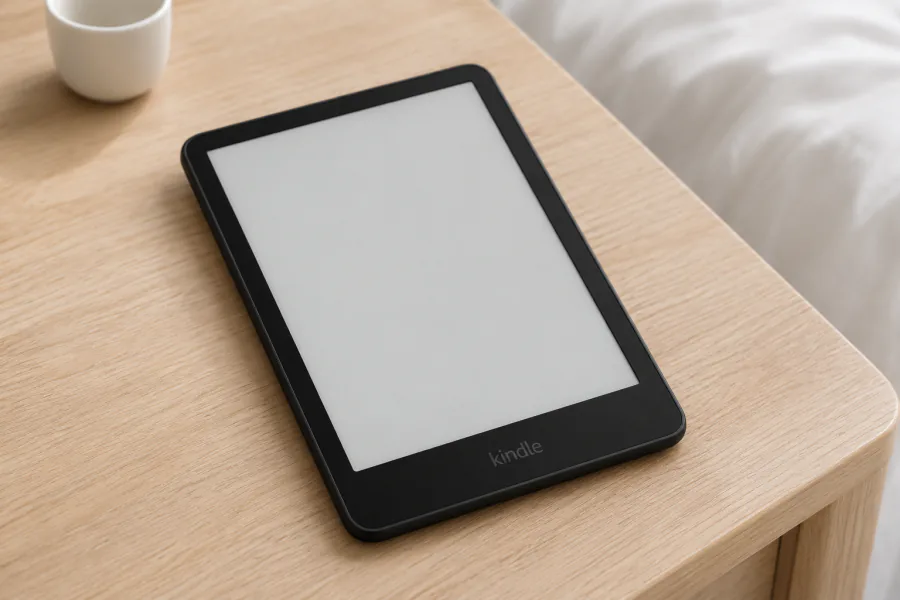
Amazon Kindle Paperwhite 16 GB
Reading in the evening, while travelling or by the pool
Affiliate links. Learn more
New · New
Wi-Fi 256 GB tablet with tandem OLED display (Space Black)
Ideal for: Creative work, mobile productivity and video.
See on AmazonLive price and availability on amazon.com.be
Apple's most advanced tablet in a 5.3 mm body: an 11-inch Ultra Retina XDR tandem OLED display, the M5 chip with 12 GB of RAM, and Wi-Fi 7. It looks good left out on a desk and has the power for drawing, photo editing and video work.
Avoid ifSkip it if you mostly read, stream and browse, because an iPad Air or a standard iPad handles that well. Also skip it if you haven't budgeted for the keyboard and pencil, which are sold separately.
1 / 3
The iPad Pro 11-inch (M5) is Apple's top-end tablet. It has a tandem OLED display, a 5.3 mm body and the M5 chip, and it's built for creatives, demanding students and anyone who wants a gadget that looks as good as it performs. The Wi-Fi 256 GB model in Space Black weighs 444 g and comes with 12 GB of unified memory.
In this iPad Pro M5 review, we look at what the specs mean day to day: drawing with Apple Pencil Pro, working on the Magic Keyboard, and watching video on a display that peaks at 1,600 nits. We also cover when an iPad Air M3 is the smarter buy. You'll find it on Amazon.
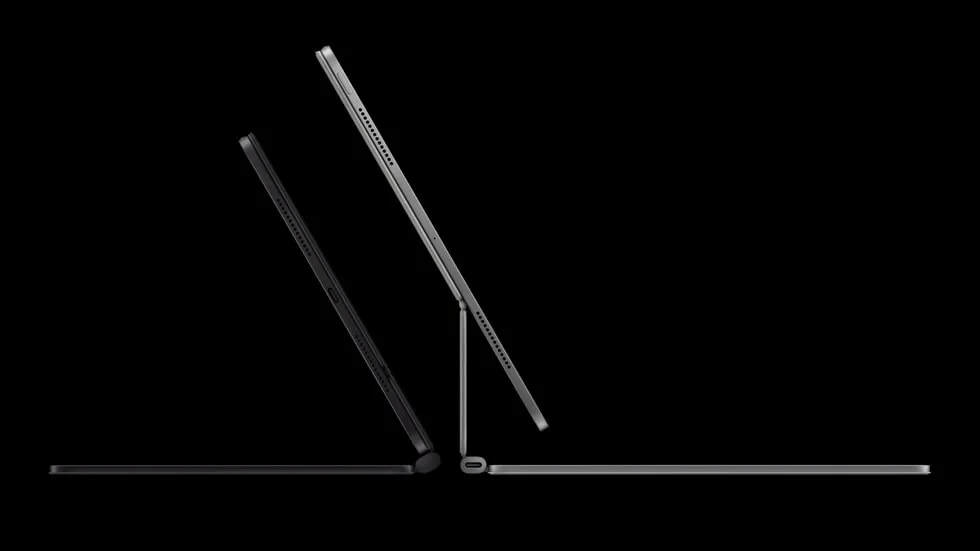
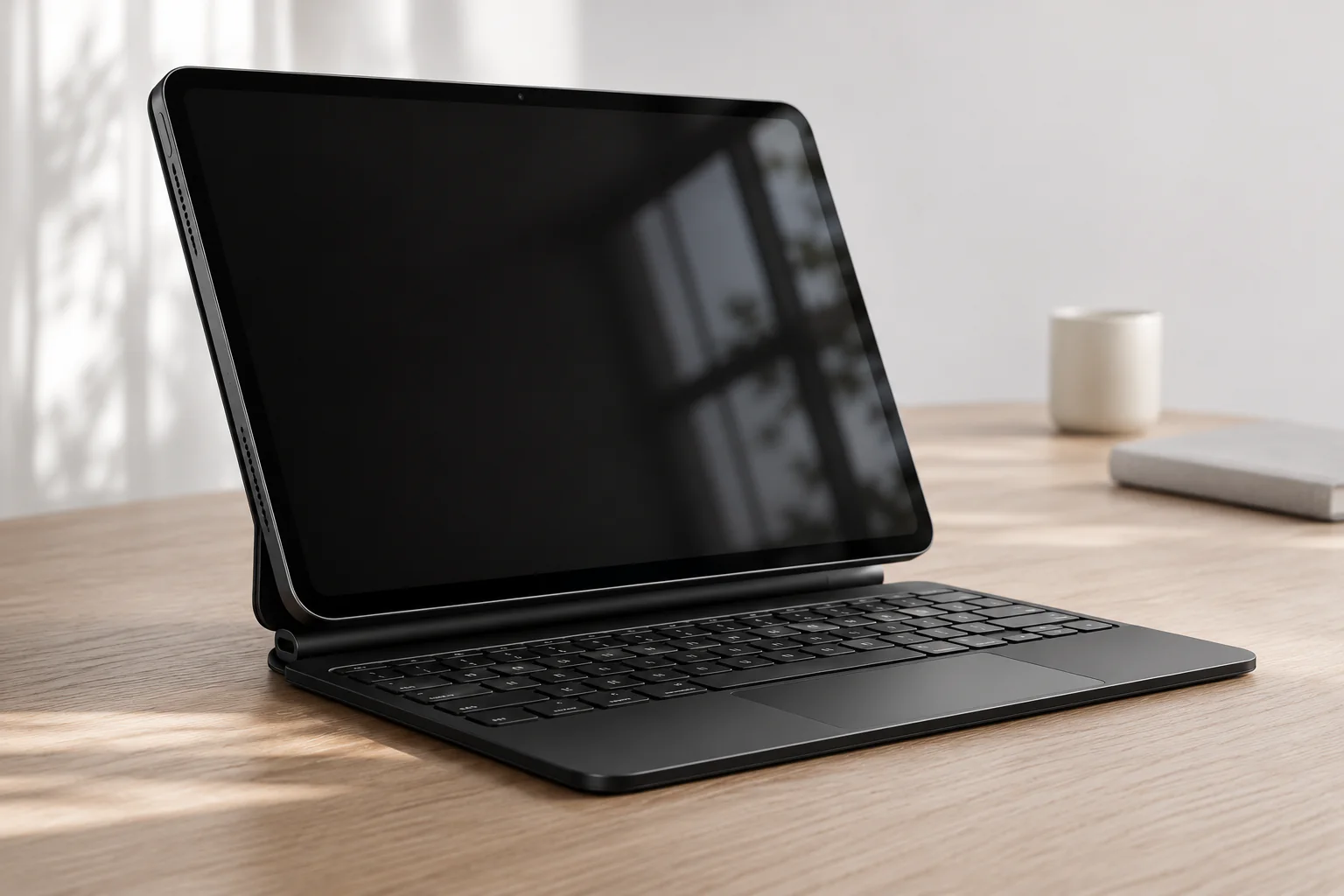
At 5.3 mm, the 11-inch iPad Pro M5 is one of the thinnest devices Apple makes. The Space Black aluminium body frames a large OLED display with even bezels, and the 12 MP front camera sits on the landscape edge, so you're properly framed on video calls when it's docked on a keyboard.
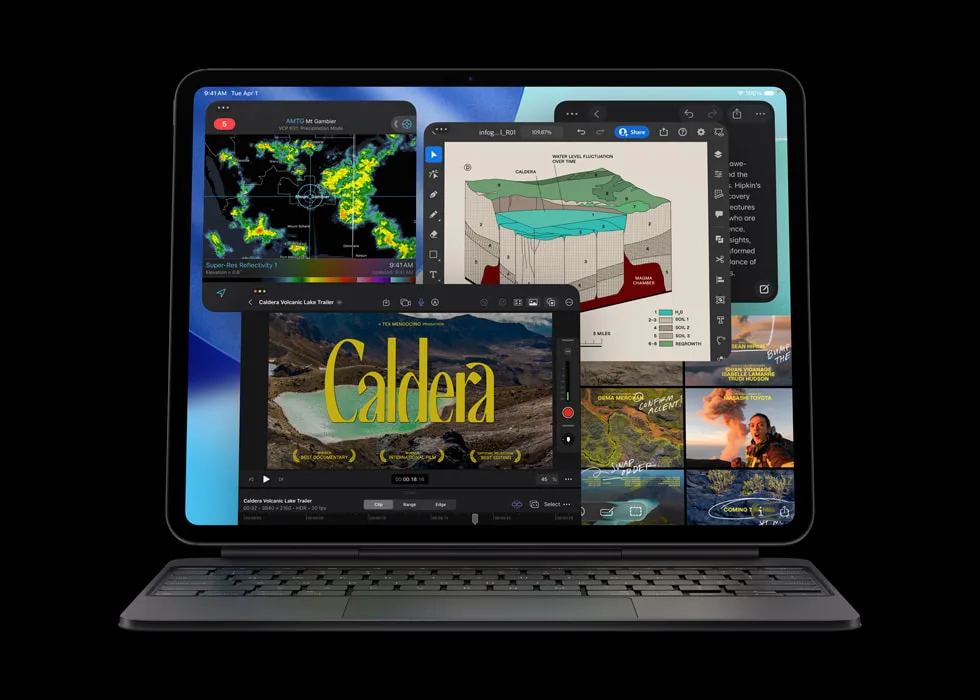
On a desk, paired with the Magic Keyboard (sold separately) and its aluminium palm rest, it looks like a small, sculpted laptop. The cantilever hinge makes the tablet appear to float and lets you tilt it to several angles. Put away, it's a clean, compact slab measuring 249.7 × 177.5 mm.
The M5 chip is aimed at heavy work. Apple says it delivers up to 3.5x the AI performance of the M4 iPad Pro and up to 1.5x faster ray-traced 3D rendering. In practice, that gives large illustrations, photo editing and video projects plenty of room, and leaves headroom for future iPadOS releases.
Since iPadOS 26, resizable windows and a menu bar make the tablet feel more like a computer. Over Thunderbolt / USB 4 it drives an external display at up to 120 Hz, according to Apple. Apple also quotes about 30 minutes to reach 50% charge with a compatible high-wattage power adapter.
The 11-inch Ultra Retina XDR tandem OLED display runs at 2,420 × 1,668 pixels (264 ppi). ProMotion lets the refresh rate range from 10 to 120 Hz. Brightness reaches 1,000 nits full-screen and 1,600 nits peak in HDR. The 256 GB version uses an M5 with a 9-core CPU, a 10-core GPU and 12 GB of RAM, and Apple claims up to 2x faster storage reads and writes.
For connectivity, the Apple N1 chip adds Wi-Fi 7, Bluetooth 6 and Thread. You also get Face ID, four speakers, four studio-quality mics and a 12 MP rear camera. Apple rates battery life at up to 10 hours of Wi-Fi web browsing or video playback.
The iPad Pro M5 makes sense if you draw, edit photos or cut video, if you want one light device for study or travel, or if the OLED display really matters to you: deep blacks, bright HDR and smooth 120 Hz motion. It's also a lovely desk object if you like Apple design at its most minimal.
If you mostly read, stream and do email, or you're on a tight budget, the iPad Air M3 is the more sensible pick. Keep in mind that Apple Pencil Pro and the Magic Keyboard are sold separately, and the tablet needs them to show everything it can do.
For many people, yes. iPadOS 26 brings windows and a menu bar, and with the Magic Keyboard (sold separately) and external display support up to 120 Hz, it covers office work, creative work and video. If you rely on software that only runs on macOS or Windows, a MacBook Air is still the better fit.
The iPad Pro M5 has a tandem OLED ProMotion display (10–120 Hz, up to 1,600 nits HDR), a newer chip, Face ID and a 5.3 mm body. The iPad Air M3 uses a Liquid Retina LCD without ProMotion and costs less. For everyday media use, the Air is enough.
No, both are sold separately. The iPad Pro M5 works with Apple Pencil Pro, which you can squeeze to bring up tools and which gives haptic feedback. It also works with the Magic Keyboard for iPad Pro, which has a 14-key function row and a glass trackpad.
According to Apple, the iPad Pro 11-inch M5 lasts up to 10 hours of Wi-Fi web browsing or video playback. Apple also says it charges to 50% in around 30 minutes with a compatible high-wattage power adapter.
Yes. The iPad Pro M5 is the first iPad Pro with Apple's N1 chip, which supports Wi-Fi 7, Bluetooth 6 and Thread. With a Wi-Fi 7 router, large photo and video files transfer faster.
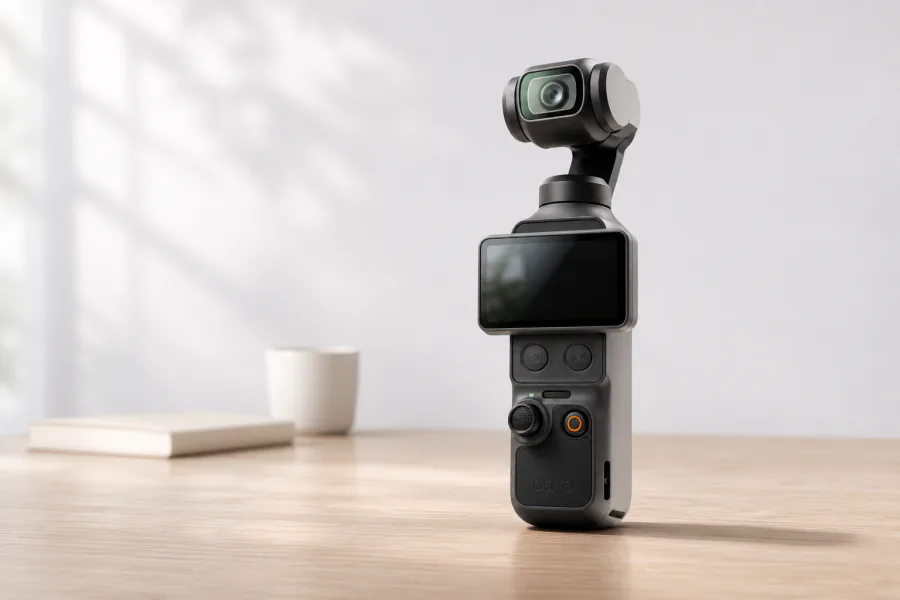
A speaker, an e-reader, a pocket camera: three objects you can leave out on display, and that genuinely earn their place every day.
Three beautiful, useful tech objects for the desk and the homeApple iPad Pro 11-inch
See on AmazonLive price and availability on amazon.com.be