For the bag
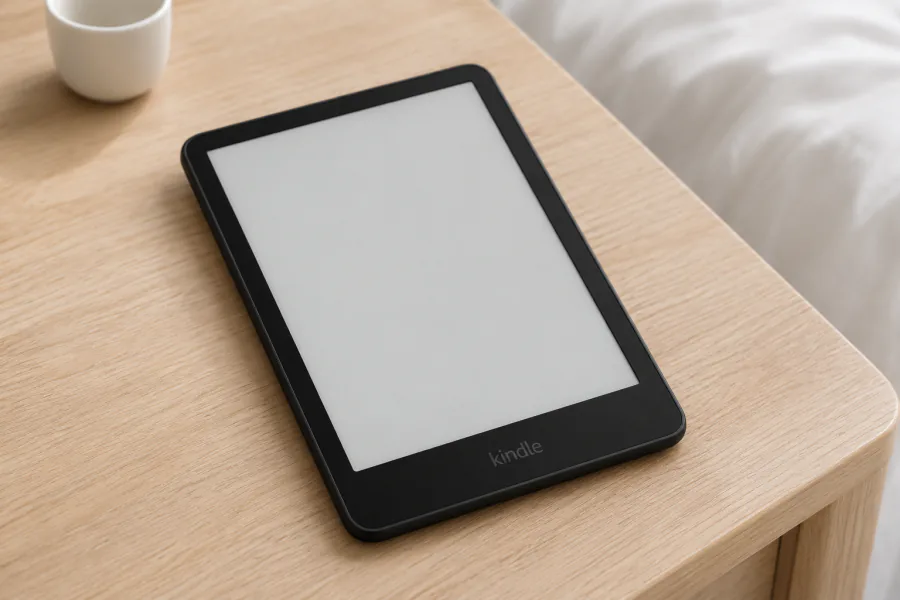
Amazon Kindle Paperwhite 16 GB
Reading in the evening, while travelling or by the pool
Affiliate links. Learn more
New · New
Wi-Fi tablet 128 GB (blue)
Ideal for: Work, sketching and reading anywhere.
See on AmazonLive price and availability on amazon.com.be
The iPad Air 11-inch (M3) packs Apple’s M3 chip into a 6.1 mm, 460 g body. It has a 2360 × 1640 Liquid Retina display, Touch ID in the top button and supports Apple Pencil Pro. A slim blue tablet for working, sketching and reading anywhere.
Avoid ifSkip it if you mainly need a computer with a built-in keyboard for long office days (a MacBook Air will be more comfortable), if you only read and watch videos (a base iPad or an e-reader is enough), or if you edit a lot of video: 128 GB of storage and 8 GB of RAM fill up quickly.
1 / 2
The iPad Air 11-inch (M3) is a slim Apple tablet (6.1 mm, 460 g) powered by the M3 chip. It’s for anyone who wants one elegant device to take notes, sketch with Apple Pencil Pro, work on the go and read in the evening, without paying iPad Pro money.
This Wi-Fi 128 GB model in blue also looks good left out on your desk, with a coloured aluminium back, flat edges and a 2360 × 1640 Liquid Retina display. Here’s our iPad Air M3 review: its design, everyday use, key specs, and who it’s for (and who it isn’t).
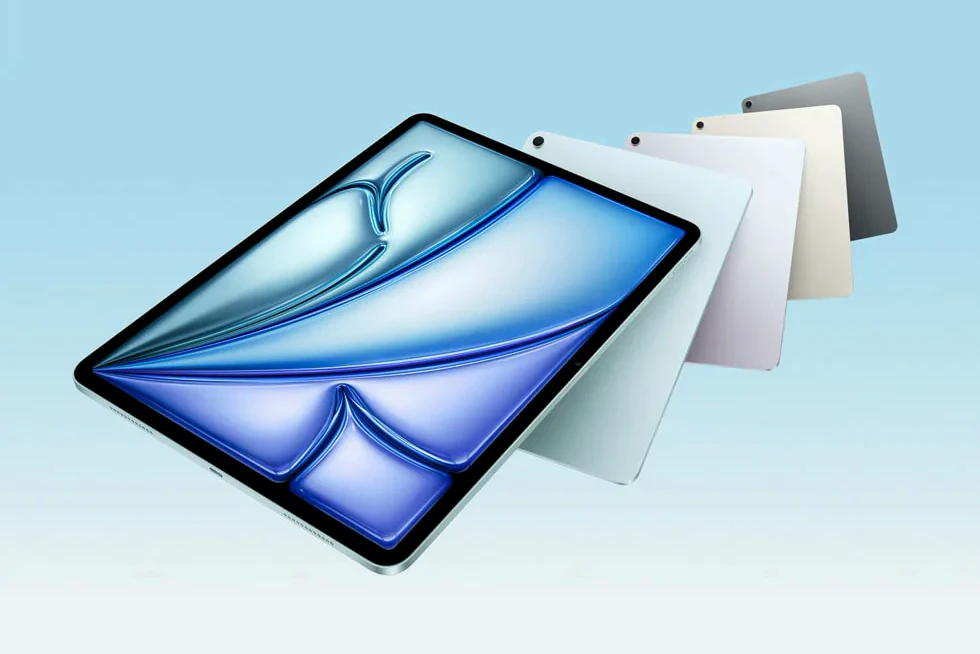
The iPad Air uses the flat-edged design of the current iPad range, in a 247.6 × 178.5 × 6.1 mm body weighing 460 g according to Apple. Blue is one of four official colours, alongside purple, starlight and space grey. It’s a soft shade that stays understated next to a Mac or a notebook.
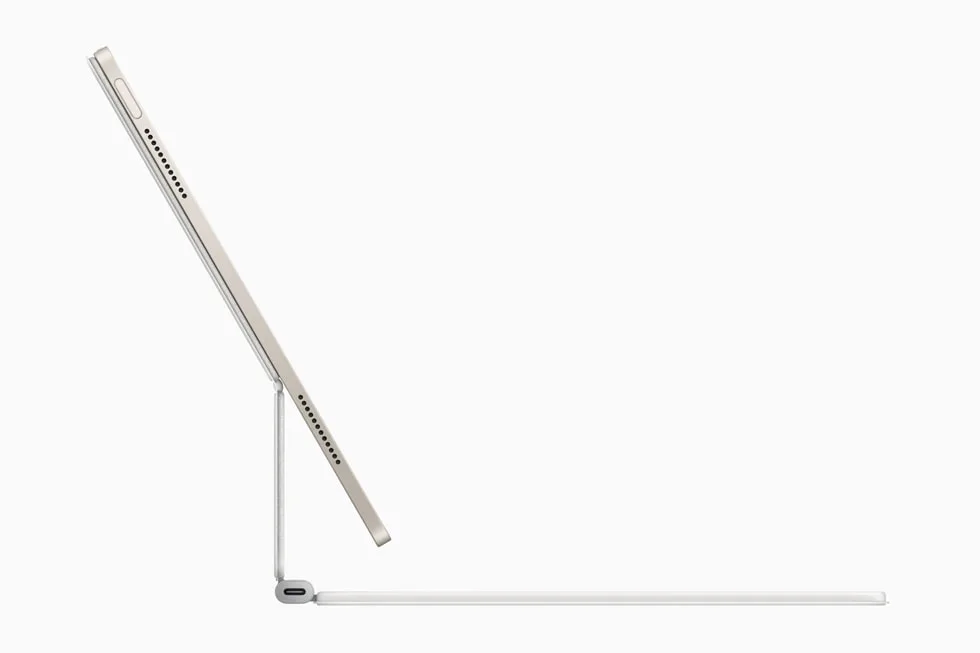
Touch ID is built into the top button, so there’s no face-recognition notch on the front. Apple Pencil attaches to the side with a magnetic connector. Paired with the Magic Keyboard for iPad Air (sold separately), the tablet appears to float above the keys, which is the neatest setup for a desk.
At your desk, the iPad Air M3 works as a second screen for notes, video calls and email. The 12 MP Center Stage front camera keeps you in frame as you move. With Apple Pencil Pro or Apple Pencil (USB-C), both supported according to Apple, you can annotate a PDF, sketch an idea or fill in a form without printing. Pencil hover shows a preview before the tip touches the screen.
In the evening, the 11-inch screen is good for comics, magazines and series, and Apple says the battery lasts a working day. The USB-C port charges the tablet, transfers files at up to 10 Gb/s and can drive an external display (DisplayPort). Apple also lists support for Apple Intelligence, including Writing Tools, Image Playground and Clean Up in Photos.
The Liquid Retina display measures 10.86 inches diagonally, with 2360 × 1640 pixels at 264 ppi and 500 nits of brightness, according to Apple. The M3 chip combines an 8-core CPU (4 performance, 4 efficiency), a 9-core GPU and a 16-core Neural Engine, with 8 GB of RAM. Apple says the iPad Air M3 is nearly 2x faster than the iPad Air M1, and it adds hardware-accelerated ray tracing for games.
On the back, the 12 MP camera (ƒ/1.8) records 4K video at up to 60 fps. The 28.93 Wh battery is rated for up to 10 hours of web browsing or video on Wi-Fi, according to Apple. Connectivity includes Wi-Fi 6E, Bluetooth 5.3 and a USB-C port (USB 3). This model has 128 GB of storage, and 256 GB, 512 GB and 1 TB versions are also available.
It suits students, creatives and remote workers who want a fast, light tablet for notes, drawing and reading, with a real keyboard as an option. It’s also an alternative to the iPad Pro if you want Apple Pencil Pro and an M-series chip without going top of the range. In Belgium, this blue Wi-Fi 128 GB model is available on Amazon.
Give it a miss if you only stream and read, because a base iPad is plenty. If your work means long typing sessions in desktop software, a MacBook Air will be more comfortable. And if you keep lots of video on the device or edit heavy projects, get more than 128 GB of storage.
Yes, if you want a slim tablet with the M3 chip, Apple Pencil Pro support and Touch ID without paying for an iPad Pro. Apple says it supports Apple Intelligence. If you only read and watch videos, a base iPad makes more sense.
The MacBook Air is the better fit if you type a lot and spend all day in desktop software. The iPad Air M3 is more versatile if you mix handwritten notes, drawing, video calls and reading. With the Magic Keyboard, sold separately, it can stand in as a light computer.
According to Apple, the iPad Air M3 supports Apple Pencil Pro and Apple Pencil (USB-C). It also supports Pencil hover, which shows a preview before the tip touches the screen. The pencil is sold separately.
Apple quotes up to 10 hours of web browsing or video playback on Wi-Fi, from a 28.93 Wh battery. It charges over USB-C. Real-world battery life depends on brightness and the apps you use.
For notes, documents, reading and streaming, 128 GB is fine. If you store lots of photos, 4K video or games, go for 256 GB or more. Apple offers the iPad Air M3 with up to 1 TB.
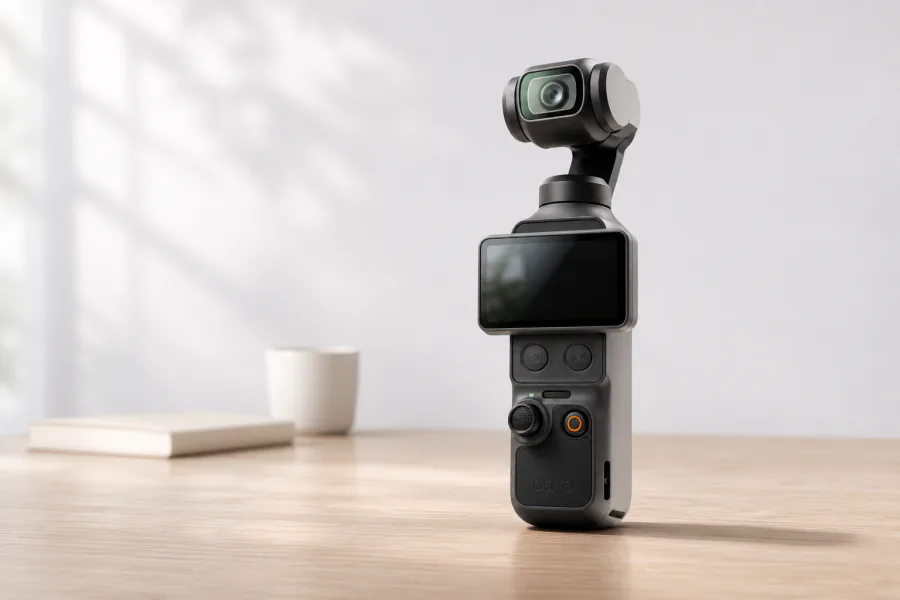
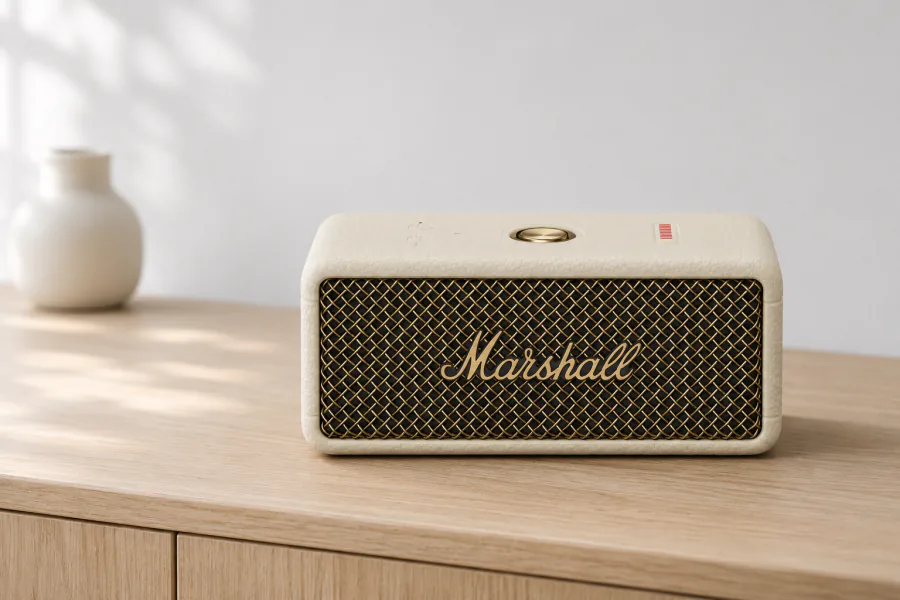
A speaker, an e-reader, a pocket camera: three objects you can leave out on display, and that genuinely earn their place every day.
Three beautiful, useful tech objects for the desk and the homeApple iPad Air 11-inch
See on AmazonLive price and availability on amazon.com.be