For the bag
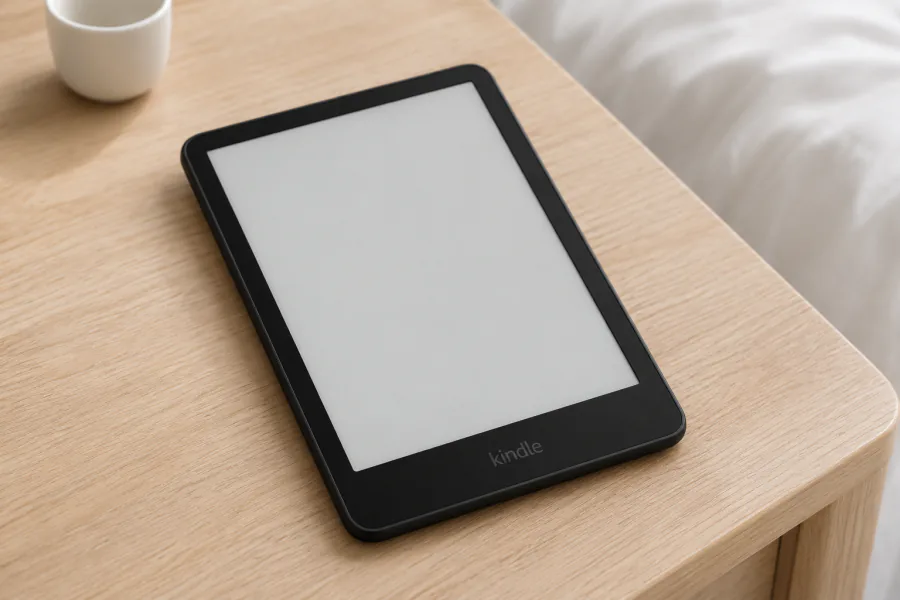
Amazon Kindle Paperwhite 16 GB
Reading in the evening, while travelling or by the pool
Affiliate links. Learn more
New · New
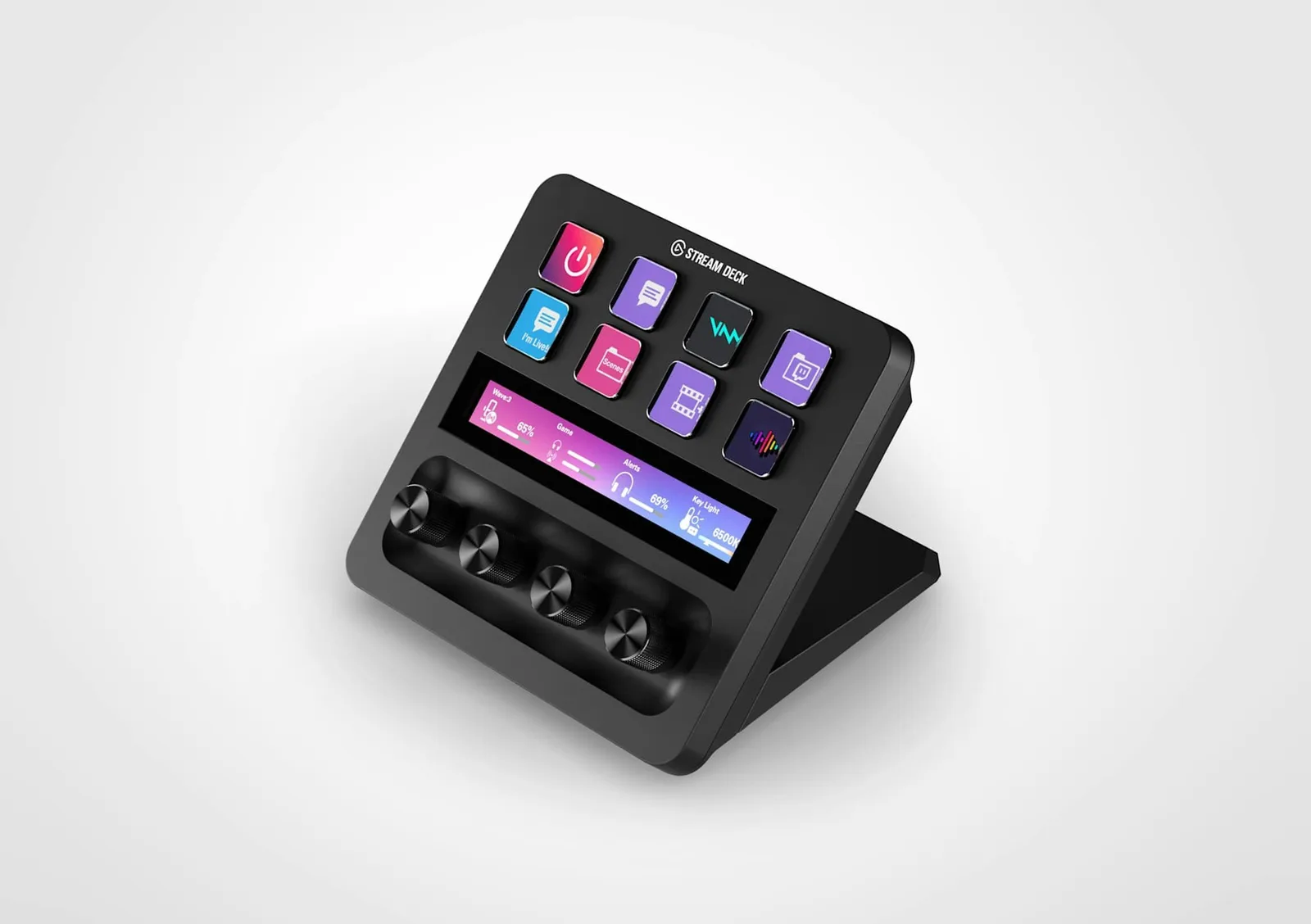
Control console with LCD keys and dials (black)
Ideal for: Physical controls for creative desk work.
See on AmazonLive price and availability on amazon.com.be
A compact USB-C console that controls your apps from the desk with 8 LCD keys, 4 dials and a touch strip, so you don’t have to memorise keyboard shortcuts.
Avoid ifSkip it if you want a wireless device, only use a few simple shortcuts, or your computer doesn’t run at least Windows 11 or macOS 13. It serves no purpose without a computer.
1 / 2
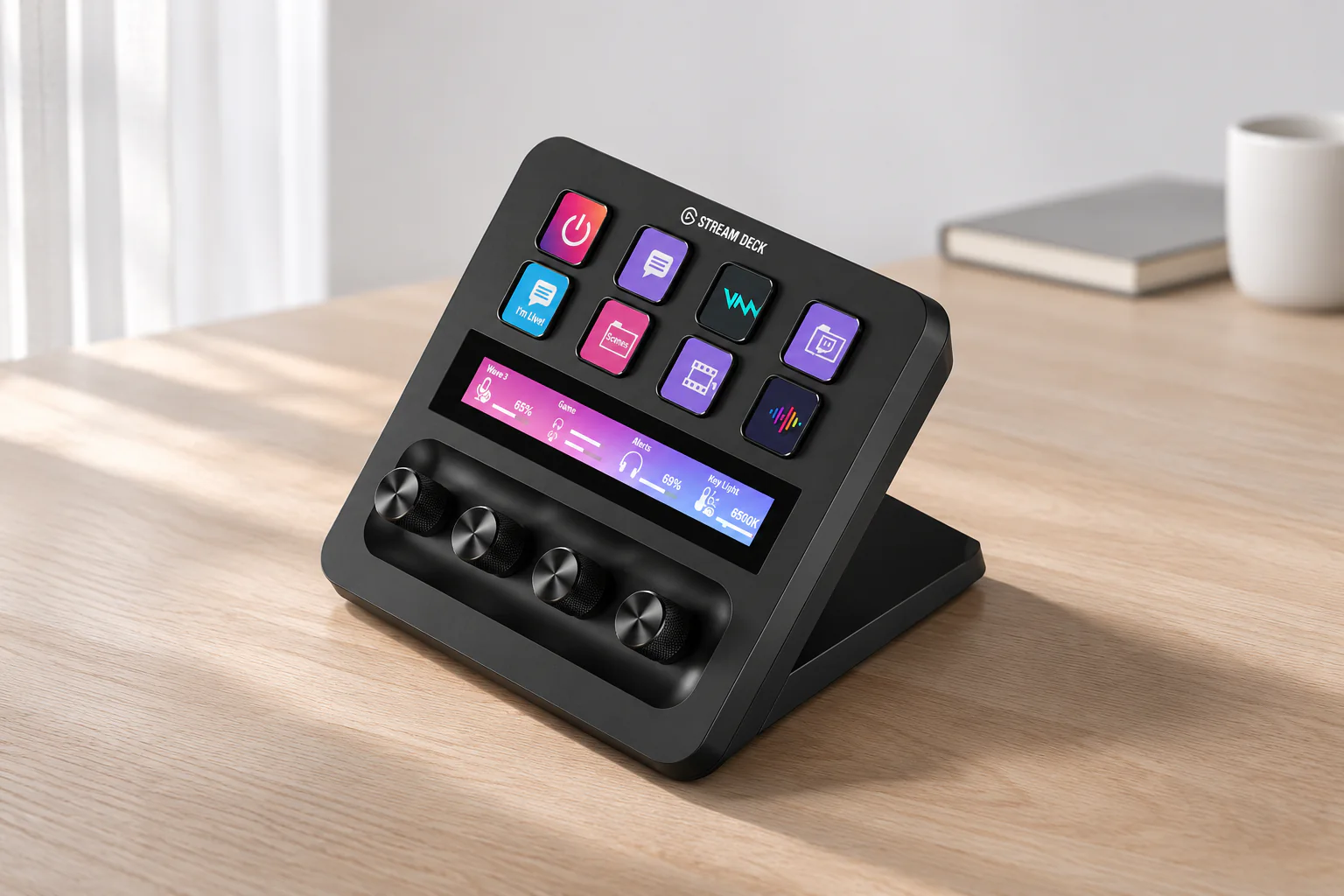
The Elgato Stream Deck + is a USB-C control console with 8 LCD keys, 4 dials and a touch strip, designed for creators, streamers and anyone juggling several apps at their desk. Instead of memorising keyboard shortcuts, you trigger actions with a press or a turn of a dial.
If you’re looking for an Elgato Stream Deck + review before buying on Amazon, this page sticks to what matters: its design, daily use, specifications and the cases where you should skip it. It’s based on information from Elgato and the Amazon listing, not on lab testing.
The Stream Deck + measures 140 × 138 × 110 mm, including its built-in stand, and weighs 465 g. The black version stays understated on a tidy desk, while the customisable LCD keys give it its character, since each one shows the icon you assign to it.
The four dials and the touch strip give it the look of a small studio console. Elgato also offers compatible coloured dials if you want to match the device to your setup. A white version exists, but this page covers the black model.
Smart Profiles automatically change the control layout as you move from one app to another. You can also stack several actions on one dial and cycle through them by pressing it. The Amazon listing also mentions multi-actions, which trigger several commands at once or in a set order.
According to Elgato, more than 200 plugins are ready to install, and the product page names Zoom, Discord, Photoshop, DaVinci Resolve, Ableton Live, Cubase and OBS, among others. When working from home, you can keep your video call controls within reach; for editing or retouching, the dials let you adjust a setting precisely.
According to Elgato, the device combines 8 customisable membrane LCD keys, 4 push-button 360° dials and a 108 × 14 mm LCD touch strip. The strip shows information linked to the dials and lets you change pages with a swipe.
It connects through the included 1.5 m USB-C to USB-C cable, and Elgato recommends a USB-C 3.0 port or later. The Stream Deck app is free and requires at least Windows 11 or macOS 13. Elgato also lists the Network Dock, USB Hub and XLR Dock as compatible accessories.
The Stream Deck + suits you if you spend your days in software packed with settings: video, photo, music, streaming or video calls. Its dials make the biggest difference when you often adjust values such as a volume level or a colour parameter.
If you only use a few simple shortcuts, it’s probably more than you need. It also won’t suit you if you want a wireless device, since it connects over USB-C, or if you prefer the feel of mechanical keys, since Elgato specifies membrane keys.
The Elgato Stream Deck + controls your apps through LCD keys, dials and a touch strip instead of keyboard shortcuts. It’s aimed at creators, streamers and people who work across several programs. You customise its controls in the Stream Deck app.
Yes. According to Elgato, the Stream Deck + works with Windows 11 or later and macOS 13 or later. The Stream Deck app is free on both systems. Check your version before buying, as the Amazon listing may show different system requirements.
Yes, especially if you move between video calls and apps, as Elgato offers plugins for Zoom and Discord, among others. Smart Profiles automatically adapt the controls to the app you’re using. If you only need two or three shortcuts, it’s probably overkill.
No. The Stream Deck + connects to your computer with the included 1.5 m USB-C to USB-C cable. Elgato recommends a USB-C 3.0 port or later. Allow room on your desk for the cable.
The Logitech MX Creative Console is the alternative to look at, as it also combines LCD keys with a control dial. The Stream Deck + brings together 8 keys, 4 dials and a touch strip in one device. Compare how many controls you need and which apps you use.
A speaker, an e-reader, a pocket camera: three objects you can leave out on display, and that genuinely earn their place every day.
Three beautiful, useful tech objects for the desk and the homeElgato Stream Deck +
See on AmazonLive price and availability on amazon.com.be